Hello,
I am quite pleased to have found this quick and lean cms.
Currently I am finishing a small web-application and I would like to make it as secure as possible.
Is there any way to completely remove the possibility of the web user login?
Preferably I would like to only allow access through ssh.
@GravZahl, Do you mean the login screen for Admin? If so, know that you can run Grav without the Admin plugin.
If you install Grav core only on your production machine, there will be no Admin plugin and no Admin login screen.
You might need to install some plugins like Form and Email manually if you make use of them.
Or, if Admin is already installed, you could remove folder '/user/plugins/admin'.
Possibly the most convenient and simple way is not to remove the /user/plugins/admin folder but rename it. Only when you want to use the Admin panel interface again simply temporarily rename it back to /user/plugins/admin.
I know this is security by obscurity and whether or not that's secure enough depends on you of course.
@GravZahl, Grav is a flat-file CMS, which means all configs and content are stored in flat-files. These flat-files can be accessed by any text-editor or shell tool.
There is nothing Admin can do which cannot be done through the shell (locally or though ssh).
All Admin does, is giving you (or the end-user) a more convenient way of managing the site, nothing more...
For completeness sake, you can harden the security of Admin by:
Renaming the url of Admin. This can be done by changing '/user/config/plugins/admin.yaml' and setting:
TXT
route: /my-hidden-admin-url
Of course, this can also be set using the Admin plugin in the config section of the plugin.
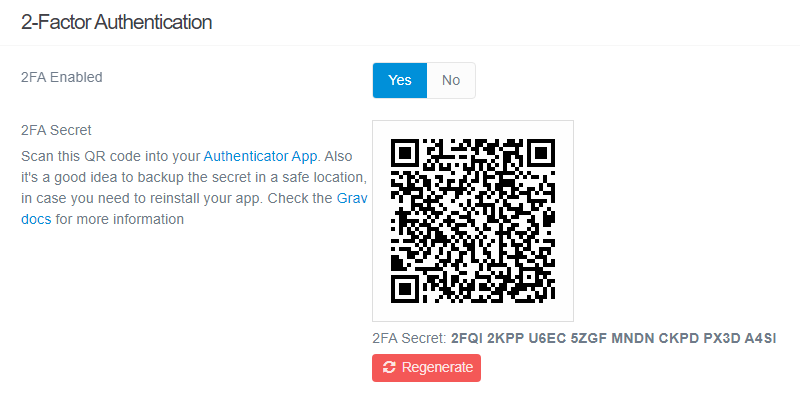
Enabling two-factor authentication for the user.
@bleutzinn, I'm not sure if your approach is a form of 'security by obscurity', because Admin cannot be accessed when renaming its folder.
Renaming the url for Admin sure is a form of 'security by obscurity'