@Delf06 , I guess, what you want is the first image from page media to be shown in the page, not as a background for your 'Page image' div, right ?
if so, try this:
TWIG
{{page.media.images|first|raw}}
ok, here is a correction (the complete line used in my template, which I truncated too much):
@pamtbaau:
@Delf06, The image seems to be part of the content of the page. Any reason why you’ve chosen to use a background-image instead of an \<img> ?
the result is the same thing : <img src="{{ asset('page.media.images|first|raw') }}" alt="Symfony!"/>
Ok I'm starting from de beginning.
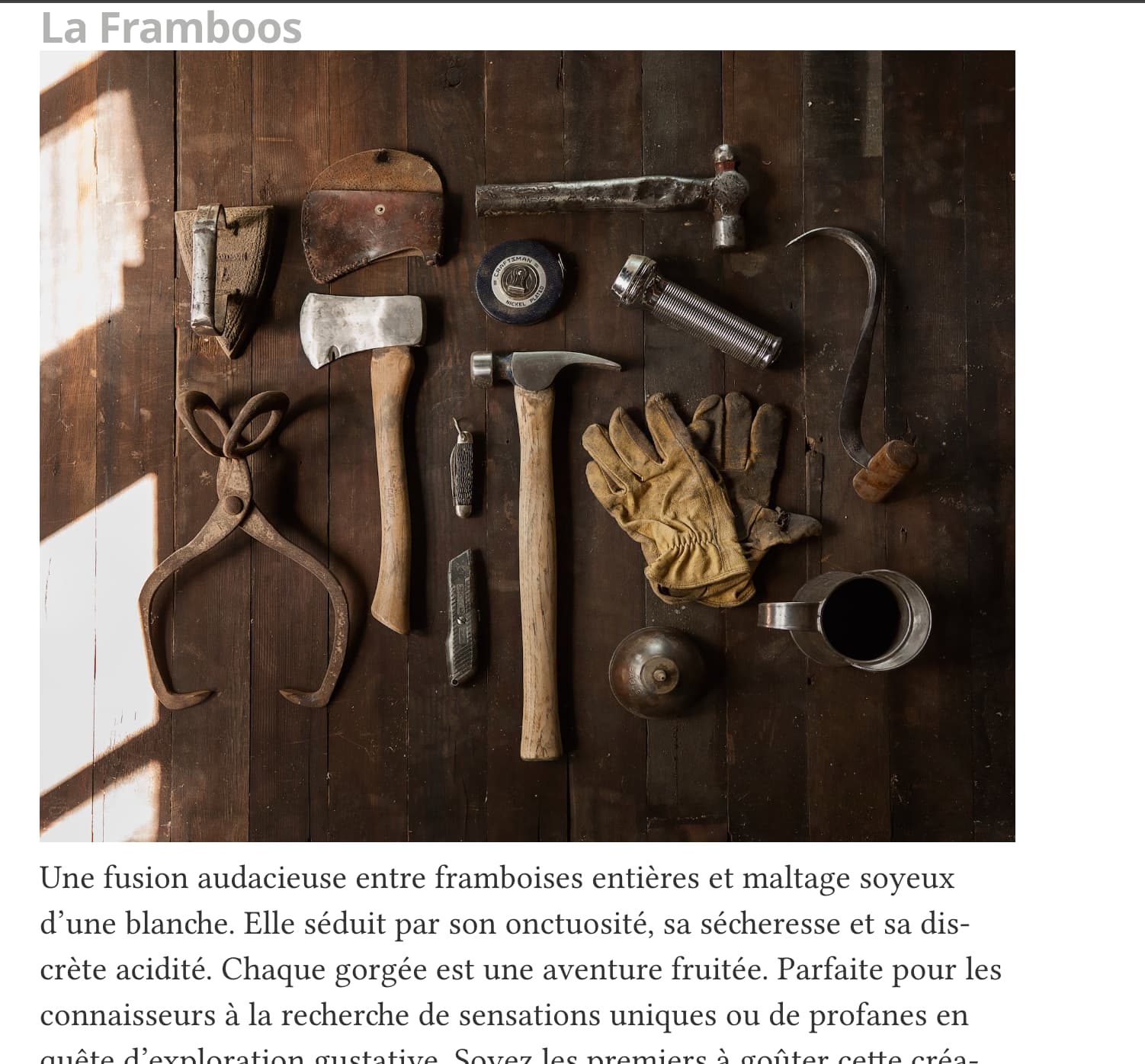
would like display the image of the post in the article. The article is the preview of the post on the main page. You can click on the title to read the complete post. I read the documentation of the mediator template : https://github.com/getgrav/grav-skeleton-mediator-site?tab=readme-ov-file and he said :
Use header images in articles, if you want to (add tag "image" and url to the image in the front matter section of a post).
So in the administaror panel in the page for the post, I wrote : .
And in the article.html.twig :
Yes, sorry..
Ya, this is my code <img alt="IMG" src="{{ post.media.images|first|raw }}" />
The images is in the folder user > pages > blog > [page name]
how can I dumping out to see what I have in media ?
Thank you for you answer, I can’t enable the debug bar. in the files : user/config/system.yaml I added debugger: enabled: true provider: debugbar shutdown: close_connection: true onShutdown(). false for debugging
I search a solution for that. Must I add an another lines ?