Skip to content
Grav 2.0 is officially stable. Read the announcement →

Community guidelines

Please keep discussions civil and on-topic. Repeated violations may lead to a temporary ban.

General

Twig image page's folder

Started by Bellante 2 years ago · 19 replies · 520 views
2 years ago

hello,
I search to go in the page's folder to take the image in a post. Whats is the url's road for that ?

HTML
 <div class="******" style="background-image: url({{ *********}})">Page image</div>

I'm testing :
<div class="post" style="background-image: url({{ page.media.images|first }})">Page image</div> but i have the result :
Capture d’écran 2024-03-25 à 16.42.52|690x289

and I would like this :
Capture d’écran 2024-03-25 à 15.13.48|537x500

Thank you,

last edited 03/25/24 by Bellante
2 years ago

@Delf06 , I guess, what you want is the first image from page media to be shown in the page, not as a background for your 'Page image' div, right ?
if so, try this:

TWIG
{{ page.media.images|first|raw }}

ok, here is a correction (the complete line used in my template, which I truncated too much):

TWIG
{{ page.media.images|first.classes('w95').html(page.title, page.title, 'attachment-post-thumbnail wp-post-image')|raw }}
last edited 04/09/24 by Werner Joss
2 years ago

@Delf06, The image seems to be part of the content of the page. Curious why you've chosen to use css background-image instead of an \<img> element.

2 years ago

@pamtbaau:
@Delf06, The image seems to be part of the content of the page. Any reason why you’ve chosen to use a background-image instead of an \<img> ?

the result is the same thing :
<img src="{{ asset('page.media.images|first|raw') }}" alt="Symfony!"/>

TWIG
<img title="title" alt="TXT" class="myclass" src="({{ page.media.images|first|raw }})" />

the URL doesn't display in the navigator
the result is :

<img title="title" alt="TXT" class="myclass" src="()" />

last edited 03/26/24 by Bellante
2 years ago

@Delf06,

  • Do you add the image inside a template, or Markdown?
    • If inside Markdown, what's the reason you've chosen Twig instead of Markdown's Image Linking itself?
  • Any reason why you’ve chosen to use a background-image instead of an <img> ?

Please also read Grav's docs where the answers on your question can be found:

last edited 03/26/24 by pamtbaau
2 years ago

@Delf06, It starts to feel I'm nagging...

Yes, I did it, but it’s doesn’t work.

  • What did you do?
  • What did you expect?
  • What did you get instead?

The image display in the post but not in the article

  • What is "the post"?
  • What is "the article"?

The documentation of this template say

  • Which template are you using?
  • What is the url of the documentation?
  • As requested in a personal message, please do not use screenshots and use code snippets using triple backticks (```).
    Please update your post.
  • Please use the lingua franca of the internet: English
last edited 03/26/24 by pamtbaau
2 years ago

@Delf06, The thread becomes even more messier when updating earlier replies with new information based on questions asked in later replies...

Please create a new reply containing the new information and revert the updates in previous replies...

Or maybe even better, create a completely new topic containing all relevant information and a proper title and then delete this topic...

2 years ago

Ok I'm starting from de beginning.
would like display the image of the post in the article. The article is the preview of the post on the main page. You can click on the title to read the complete post. I read the documentation of the mediator template : https://github.com/getgrav/grav-skeleton-mediator-site?tab=readme-ov-file and he said :

  • Use header images in articles, if you want to (add tag "image" and url to the image in the front matter section of a post).

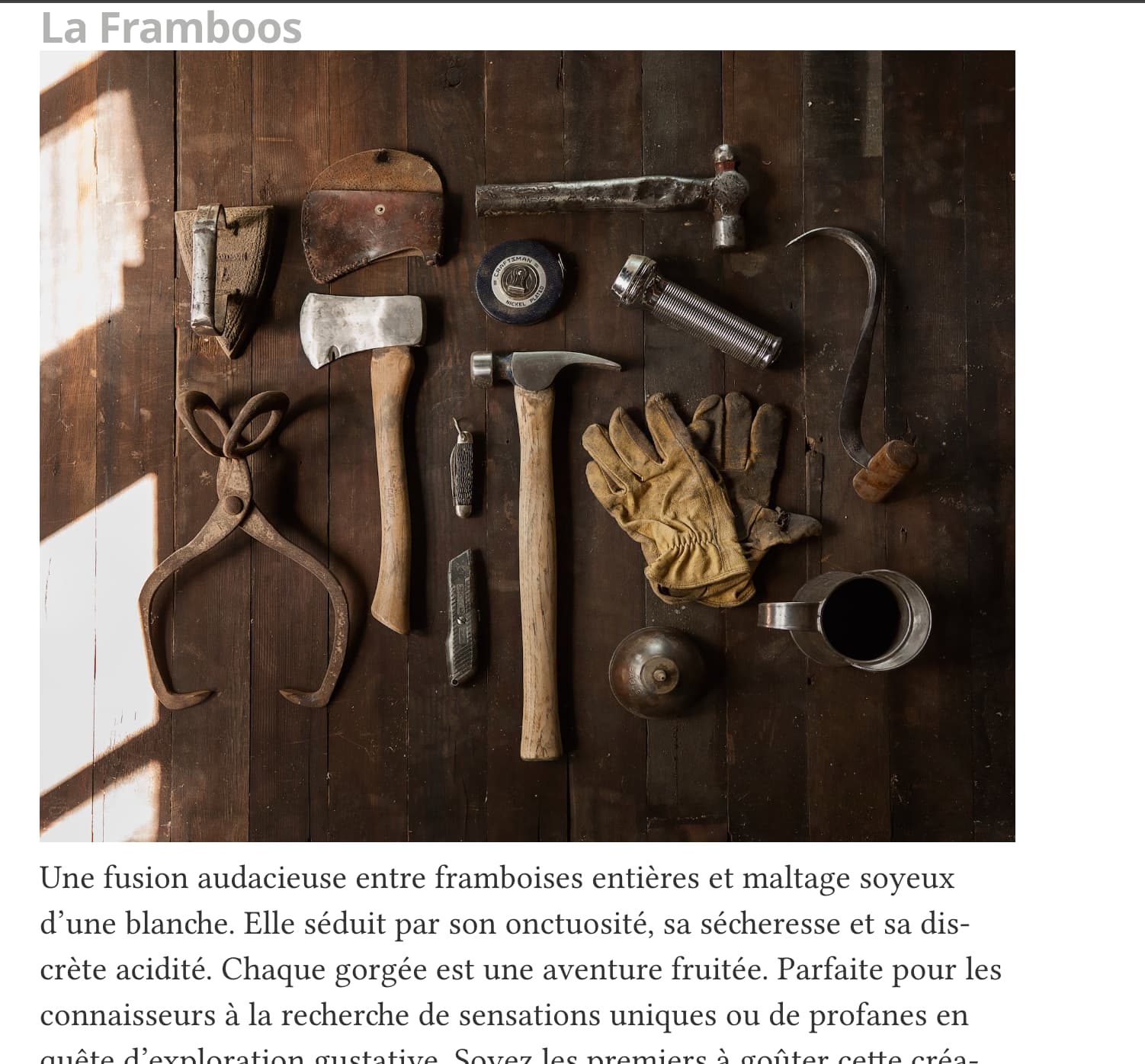
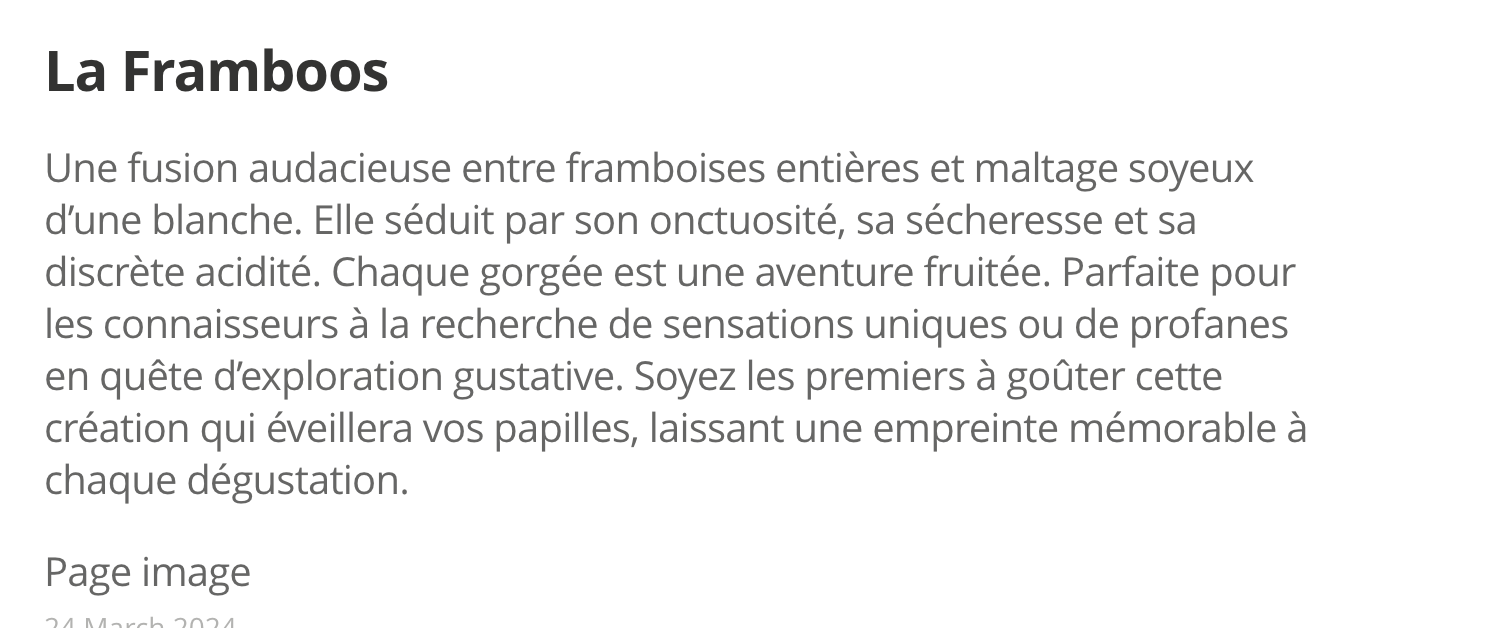
So in the administaror panel in the page for the post, I wrote : ![](tools.jpg).
And in the article.html.twig :

TWIG
<article class="post" itemscope itemtype="http://schema.org/BlogPosting" role="article">
    <div class="article-item">
        <header class="post-header">
            {% if post.header.link %}
              <h2 class="post-title" itemprop="name"><a href="{{ post.url }}" rel="bookmark" title="{{ post.title }}" itemprop="url"><i class="fa fa-angle-double-right"></i></a> <a href="{{ post.header.link }}">{{ post.title }}</a></h2>
            {% else %}
              <h2 class="post-title" itemprop="name"><a href="{{ post.url }}" itemprop="url">{{ post.title }}</a></h2>
            {% endif %}
        </header>
        <section class="post-excerpt" itemprop="description">
            <img title="title" alt="TXT" class="myclass" src="{{ page.media.images|first|raw }}" />
            <p>{{ post.content | striptags }}</p>

        </section>

    </div>

</article>

and the result on the navigator :

TXT
<img title="title" alt="TXT" class="myclass" src>
2 years ago

Your whole template uses post. Try {{ post.media.images|first|raw }}

2 years ago

@Karmalakas:
{{ post.media.images|first|raw }}

Like this : <img title="title" alt="TXT" class="myclass" src="{{ post.media.images|first|raw }}" /> ?

This command doesn't work...

last edited 03/26/24 by Bellante
2 years ago

@Delf06:
This command doesn’t work…

What do you get?
Did you try dumping page.media or post.media? What do you have there?
Do you even have any images in the same page folder? 😕

2 years ago

Ya I'm confused too

with page.media I have the result : <img alt="IMG" src="">
with de post.media I have the result : <img alt="IMG" src="<img alt=" "="">

2 years ago

So post is the correct one to use. Try dumping out and see what you have in media. Also you didn't answer any of the questions

2 years ago

Yes, sorry..
Ya, this is my code <img alt="IMG" src="{{ post.media.images|first|raw }}" />
The images is in the folder user > pages > blog > [page name]

how can I dumping out to see what I have in media ?

2 years ago

@Delf06, Have you had a chance to read the docs I've referenced before in reply #6?

  • Getting the url of media inside Twig: media:url

And while you are at it, you also might take a look at the Twig version of media:html() with which and entire <img> element kan be generated.

👍 1
2 years ago

Hello,

Thank you for you answer, I can’t enable the debug bar. in the files : user/config/system.yaml I added
debugger:
enabled: true
provider: debugbar
shutdown:
close_connection: true
onShutdown(). false for debugging

I search a solution for that. Must I add an another lines ?
2 years ago

Could you format your code? That's definitely not a YAML syntax :/

👍 1
2 years ago

Thank you for your answer. It was the solution ! Thank you very much

2 years ago

@Delf06, You've marked reply #18, which is about debugging Twig variables, as the solution of the topic.

However, this topic is about creating an <img> element. I've take the liberty to remove the 'solution' from the reply you have marked as solution.

Also, please format your code and yaml snippets correctly as @Karmalakas requested.

Use triple backticks to format code and yaml snippets like:
<pre>

YAML
debugger:
  enabled: true
  provider: debugbar

</pre>
Which will show as:

YAML
debugger:
  enabled: true
  provider: debugbar
last edited 03/31/24 by pamtbaau

Suggested topics

Topic Participants Replies Views Activity
General · by Jerry Hunt, 4 days ago
2 99 16 hours ago
General · by pamtbaau, 21 hours ago
1 63 21 hours ago
General · by Andy Miller, 1 day ago
0 48 1 day ago
General · by Marcel, 12 months ago
6 357 5 days ago
General · by Duc , 6 days ago
3 45 6 days ago