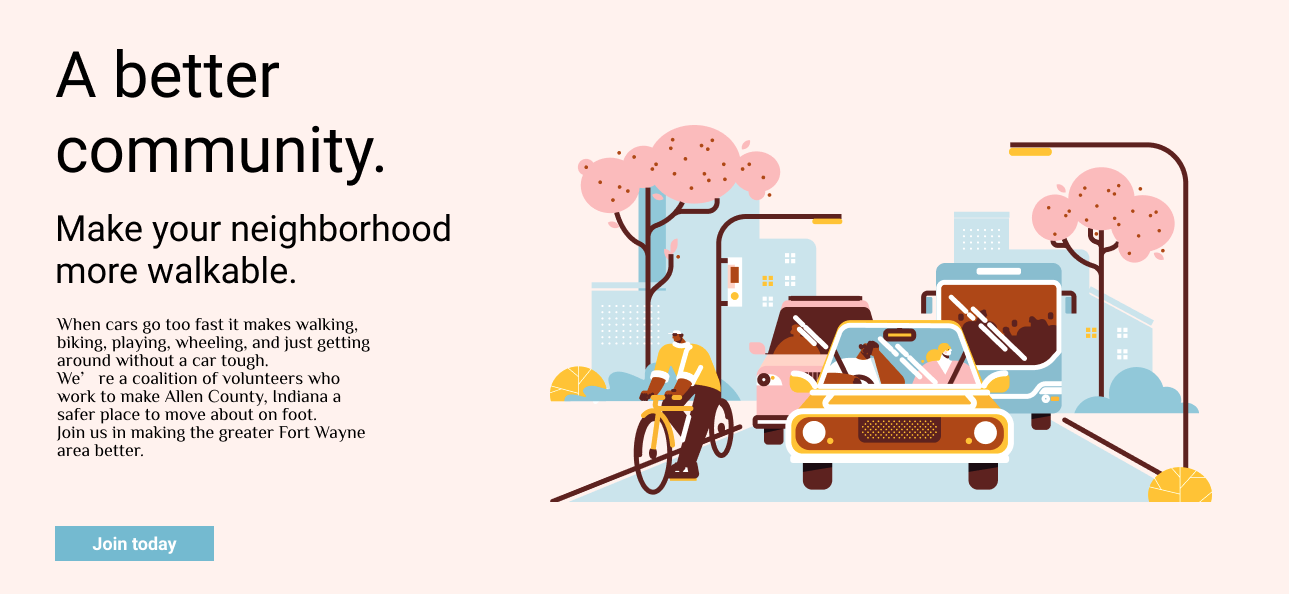
There is no standard page, none of default.html.twig are created equal. You'll need to use CSS for this, and basically any kind of model: float, flex, grid, position. They can all position something in opposition to something else, in all directions.
More concretely, this looks like you want a wrapper around the whole thing - call it the "autumn background" element. Within that, the first child-element is a "text-for-texts-sake" and the second child-element is an "illustration". They can all be <div>-tags.
This is something to do with Twig-templates and CSS-styling, not directly in Markdown. If you really wanted to, you could write all of it in Markdown, but FrontMatter will be easier. Consider this Page:
---
title: Community
join_text: Join tomorrow
join_link: "https://somewhere.elsewhere.com/"
image: illustration.png
---

# A better community

## Make your neighborhood more walkable

...
In Twig, use {{ page.header.join_link }} for the button and {{ page.media[page.header.image].html }} for the illustration.