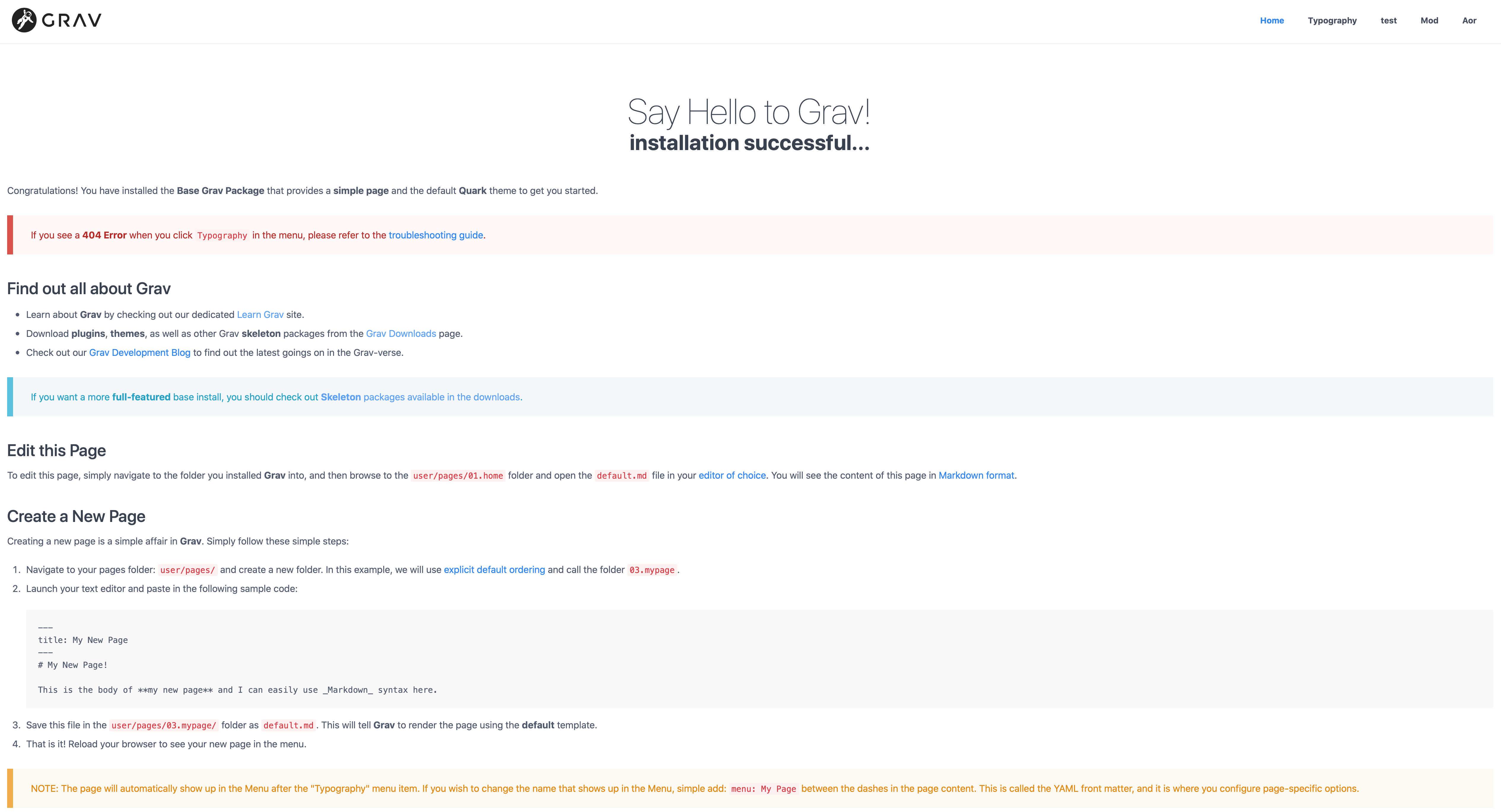
@daredevil, Quark uses the grid system from Spectre. The content of the site is contained in a container. The container itself is centered in the screen.
If the grid size is not set or not set properly, it will cause the container (and hence your site) to be full screen. That's like the picture you've provided.
The width chosen for the grid is a design choice. It's about aesthetics and legibility.
The width of the container can be configured using a theme variable. There are several widths you can choose from: grid-xl, grid-lg, grid-md, grid-sm, and grid-xs.
The width of the grid can be set in the config file for Quark (/user/config/themes/quark.yaml), or via Admin.
Admin:
In the config section of theme Quark, you'll have to look for 'Grid size' and you can only choose for 'Extra Large' (grid-xl), 'Large' (grid-lg), and 'Medium' (grid-md).
quark.yaml
Copy file '/user/themes/quark/quark.yaml' to folder '/user/config/themes'. In the copied file you can set the grid-size as follows:
grid-size: grid-lg # Or one of the other options shown above.
Hope this helps!