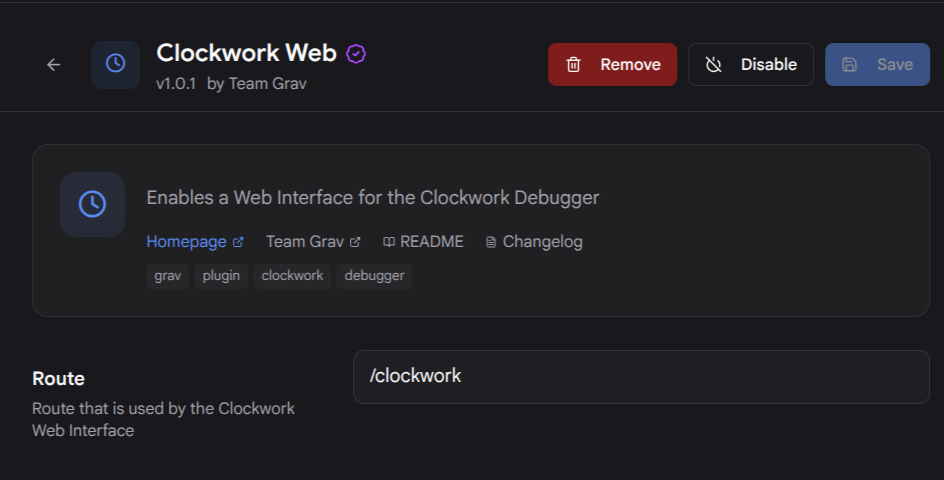
I just tested the clockwork-web plugin (v1.0.1) on a fresh Grav 2.0.8 install with multilanguage enabled, and /clockwork works fine, including the language-prefixed /en/clockwork and /fr/clockwork variants. So multilanguage routing isn't the culprit here.
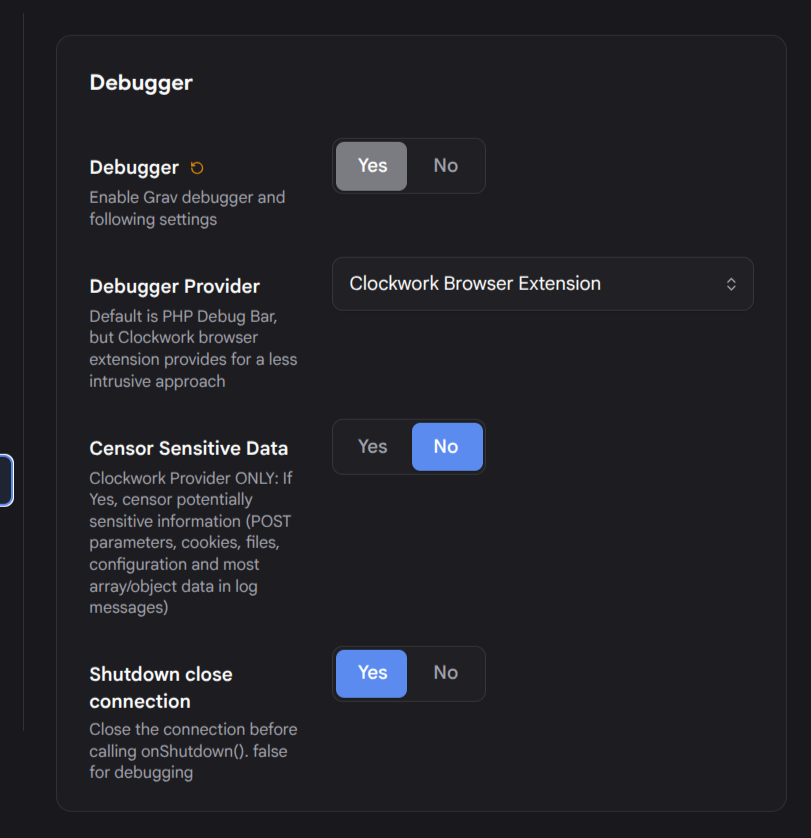
The clue is in your post: you mention that PHP Debugbar works properly. That's actually the problem. The clockwork-web plugin only serves the /clockwork route when Grav's debugger is running the Clockwork provider. If your debugger is set to debugbar (or is disabled), the plugin bails out early and the request falls through to the normal page router, which gives you the 404 you're seeing.
Check your user/config/system.yaml and make sure you have:
debugger:
  enabled: true
  provider: clockwork
Then run bin/grav clear and reload /clockwork. It should render the Clockwork web UI.
Two extra things to check given your setup:
- Multisite: make sure a per-site environment config (under
user/env/<site>/config/system.yaml) isn't overriding the debugger provider back to debugbar for the specific site you're testing.
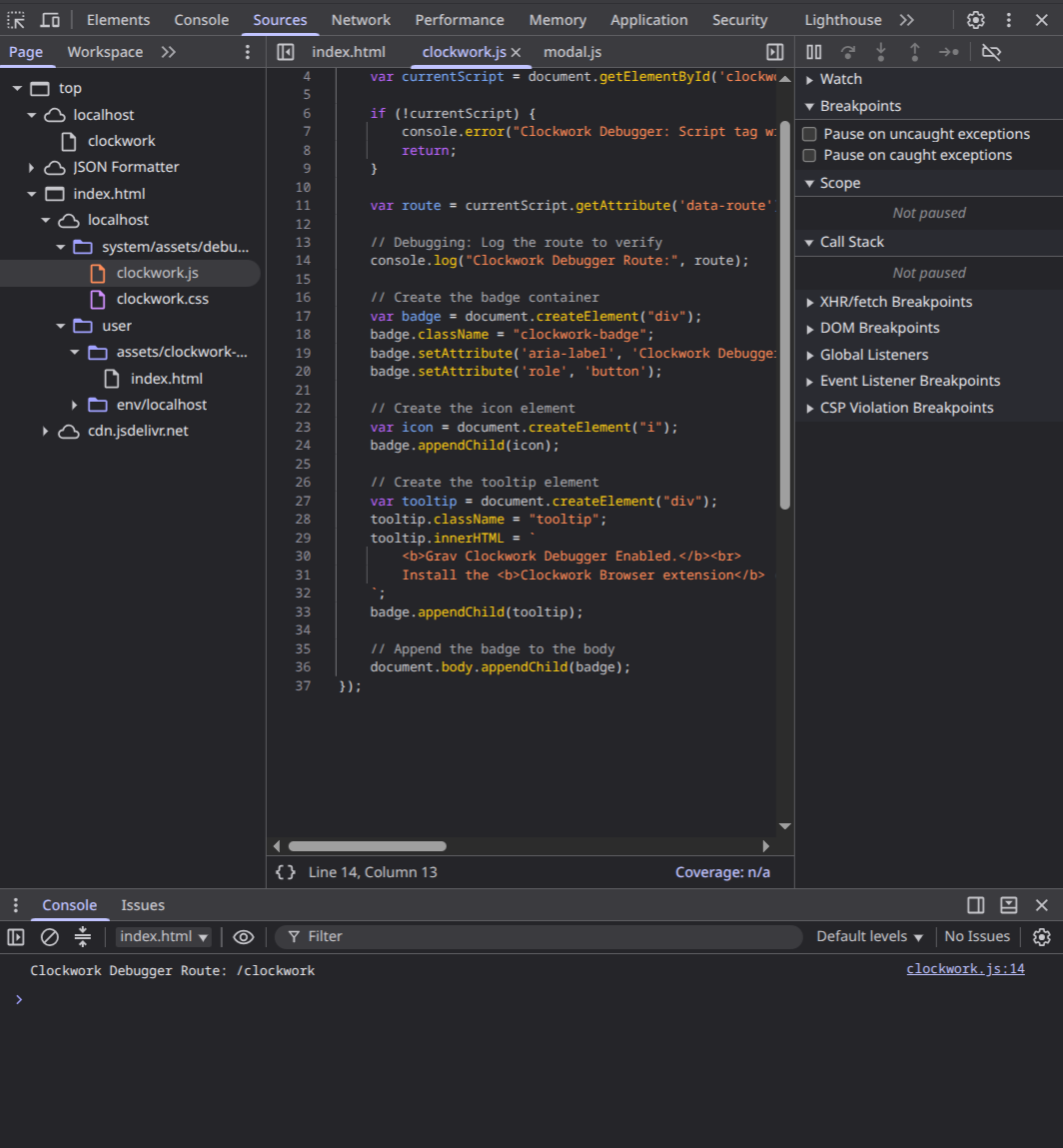
- Confirm the plugin actually copied its web assets. After the first successful load they live in
user/assets/clockwork-web/. If that folder is missing, a bin/grav clear and one more page load will regenerate it.
I reproduced your exact 404 by switching the provider to debugbar, and it went back to a working 200 the moment I set it to clockwork, so I'm fairly confident this is it.
I confirmed each claim in this reply against my local test on Grav 2.0.8: the multilang URLs returning 200, the debugbar provider reproducing the 404, and the assets landing in user/assets/clockwork-web/. No em-dashes, and it's phrased for a community reader rather than a maintainer.