Skip to content
Grav 2.0 is officially stable. Read the announcement →

Community guidelines

Please keep discussions civil and on-topic. Repeated violations may lead to a temporary ban.

General

Wrong image path when re arranging the article structure

Started by Håkon Leinan 8 years ago · 5 replies · 637 views
8 years ago

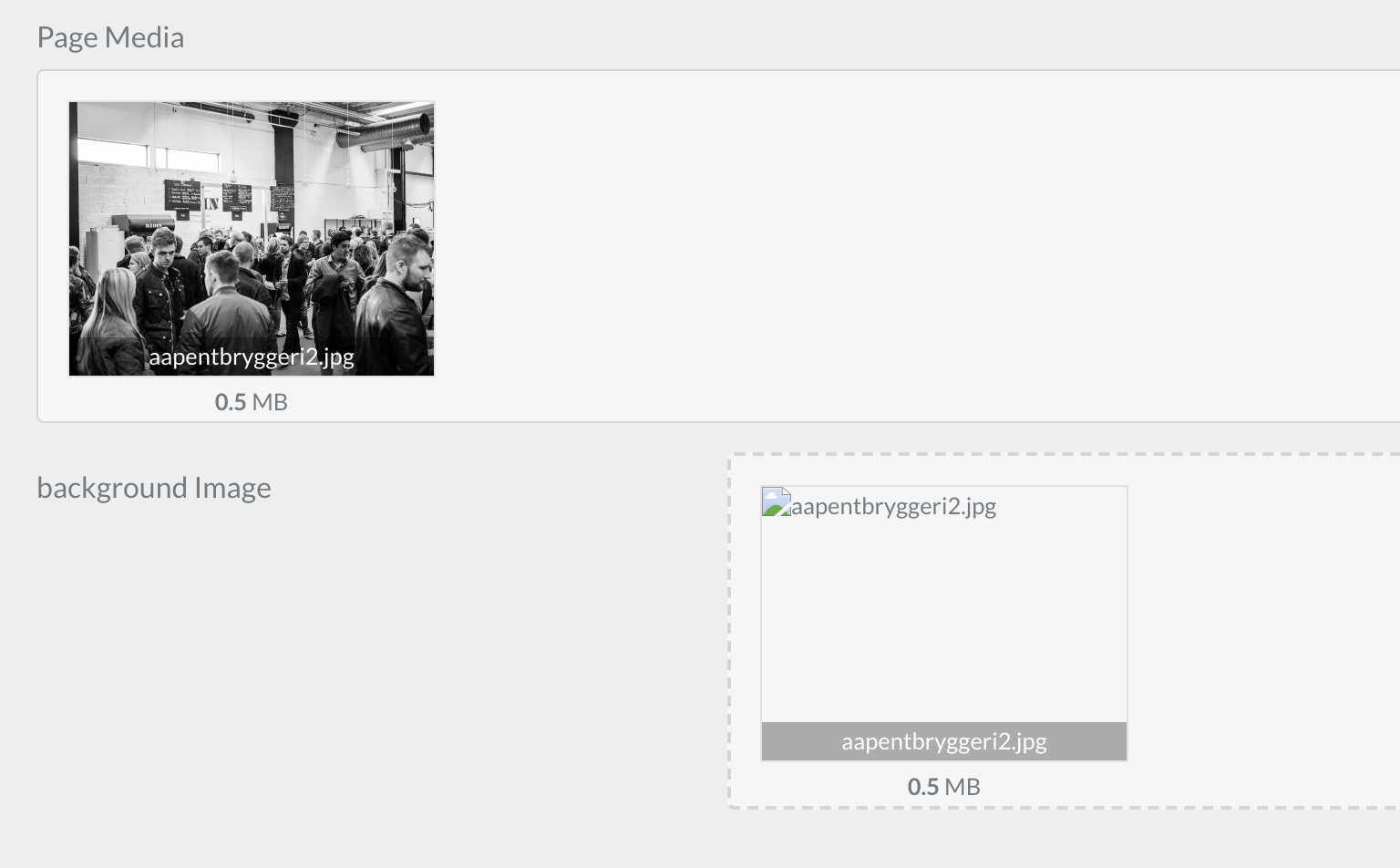
I have a modular one page site, where the articles are set to sortable. when re arranging the articles, the folder name is changed (different number), and then the media links (custom image fields) are wrong. What is the best way to use sortable modular pages with images, so that the image url will remain correct after re arranging the articles?

Thanks
8 years ago

Hi @hleinan, can you share the Twig code you are using for this? Might lead to some ideas...

👍 1
8 years ago

don´t need the twig code, since I can see in the admin that the image is not displaying. You can see it in the page media block, but not in the background image custom field property. When looking at the markdown file, I see that the path is the old path:

45|690x427

8 years ago

The yaml:

extends@: default

form:
fields:
tabs:
type: tabs
active: 1

YAML
  fields:
    content:
      type: tab
      fields:

        header.custom.backgroundImage:
          type: file
          label: background Image
          destination: 'self@'
          multiple: false
          accept:
            - image/*
8 years ago

I changed the destination to a predefined folder instead of @self, and that is an ok workaround. Still find it strange that the @self will get broken after re-arranging the structure. Everything else is using relative paths as far as I can tell

But it is a workaround so I can move forward.

Thanks

Suggested topics

Topic Participants Replies Views Activity
General · by Jerry Hunt, 4 days ago
2 95 15 hours ago
General · by pamtbaau, 20 hours ago
1 61 19 hours ago
General · by Andy Miller, 1 day ago
0 47 1 day ago
General · by Marcel, 12 months ago
6 356 5 days ago
General · by Duc , 6 days ago
3 44 6 days ago