Hi, I want to create a submeni...for example under the text "my name" i want to show two pages "who am i" and "my story"...but i don't know how can i create a sub menu...because whan i add a new page under the menu, the new page is not visible...
Solved by pamtbaau View solution
@semplicewebsite Would you mind sharing what you have done and share your folder structure?
http://trygrav.dx.am this is the link...
When i click on the menu voice i wanna only show the sub menu and not the page
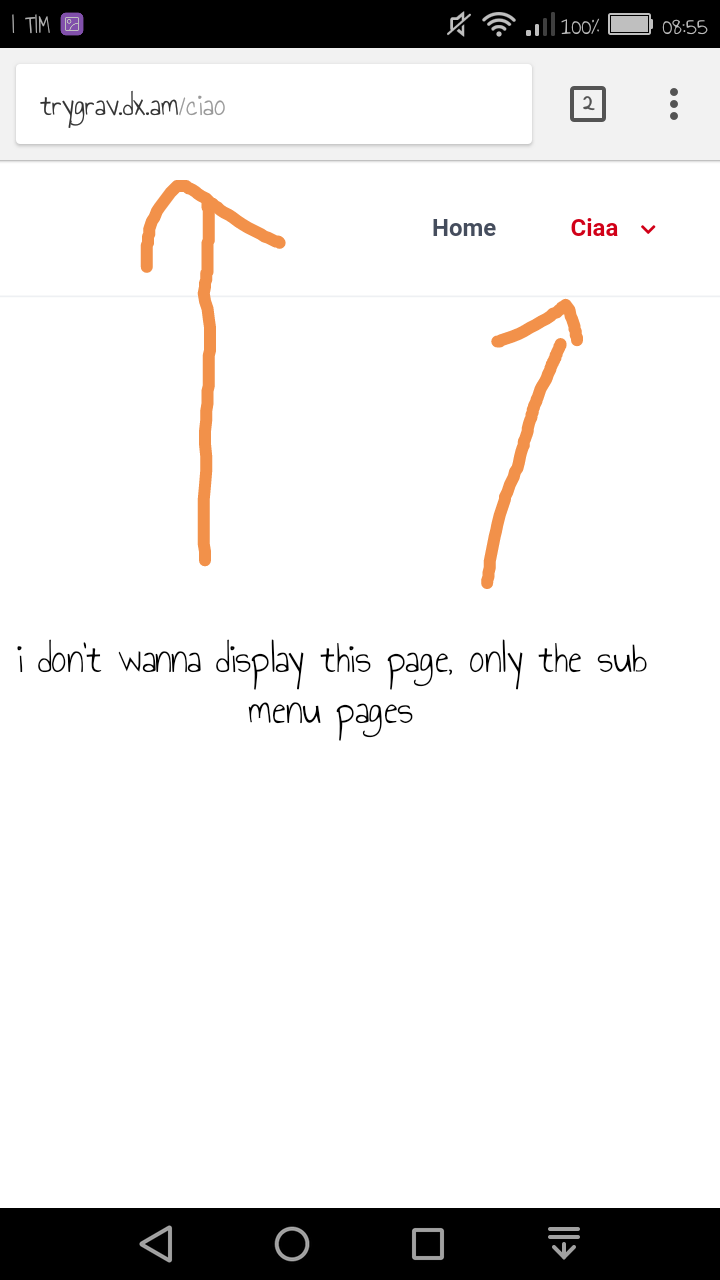
Ah thanks! That makes it so much easier to help you....
- First create your own inherited theme from Quark. If not you will loose your changes when Quark gets updated.
- Copy file '/user/themes/quark/templates/partials/navigation.html.twig' into your own theme.
- In your own version of 'navigation.html.twig' change the following:
TWIG
{% if p.children.visible.count > 0 %}
  <li>
      <a href="{{ p.url }}" class="{{ active_page }}">     <- To be changed
into:
TWIG{% if p.children.visible.count > 0 %} <li> <a class="{{ active_page }}"> <- Removed the attribute 'href'
Hope this helps...
last edited 08/28/18 by pamtbaau
I have change the quark open
<a class="{{ active_page }}">
{% if not((hide_home_menu_link) and (p.slug in home_alias)) %}
TWIG
    {% set active_page = (p.active or p.activeChild) ? 'active' : '' %}
    {% if p.children.visible.count > 0 %}
        <li>
            <a href="{{ p.url }}" class="{{ active_page }}">
              {% if p.header.icon %}
                <i class="fa fa-{{ p.header.icon }}"></i>
              {% endif %}
              {{ p.menu }}
            </a>
But this is the result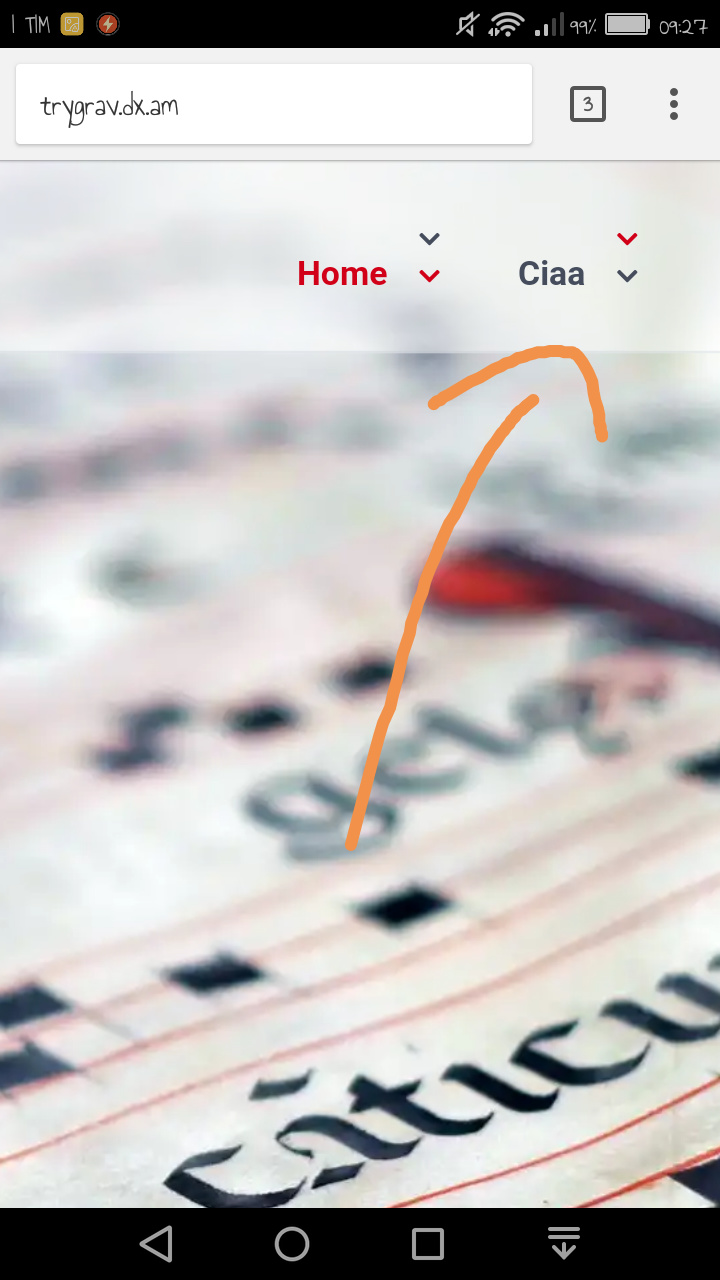
Ok, i have solved...i've changed the line 11 in the quark open publishing with your solution et voilà... thank you so much...like always...
Great! And I'll update my step 3 to make things at bit more clear...
You may encounter an issue when hovering over a submenu. The submenu seems to disappears when hovering to the second submenu item.
In the above mentioned issue user 'rpowers' suggest that adding the following to your css file will solve the issue:
CSS
nav:hover {
   z-index: 100;
}
In my experience the issue only happens in an inherited theme.
Hi, i have another question about the submenu...always in quark theme...I attach a screenshot, I would not see the "+" sign to open the submenu, but directly click on the menu item to bring up the submenu ... how can I do? thank you in advance...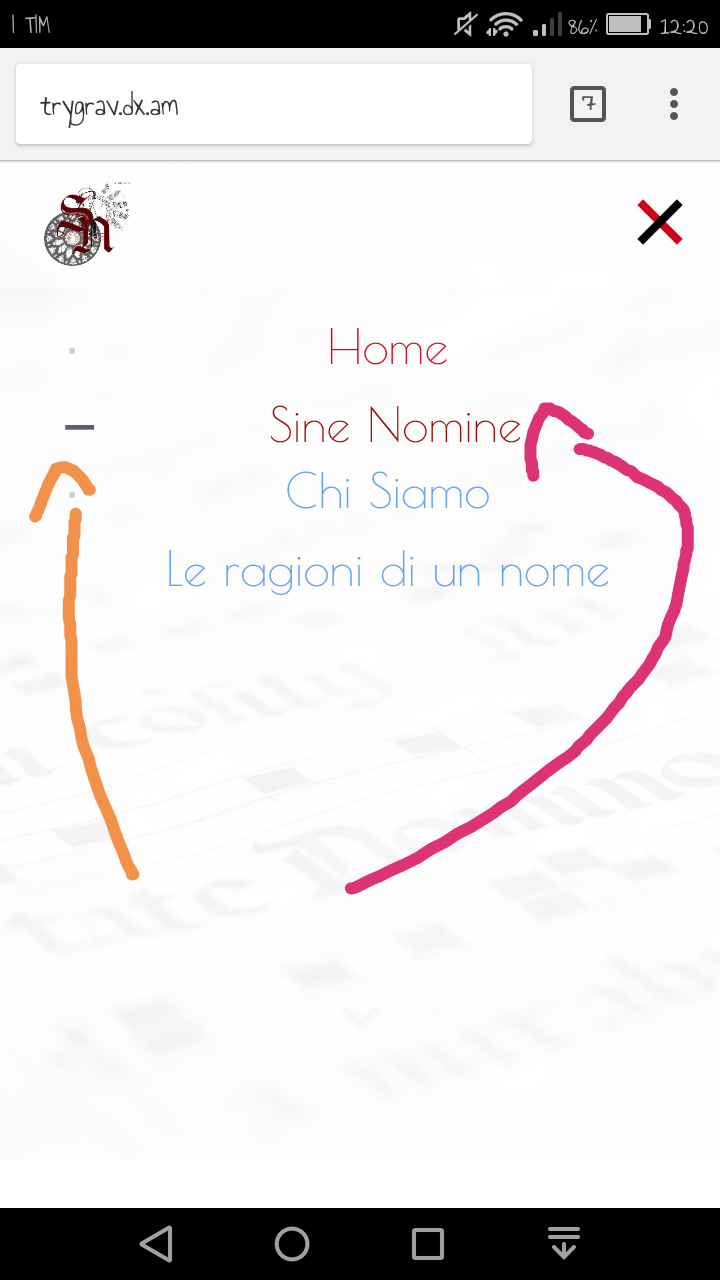
Log in to reply.
Suggested topics
| Topic | Participants | Replies | Views | Activity |
|---|---|---|---|---|
| 0 | 117 | 7 days ago | ||
| 3 | 445 | 2 weeks ago | ||
| 7 | 564 | 2 weeks ago | ||
| 0 | 164 | 2 weeks ago | ||
| 2 | 310 | 4 weeks ago |