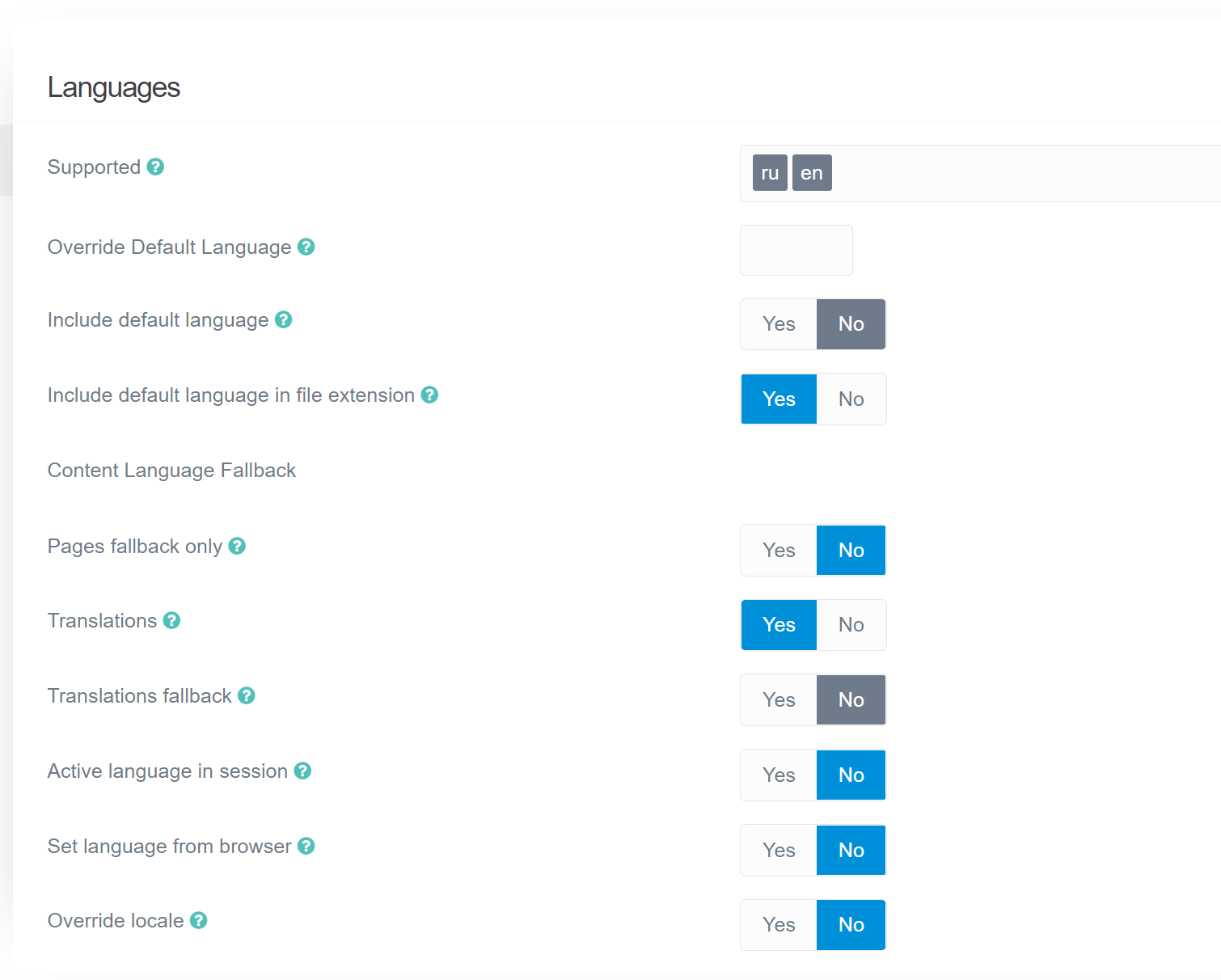
Yes, I did. And added another language in the settings. Created a file blog.en.md
But on english version show posts from russian version and posts from english version.
My settings
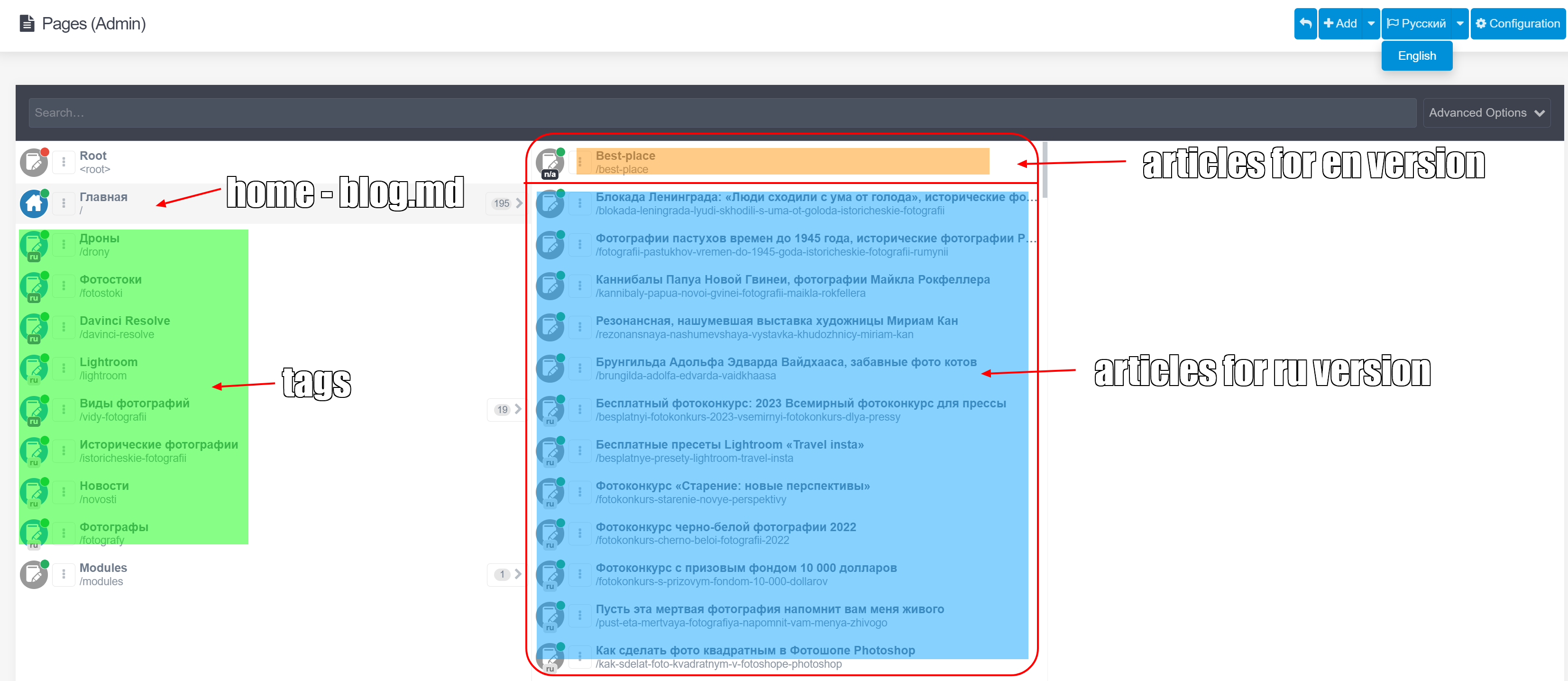
And how does your /pages folder-file structure look like? I'm a bit confused about your screenshot showing both languages on the same list, even though you have RU selected
@NataliaB, The page tree looks much better for the reader, but probably doesn't provide enough information related to the problem...
Please take a step back and reread all information you've shared so far. With the information provided, would you get a clear picture of the problem? Would you be able to reproduce your situation?
Your page tree should at least show blog-items in English and Russian. Only a single Russian blog-item is shown. That surely doesn't represent your page tree.
It is not clear which blog-items you are seeing when on Russian blog page and which blog-items you are seeing on English blog page.
You haven't explained what you are expecting to see on each language version of the blog page.
Please rethink and provide a clear description, combined with relevant data which will allow the reader to get a proper understanding of the issue.
Good. I'll try to explain again.
Site - default language: Russian. Added 200 articles in Russian. The main page displays all articles in Russian. mysite.com show all posts at russian language.
Now I decided to add articles in English. But do not translate existing articles from Russian into English. I want add other articles, other topics in English. When you visit the page mysite.com/en, articles in English should be displayed. But now show articles at russians.
How do I add articles for the English version step by step:
1) Click on Pages in menu
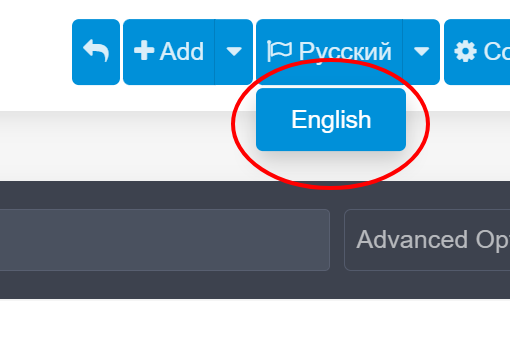
2) in the upper right corner I switch the blue button from Russian to English
3) I am adding a page. Set the Parent page Home.
Page template - item -
Also:
when I are on a page mysite.com/en/admin/pages), the name of the main page of the blog is displayed in the list in English: Home and the bottom /en
But when you select a parent root in the list, the page name Home is shown in russians -Главная-
I don’t know if I managed to explain what the problem is and what I want to achieve. Made a video. https://youtu.be/wPQbcjxXaNg