Skip to content
● Grav 2.2 is out: 2x faster cold starts and 96% less memory on big sites. Read the announcement →

Display page.summary without images in partials templates

Started by symac 9 years ago · 2 replies · 1526 views
9 years ago

Hello,
on my website ( http://www.geobib.fr/blog/ ) I use grav with theme purity which is fine but I don't really like that images are displayed as part of the truncated blog post like the green one just below :
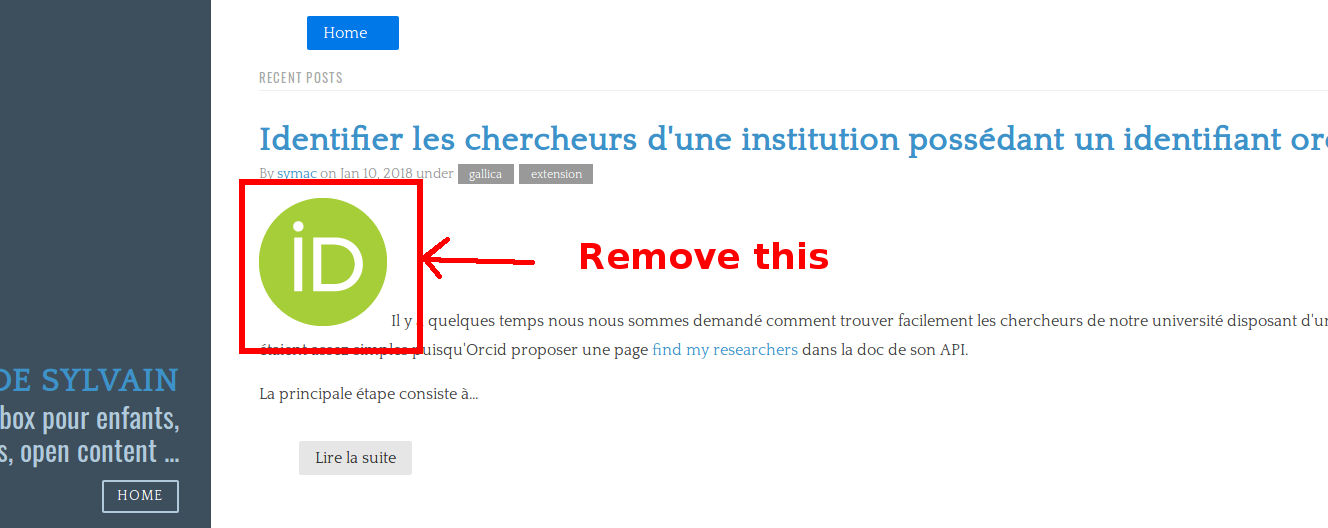
Capture du 2018-01-10 11-17-45|690x274

According to template source it is page.summary that is used to display that part of text. I was looking for a filter that would remove the image before displaying the text, to have something that is more homogeneous amongst the posts that are listed.

Any idea on the best way to achieve that?

9 years ago

one option is to create a new custom header property like:

YAML
title: My Title
summary: My summary **intro text** without an image

Then modify your Twig to use {{ page.header.summary|markdown }}

Or you could simply use the |striptags filter on thepage.summary() - https://twig.symfony.com/doc/2.x/filters/striptags.html to remove any images.

9 years ago

Thanks @rhuk, I didn't know the striptags filter, so {{ page.summary | striptags("img") }} perfectly does the trick!

Suggested topics

Topic Participants Replies Views Activity
Themes & Styling · by FrViPofm, 4 weeks ago
4 470 2 weeks ago
Themes & Styling · by johan thomas, 5 years ago
1 799 3 weeks ago
Themes & Styling · by stuart young, 2 months ago
3 656 2 months ago
Themes & Styling · by Sebadamus, 3 months ago
5 678 2 months ago
Themes & Styling · by martynfoster735, 3 months ago
1 640 3 months ago