Skip to content
Grav 2.0 is officially stable. Read the announcement →

Community guidelines

Please keep discussions civil and on-topic. Repeated violations may lead to a temporary ban.

Plugins

Nginx: Error 404 when uploading file

form

Solved by DouxDoux View solution

Started by DouxDoux 3 years ago · 4 replies · 604 views
3 years ago

I'm using Grav with Nginx. My issue is that I keep getting an error when I upload a file in a form.
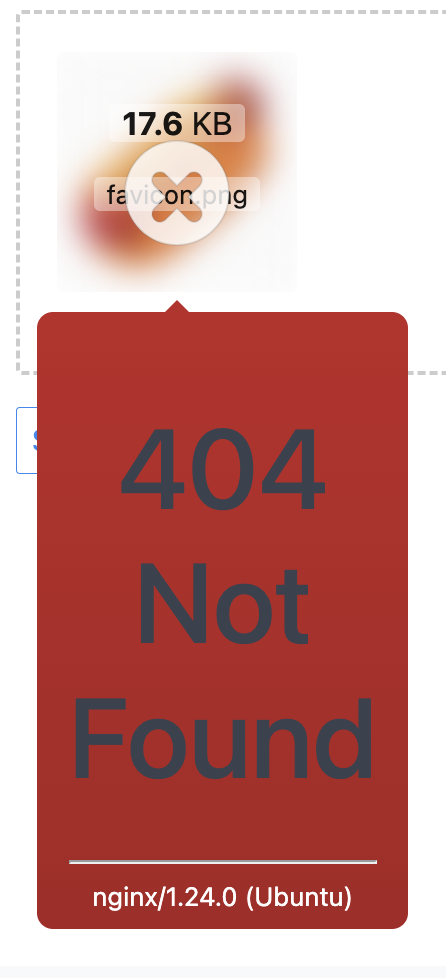
image|228x500

I checked the Nginx error log file, and it seems the problem is where it's trying to temporary upload the file.

2023/12/20 12:46:40 [error] 42123#42123: *540 open() "/home/grav/www/html/fr/test.json/task:file-upload" failed (2: No such file or directory), client: xx.xxx.xx.xxx, server: localhost, request: "POST /fr/test.json/task:file-upload HTTP/1.1", host: "xxx.xxx.xxx.xxx", referrer: "http://xxx.xxx.xxx.xxx/fr/test"

However, the path /home/grav/www/html/fr/test.json/ doesn't exist in my Grav arborescence.

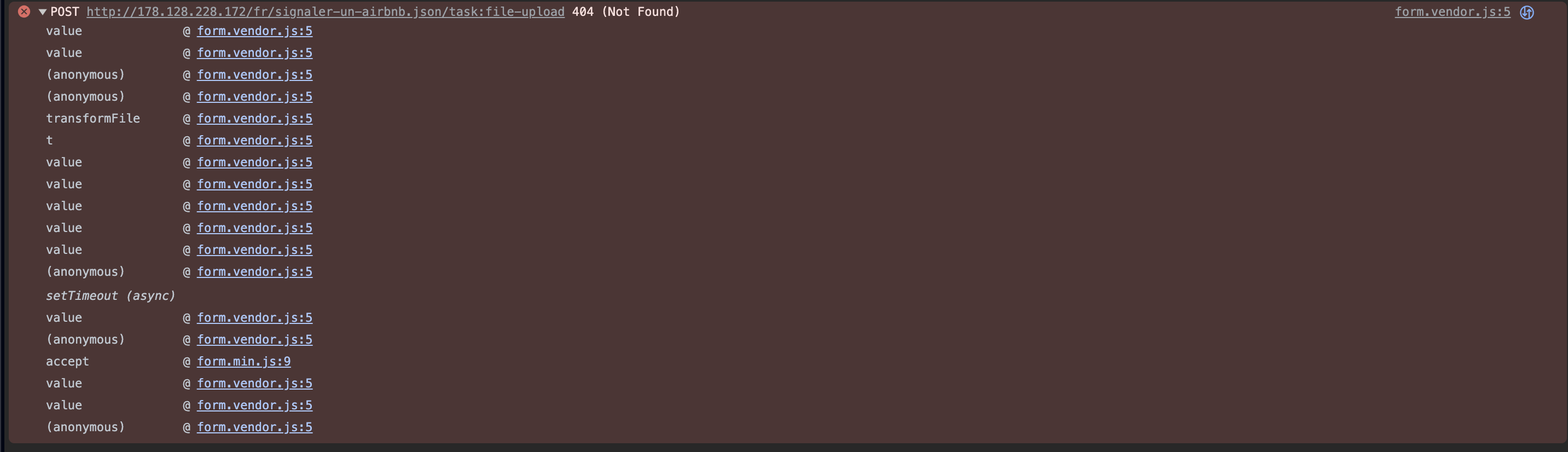
If it helps this is what the console shows :
image|690x198

With the issue being this part of the form.vendor.js in /home/grav/www/html/user/plugins/form/assets

JS
{
 key: "submitRequest",
 value: function(e, t) {
    e.send(t)
}

I've looked around but can't seem to find a solution online.

Thank you : )

last edited 12/20/23 by pamtbaau
3 years ago

@douxdoux-1312, Can nginx write to /tmp?

Using Apache, when I do a chmod -w /tmp I get the following error:

Failed to load resource: the server responded with a status of 500 (Internal Server Error) typography.json/task:file-upload:1

The error happens when dropping a file in the Dropzone.

By the way, typography.json/task:file-upload:1 does not exist. It is a virtual path which is caught by the Form plugin when dropping a file in Dropzone. Form plugin will then save the file in /tmp/form/.... When submitting the form, Form plugin will fetch the temp file and store it in the destination of the File field.

👍 1
3 years ago

Thanks for the clarification! Do you mean my nginx droplet main /tmp file ? I gave full permission to this one, plus the /home/grav/www/html/tmp. I also tried switching ownership of /tmp from root:root to grav:grav, but the issue persists.

I'll keep digging, but if you have more ideas I'll be happy to try different avenues : )

3 years ago

@douxdoux-1312, With /tmp I meant the folder inside Grav next to /user.

Sorry, I have no experience with nginx. But my gut feel is that Grav with nginx is more problematic then Apache.

👍 1
last edited 12/20/23 by pamtbaau
2 years ago Solution

Ended up switching to Apache. Way easier 😉

👍 1

Suggested topics

Topic Participants Replies Views Activity
Plugins · by Rene, 1 week ago
2 43 1 week ago
Plugins · by Xavier, 4 weeks ago
2 54 4 weeks ago
Plugins · by Luka Prinčič, 7 years ago
3 1181 1 month ago
Plugins · by Sebastian van de Meer, 1 month ago
1 48 1 month ago
Plugins · by PIERROT Alain, 2 months ago
3 73 2 months ago