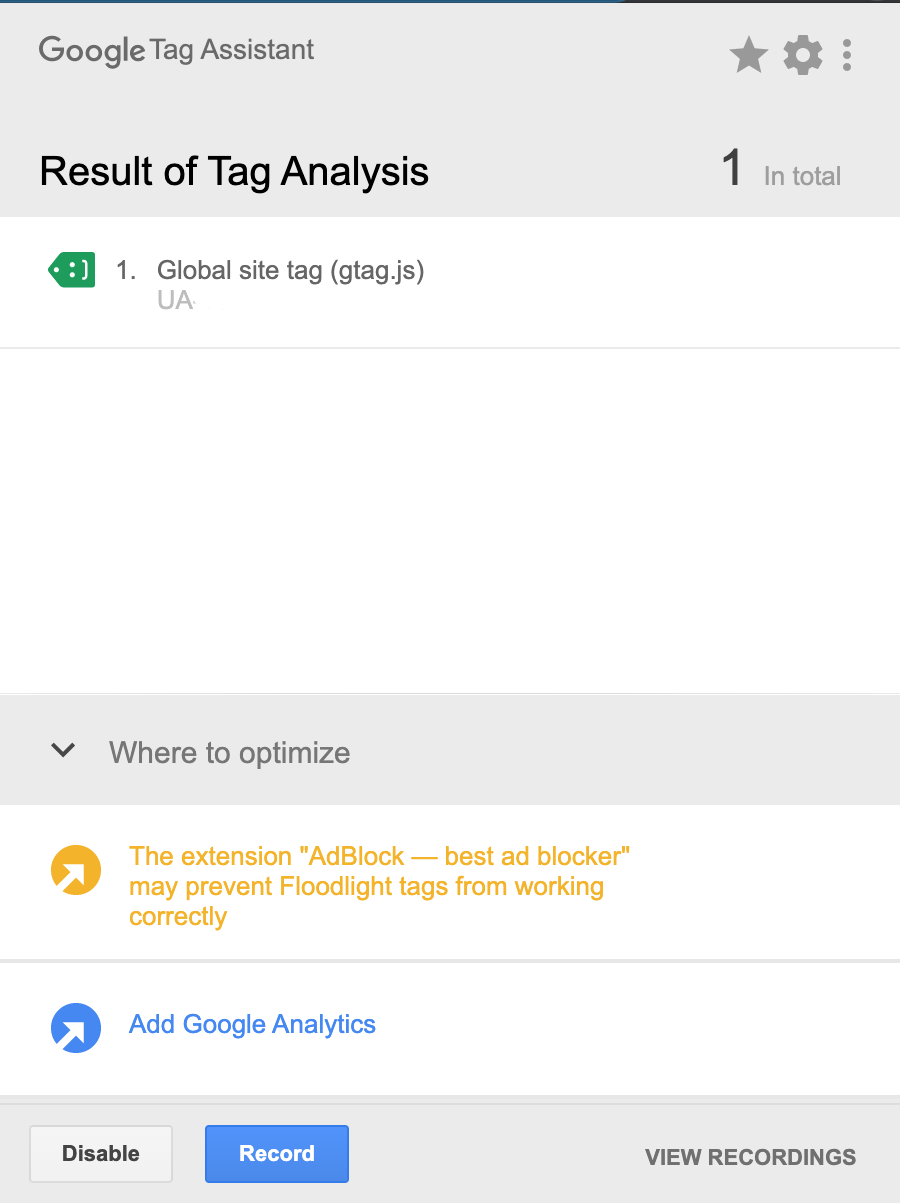
@plshelpme, I'm afraid you haven't configured the plugin correctly. You have only given 'tracking_id' a value... Please set the configuration of the plugin as shown above.
-
If object_name is not set, javascript will throw an error in the browser, and the second tag will not be shown by Tag Assistant. That's why you only see one tag 'Google site tag (gtag.js).
The error in your snippet is located on this line:
function (){dataLayer.push(arguments);} <-- missing function name
- If
cookie_domain is not set, Google Analytics will no receive any page views.
You should see something like:
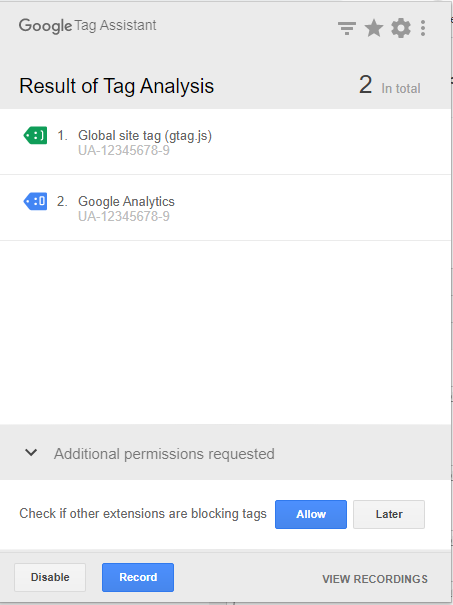
Whereby the 'Google Analytics' tag shows the following error: 'Non-standard implementation', which is because of the cookie_domain property.
The code should look like:
<!-- Global site tag (gtag.js) - Google Analytics -->
<script src="https://www.googletagmanager.com/gtag/js?id=UA-12345678-9" async></script>
<script>
  window.dataLayer = window.dataLayer || [];
  function gtag(){dataLayer.push(arguments);}
  gtag('js', new Date());
  gtag('config', 'UA-12345678-9', {'cookie_domain':'none'});
</script>
The above configurations sends hits to Google Analytics and can be seen in the real-time report.
Would you happen to know how I would access the code through grav so that I can edit it?
Unfortunately, the google-analytics plugin generates the snippet hard-coded in PHP.
If you want to edit the snippet, you might be better of by copying the snippet from Google Analytics website and paste it in '/user/themes/your-theme/templates/partials/base-html.twig'.
Not sure what skills you have and what kind of edits you require, but if you need to analyze more dimensions/metrics than only page-views, you might want to have a look at Google Tag Manager.