Hello,
Everytime i'm trying to use a modular page, the media i upload on the hero page appear on the backroung like this :
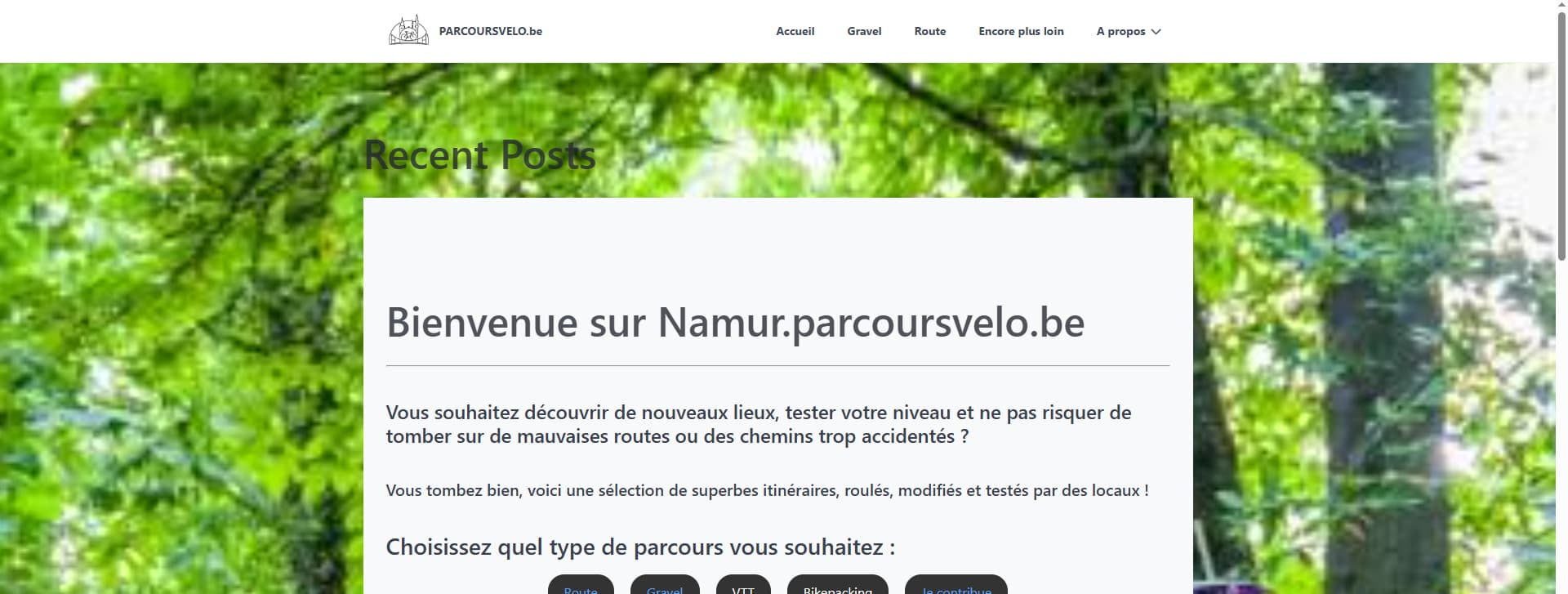
How to stop making it that?
Solved by pamtbaau View solution
Hello,
Everytime i'm trying to use a modular page, the media i upload on the hero page appear on the backroung like this :
How to stop making it that?
Based on your specific question and considering all the provided info, aswer is really simple - don't upload media on the hero page.
Can't suggest more, because you didn't even mention what you want and what theme you're using
@Delo, As @Karmalakas mentioned, the information shared is insufficient. All we can do is guessing and we are bad at it... :-)
Here is my guess...
Considering your previous questions about the hero.html.twig template and the image you've shared, I guess you have been playing around with hero.html.twig and also css styles of theme Quark.
If so, it would be useful to share those changes and share a url to your site.
One note, please do not share screenshots of code snippets, but use text embedded in triple backticks.
Hello,
Sorry, I posted that a little late last night.
https://walbike.omlet.ovh/accueil-copy
I would like to have a page looking like the grav theme : https://getgrav.org/images/6/7/c/1/8/67c18dab9af77c5b734dbe327031ae577cdb70d3-themes-quark.jpg?g-f2241cdd
But I can't figurate out whats wrong with my code. It has been doing that even before i mess with the hero files:
Here's the /partials/hero.html.twig
<section id="{{ id }}" class="section modular-hero hero {{ page.header.hero_classes }} {{ page.header.background.parallax ? 'parallax' : '' }}" {% if hero_image %}style="background-image: url('{{ hero_image.url }}');"{% endif %}>
    <div class="image-overlay"></div>
    <section class="container {{ grid_size }}" style="text-align: {{ page.header.hero_align|default('center') }}">
        {{ content|raw }}
    <section id="hero" class="modular-hero" style="margin-bottom: 0;">
    </section>
</section>
And the one in /modular :
{% set grid_size = theme_var('grid-size') %}
{% set hero_image = page.header.hero_image ? page.media[page.header.hero_image] : page.media.images|first %}

{% include 'partials/hero.html.twig' %}
What's this empty section? What happens if you delete it?
@Delo:
TXT<section id="hero" class="modular-hero" style="margin-bottom: 0;"> </section>
And there's also a missing </section> closing tag :backhand_index_pointing_left:
I added this because when i remove the middle button wich direct to the blog items on the bottom there is too much gap before my content and i cant figurate out how to close the gap neither.. :
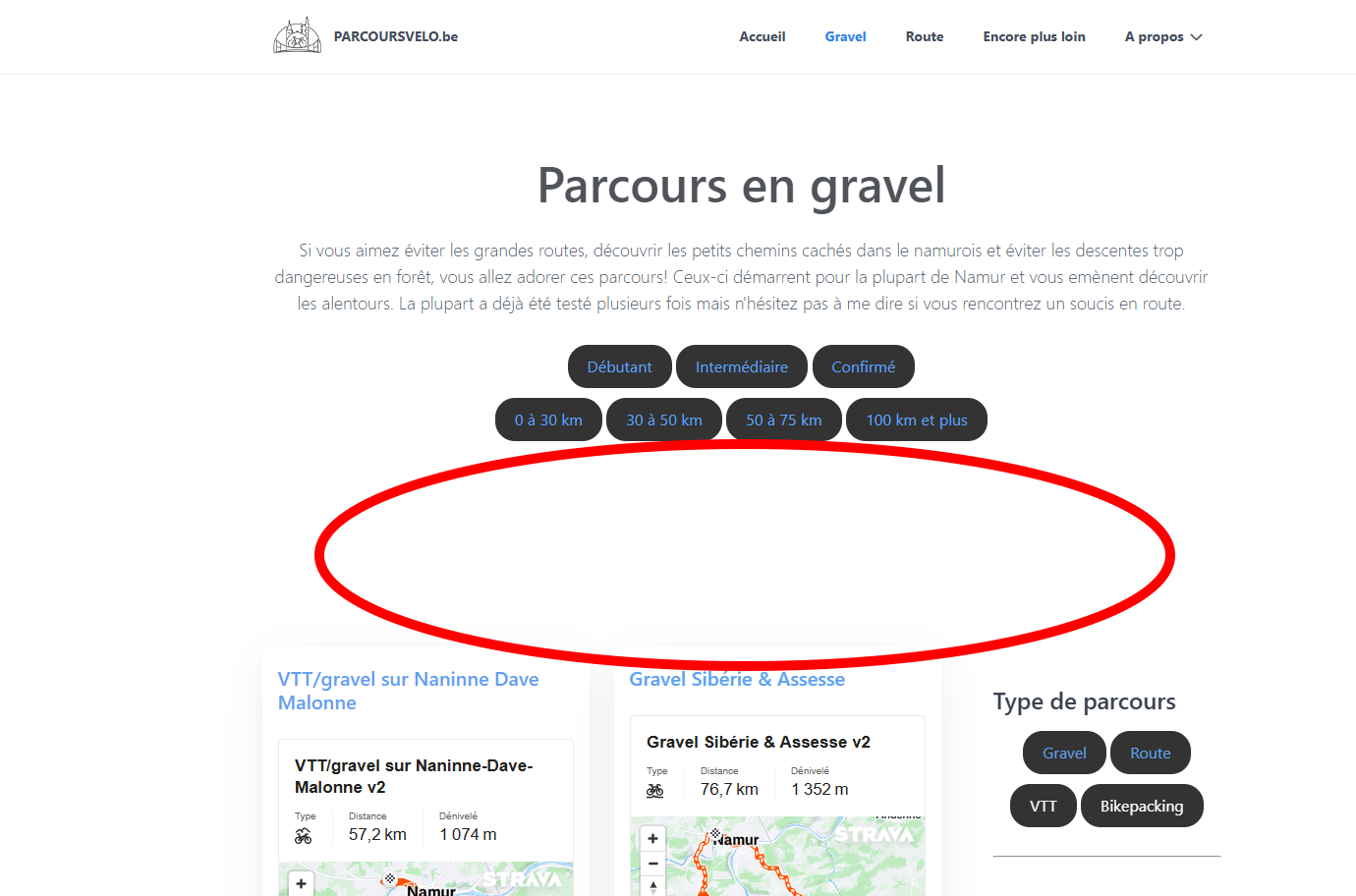
This does nothing when i delete it
Read my post till the end. And the gap is most likely adjusted via CSS
I added the < /section > and it did nothing
@Karmalakas when i add this to my custom.css it does help but it is still not looking good :
.image-overlay {
    margin: 0;
    padding: 0;
    height: 0; /* Adjust or remove height if unnecessary */
    display: none; /* Hide the element completely if it's not needed */
}
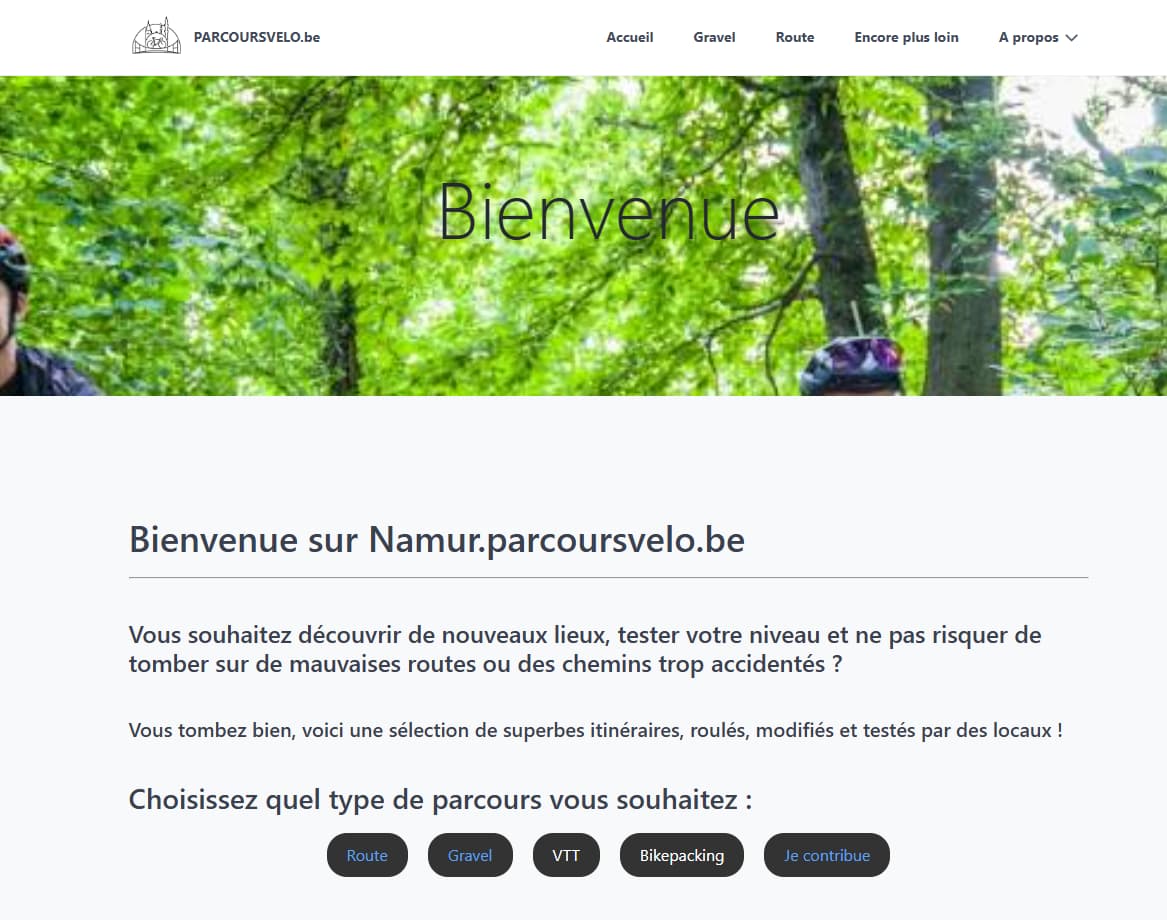
Then why did the layout on your linked page change? I can clearly see it did something. And this additional empty section has no use at all. Just remove <i> from original and then play with CSS.
Also, don't know what your screenshot is of, but this is what I see:
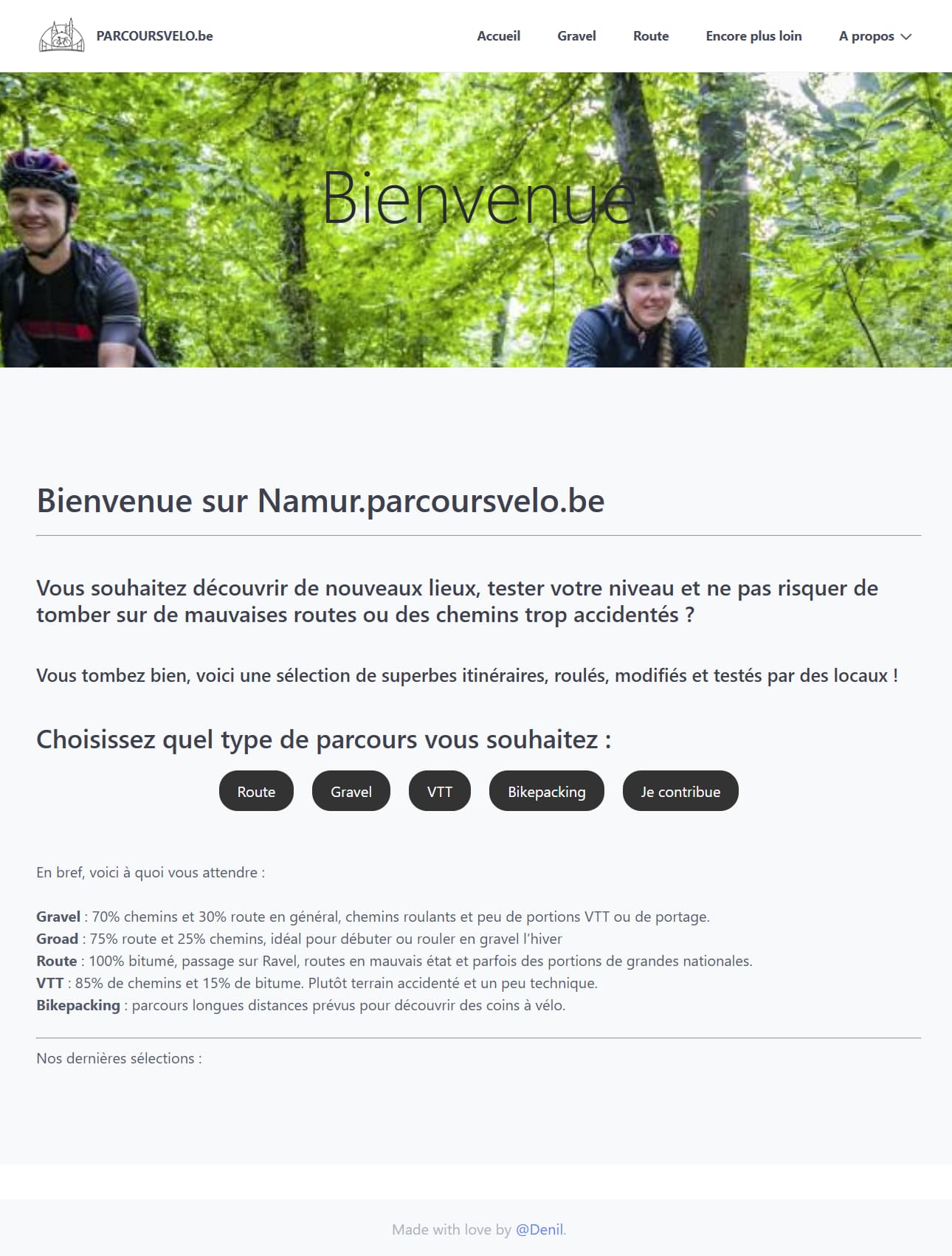
OK, you posted an update just before I submitted my previous post.
@Delo:
it is still not looking good
I have no idea what you mean. How do you expect it to look? Resize the window and it will look different. You will have to crop your image before uploading to get different result
@Delo, I'm sorry to say that I feel lost...
You talk about a modular and show an image of a modular and later you talk about a blog and show an image of a blog list...
Do you have two separate problems? One about modular and one about blog? Then please create two separate posts.
Update: Darn, I missed a couple of post before finishing this one...
This is how a modular page can look like using your hero image.
I'm using a fresh "Quark One-Page site" skeleton. All I changed is replacing the image in the 01._hero folder and updated hero.md with the name of the hero file and the title in the content.
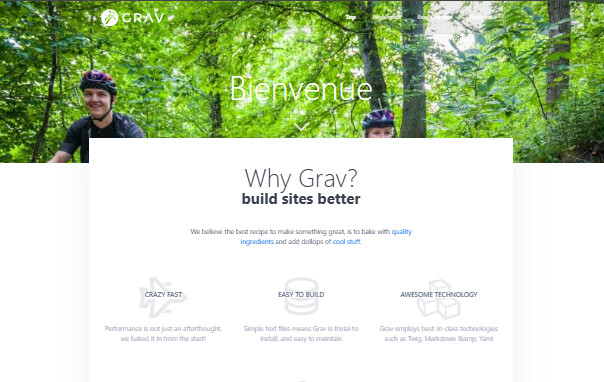
@pamtbaau:
Quark One-Page site” skeleton.
Copied the grav skeleton just like you did and it worked easily. Don't know what's wrong but i'll start again by using this skeleton, thank you !!
Log in to reply.
| Topic | Participants | Replies | Views | Activity |
|---|---|---|---|---|
| 4 | 157 | 6 days ago | ||
| 2 | 136 | 1 week ago | ||
| 5 | 369 | 2 weeks ago | ||
| 5 | 559 | 2 weeks ago | ||
| 6 | 347 | 3 weeks ago |
