Hello,
I’d like to use some custom javascript as part of my Grav website, but I’m not sure how to go about it. I’m using my own template inherited from Quark v2.0.3. Does anyone know of any tutorials for this? I’m a beginner but happy to experiment! I have used html and css before, everything else is quite new to me.
<br>
I’ve found topics on the asset manager, and adding js to the footer, but they don’t include enough scope for me to get things to work.
https://learn.getgrav.org/17/themes/asset-manager
<br>
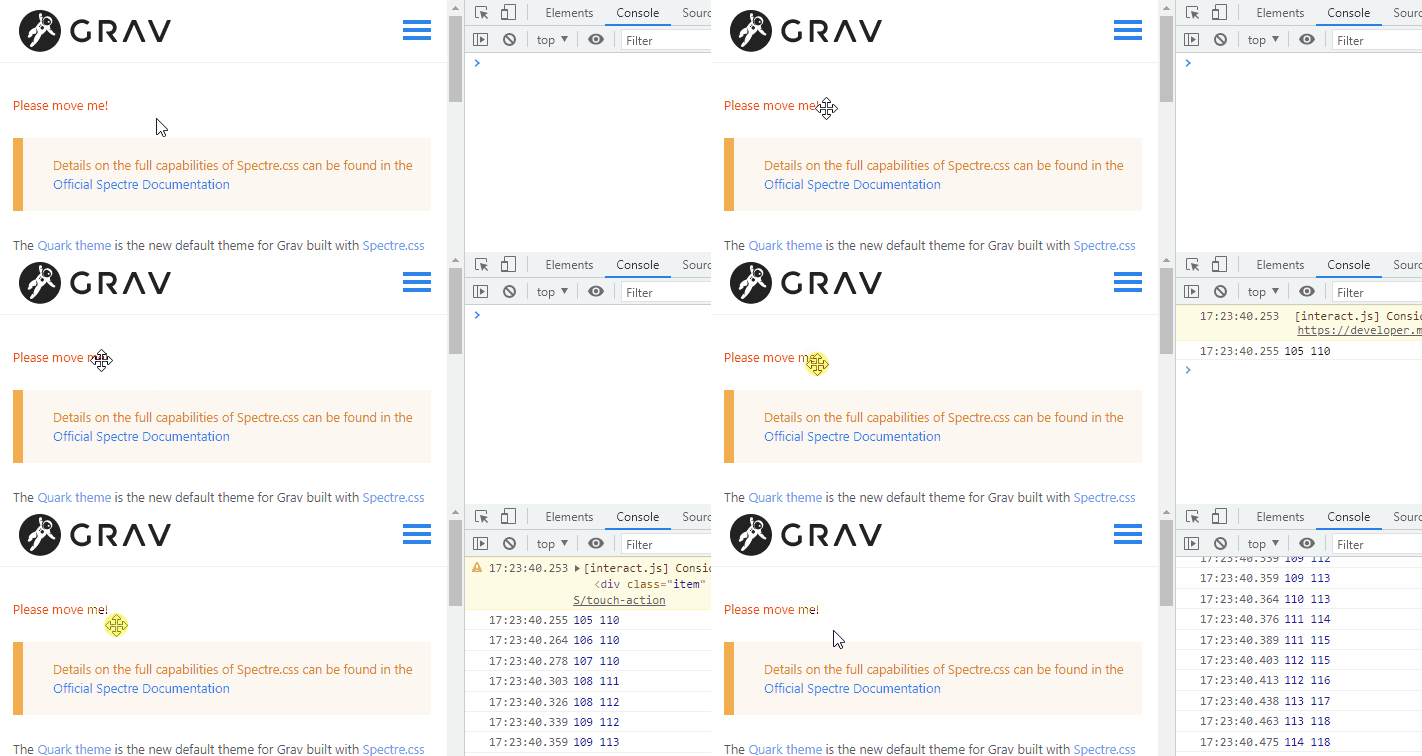
What I’m trying to do is add draggable functionality to elements in the body of one default.md page. I’ve found a js library which has the functionality I need. I want to use the Dragging code from this page -
https://interactjs.io/
<br>
I have put the CSS in my custom.css file.
My questions are:
- Do I need to add the link to the js library in a specific way to the asset manager to get it to work in the body of the page (e.g. ‘bottom’ or inline)? Is there anywhere else I need to reference it?
- Can I add the html code needed straight into the default.md page?
- How or where do I put the extra js code on the page to make it active? Can I make a custom.js file and reference that? Or do I need to include it somehow in the default.md page?
<br>
Thank you in advance for your help! I’ve been lurking on this forum for a while and have found so much useful info so far, it's much appreciated.