Skip to content
Grav 2.0 is officially stable. Read the announcement →

Community guidelines

Please keep discussions civil and on-topic. Repeated violations may lead to a temporary ban.

Support

Deploy Grav on Nginx Webserver does not show styling

first-time

Started by Edrich 6 years ago · 3 replies · 497 views
6 years ago

Hi, I'm deploying a grav site to my CentOS 7 webserver using Nginx and PHP-FPM. I configured everything following the guide here, but the pages are all showing skeleton html. The admin panel's styling works fine though.

Here's the index page
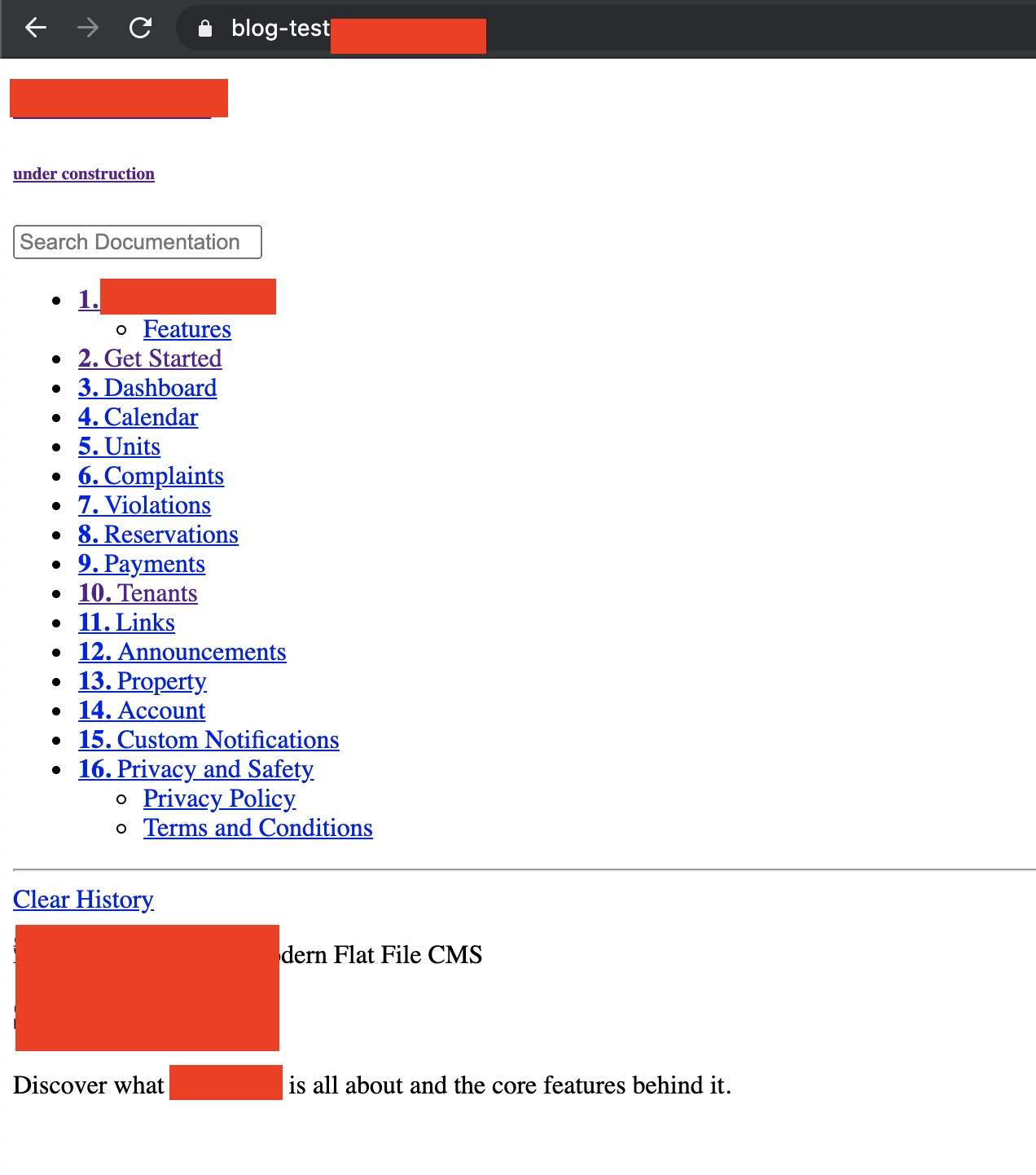
image|441x500

Checking the network response of the index page, it's getting 200 for some css in the assets/<hash>.css, which leads me to believe that I'm getting the proper CSS file, but it's not being encoded properly or something of sorts. I'm not familiar with the file structure of grav (and PHP tbh) enough to be sure that this is the only css file I'm supposed to receive.

Any help would be appreciated. Thank you!

Update: I realized that the CSS and JS files of the theme are not being requested. I still don't know what's causing the problem, and there's no error being logged.
last edited 07/01/20 by Edrich
6 years ago

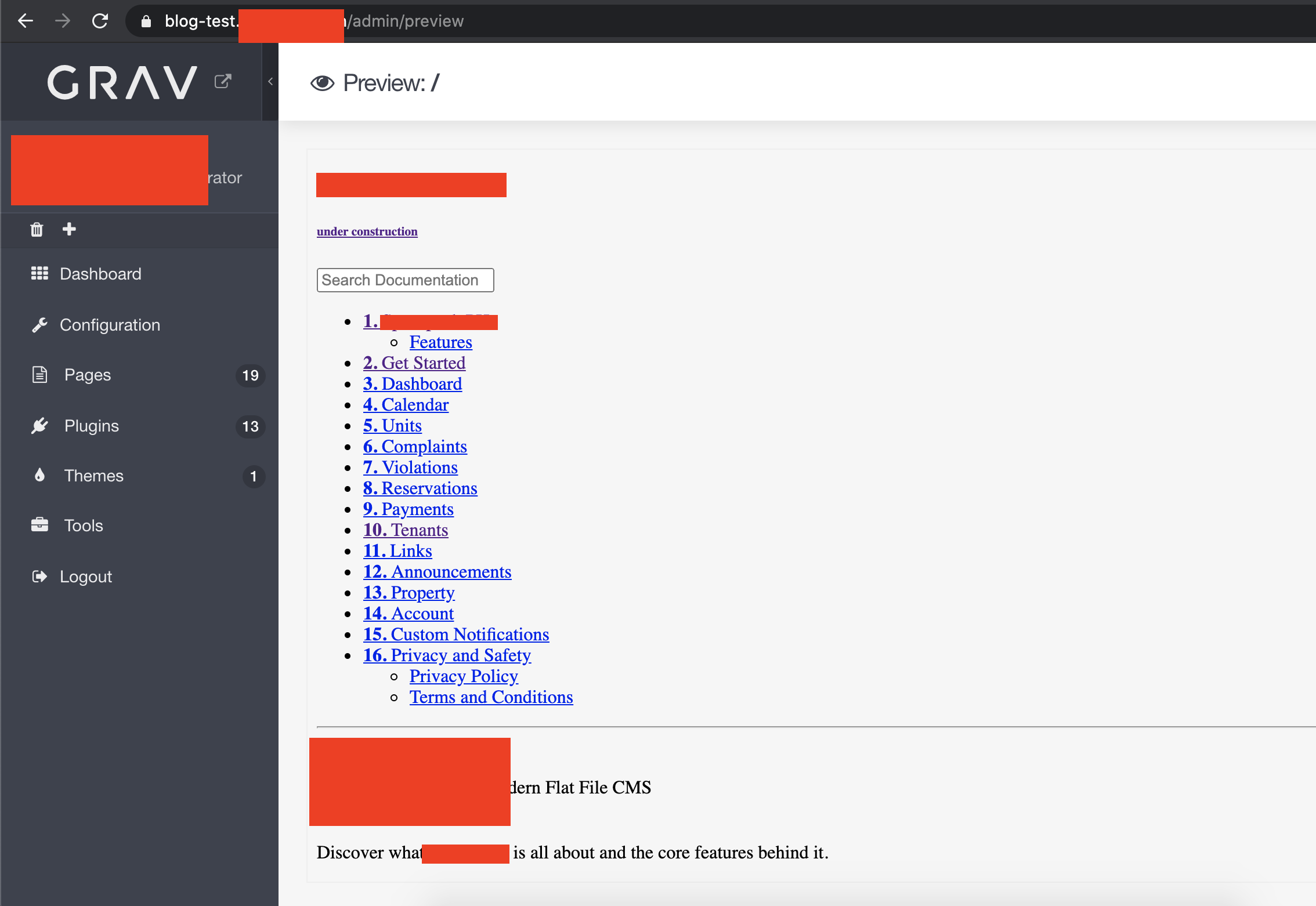
Admin panel works fine but the preview still shows no style
Screen Shot 2020-07-01 at 12.06.25 PM|690x475

6 years ago

Setting the css_pipeline: false and js_pipeline: false in the user/config/system.yaml solved the problem for me. Not sure if this is the correct behavior if I set the asset pipeline to true . Might be a bug?

6 years ago

Can you post two links to whatever gist or pastebin you want for the CSS output of each css_pipeline option?

Just put the custom file(s) for the “non-pipelined” output. :)

Suggested topics

Topic Participants Replies Views Activity
Support · by Thomas, 1 week ago
3 94 3 hours ago
Support · by Anna, 3 days ago
2 94 1 day ago
Support · by Justin Young, 1 day ago
1 64 1 day ago
Support · by Duc , 1 week ago
2 100 6 days ago
Support · by Colin Hume, 1 week ago
2 91 6 days ago