Hi!
Just installed skeleton blog and I'm using Quark-theme.
I would like to make a second "blog-template" as a portfolio.
When I go to user/themes/quark/templates folder and make a copy of "blog.html.twig" as "portfolio.html.twig" I can modify all the needed files in partial folder (for example blog-list-item.html.twig).
There's one problem with this method. When I rename the template file to portfolio I lose the "blog-config" tab in admin panel:
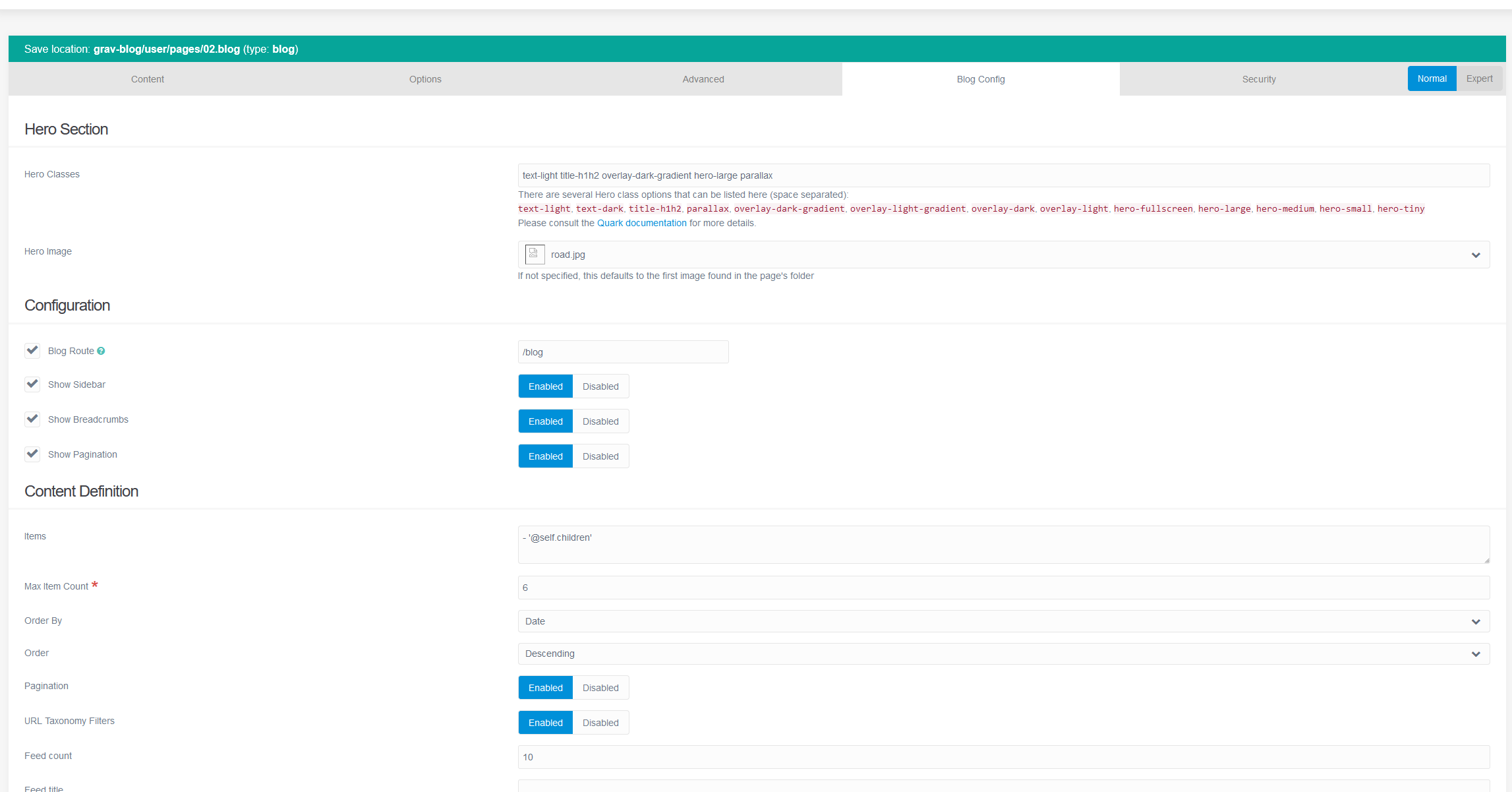
I just want to have breadcrumbs, sidebar and pagination disabled in portfolio.
What is the correct method I lose the blog-config tab in Admin panel to disable those items in new portfolio.html.twig -file? Or can I somehow keep the tab in the Admin panel?
{% set show_breadcrumbs = header_var('show_breadcrumbs', [page, blog])|defined(true) %}
{% set show_sidebar = header_var('show_sidebar', [page, blog])|defined(true) %}
{% set show_pagination = header_var('show_pagination', [page, blog])|defined(true) %}