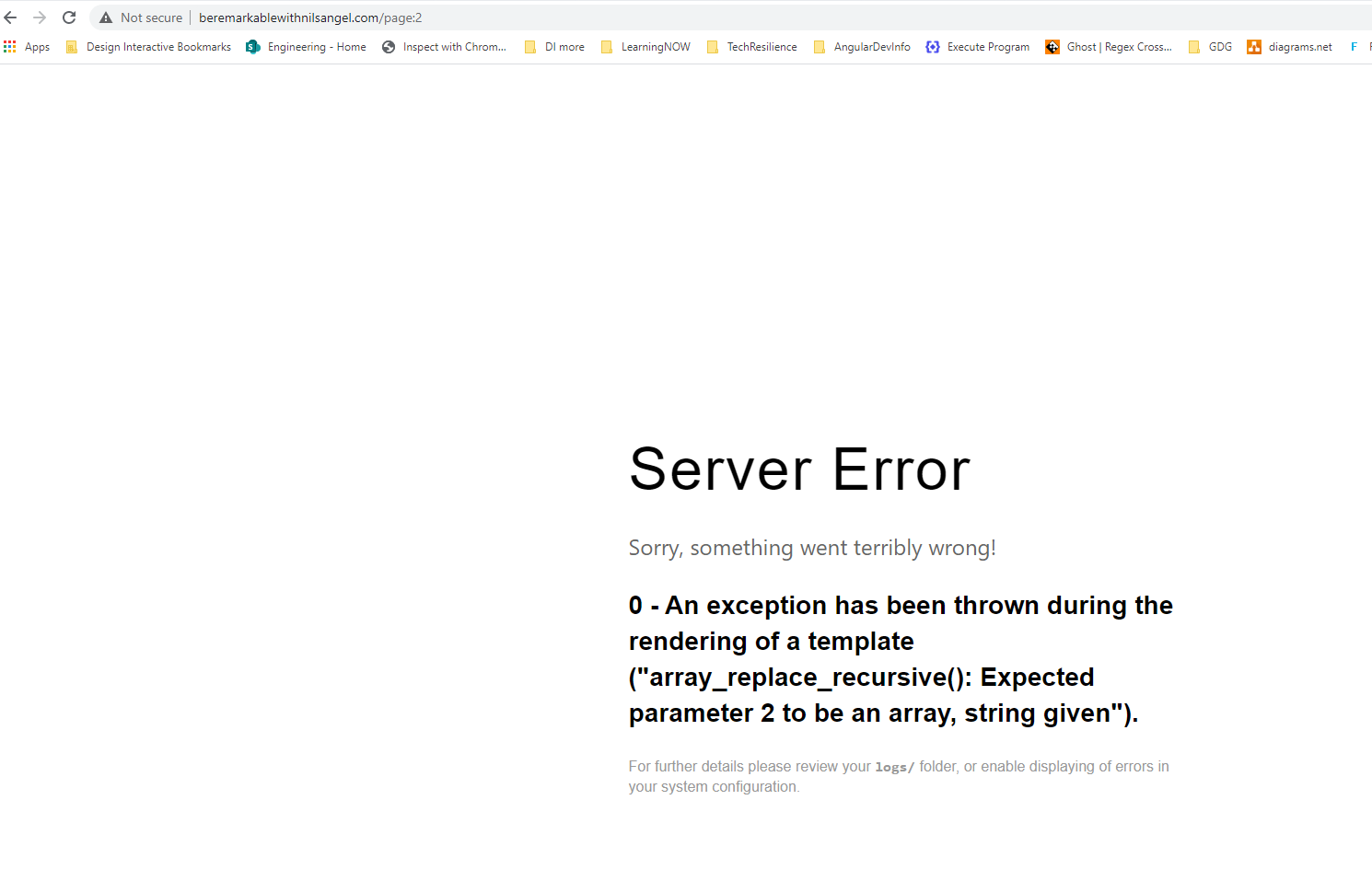
How do I debug this? I clicked page two on my website and I get the following error.
0 - An exception has been thrown during the rendering of a template ("array_replace_recursive(): Expected parameter 2 to be an array, string given")
I am running the latest grav version 1.7 with the following template SoraArticle v1.5.1
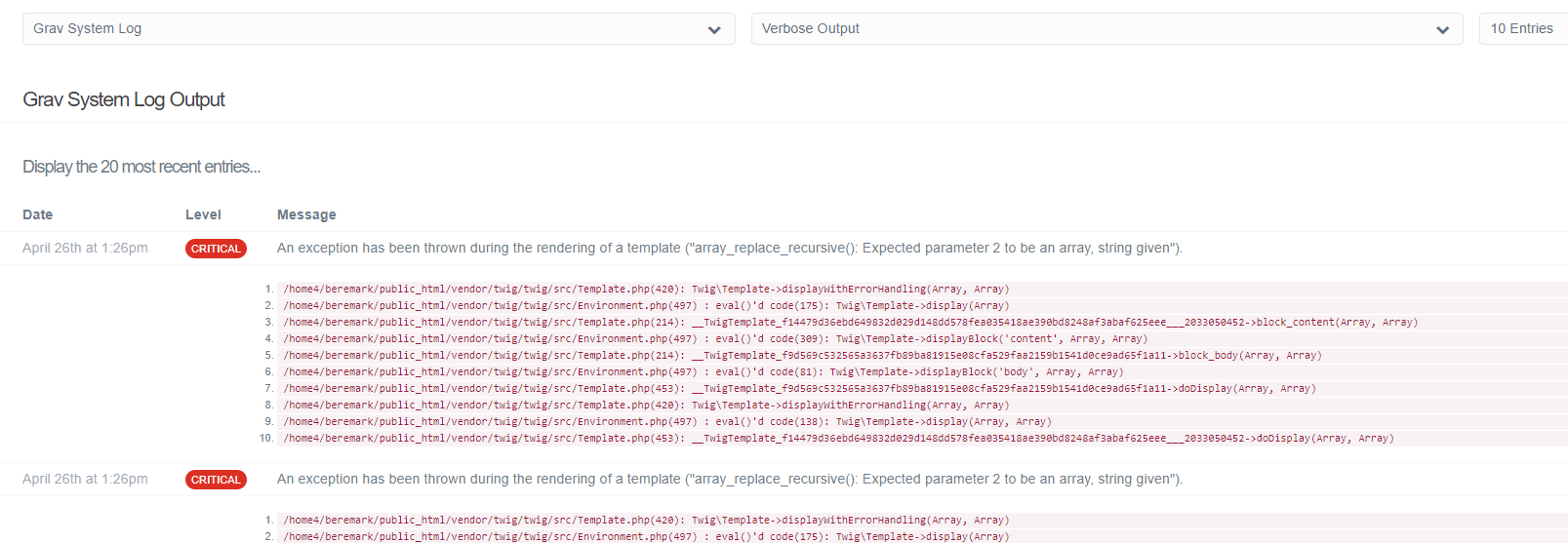
I got the logs in the admin and a little hard to pinpoint the problem. It seems to be a problem with a blog template block content.
@pamtbaau
I thank you for going thru all that new installation. My problem is not related to a new installation. My question was how to debug this error. As you can see there is no stack trace and does not pinpoint the problem template page. I am able to route to page 3 with no errors if I type the url in the browser page.
I am evaluating this framework to see if this worth it as a mean to provide to customers. Of course I would love the errors to be more details in case I was to hand off this to a totally new developer.
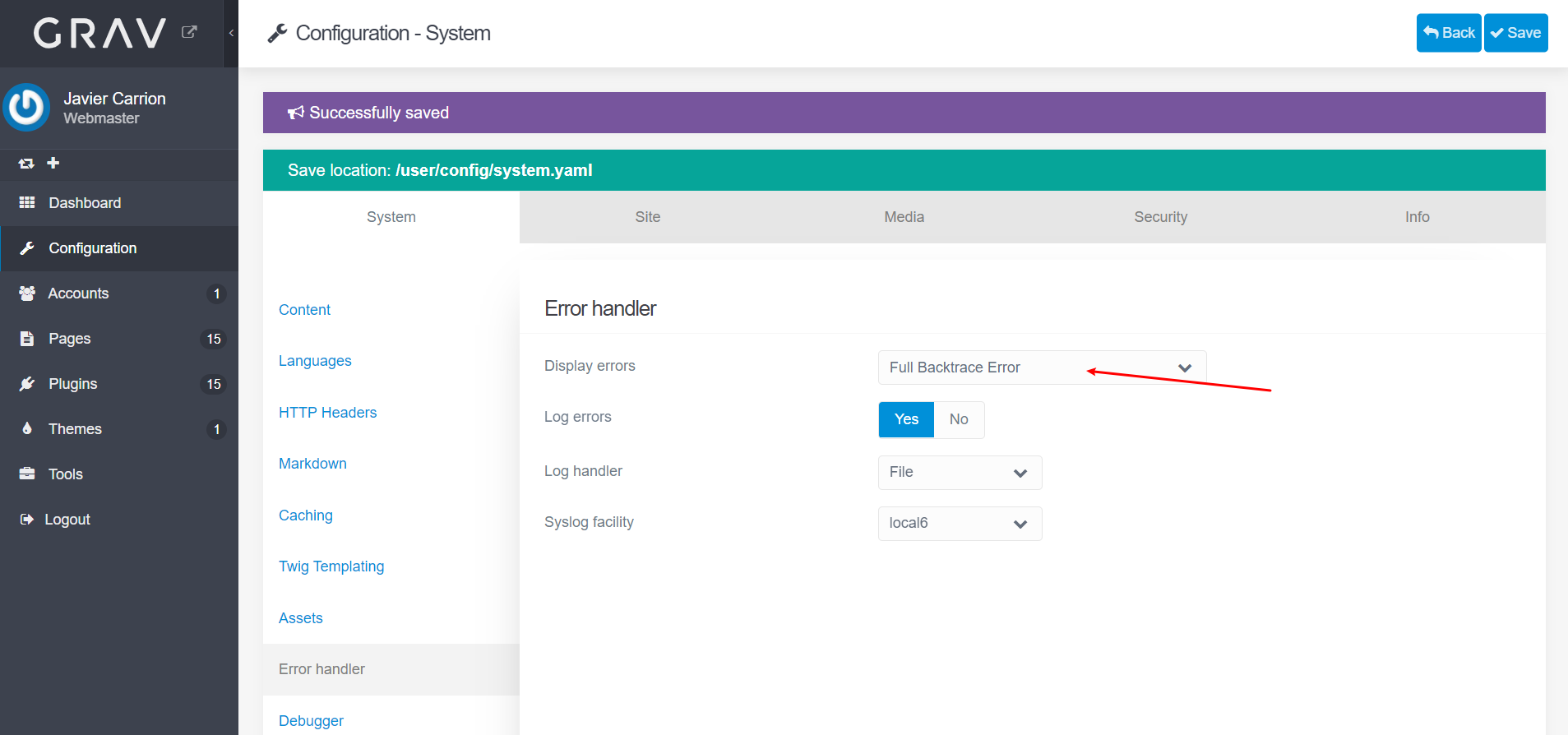
Alleluyah, I figured out how to display a full stack trace error on the screen. For those who don't know you can set the error to display the trace by going to the Admin panel > Configuration > Error Handler and set the Display errors to Full Backtrace Error
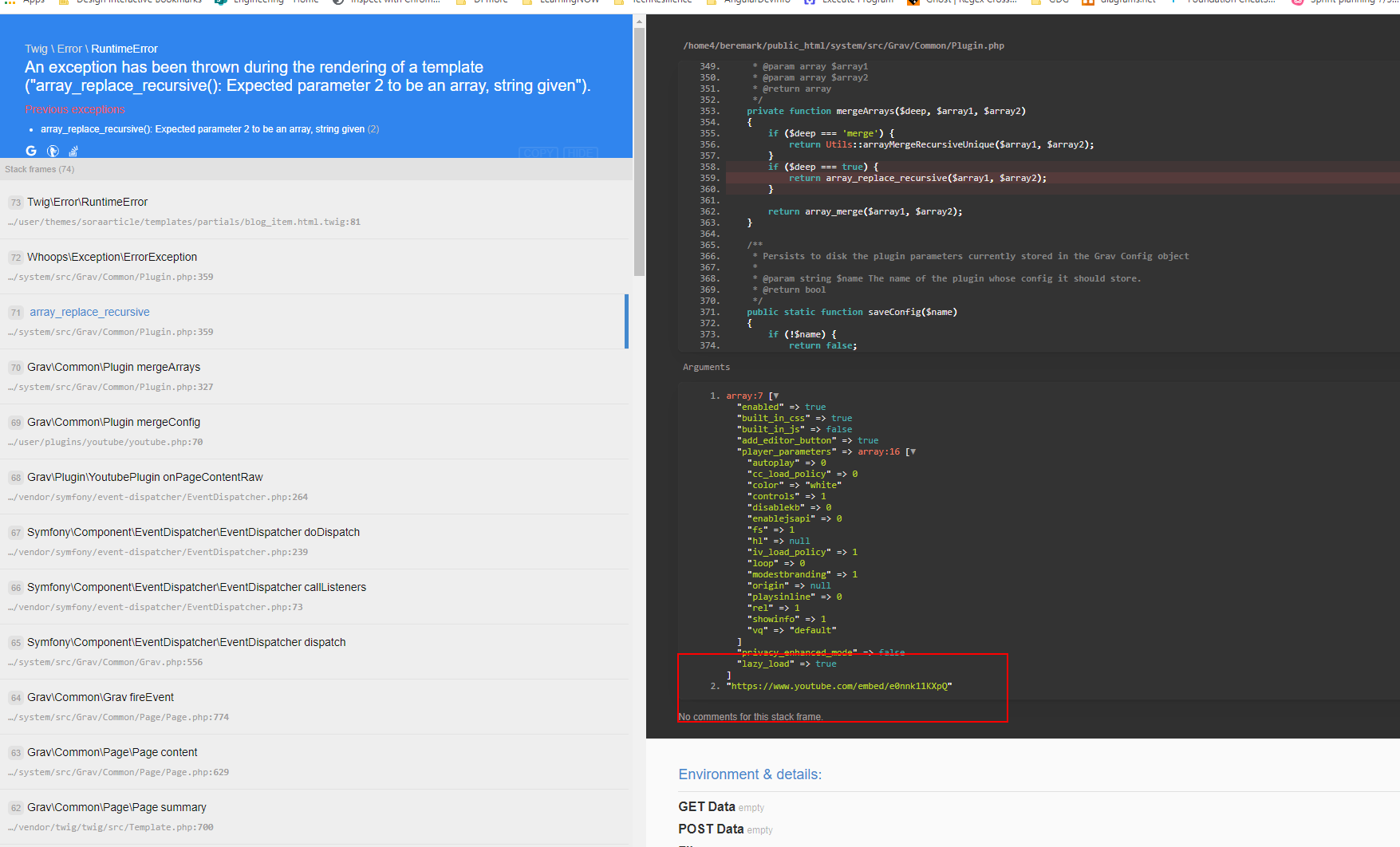
After some investigation using the handing Full Backtrace Error view and I found the culprit of the problem. The issue was the grav-plugin-youtube it seems that it generates an error with a page that has a youtube link in the header. This template comes with an example of a blog with a youtube link in the header and when I added the youtube plugin it caused the problem. The plugin currently only processes the page content, not the page header. I hope this helps someone with a similar problem 🙂.
The plugin currently only processes the page content, not the page header.
The issue is slightly different....
TLDR: Both theme SoraArticle and plugin Youtube use variable youtube in frontmatter/header of a page. But one expects a string value the other an array. If variable youtube is available, always one of the two will fail.
Theme SoraArticle:
The theme can display a youtube video when the page header provides a url to a video
YAML
---title:Post with YouTubedate:19:12 01/04/2014youtube:"https://www.youtube.com/embed/e0nnk11KXpQ"taxonomy:category:blogtag:[youtube,video,short]---
Variable youtube is a string containing a url.
A template in the theme uses {{ page.header.youtube }} to display the video.
Plugin Youtube:
The Youtube plugin uses the Grav function Plugin::mergeConfig() which merges two arrays: The configuration file of a plugin (e.g. youtube.yaml) and the page's frontmatter variable named after the plugin (youtube). The variable in the header of the page, must thus be an array, like:
YAML
youtube:player_parameters:autoplay:1
Variable youtube is an array which can be processed by Plugin::mergeConfig()
Problem:
There is a catch-22 between theme Soraarticle and Youtube plugin: They both use variable youtube but expect different types: string vs array
The Youtube plugin expects variable youtube to be an array, but a string is given. Hence the error "array_replace_recursive(): Expected parameter 2 to be an array, string given"
If you fix the variable youtube in the page for the Youtube plugin, the Twig template expecting a variable ({{ page.header.youtube }}) will throw an error: "Array to string conversion"
Solutions:
Don't use theme SoraArticle in combination with plugin Youtube
Don't use frontmatter youtube. Which will limit the functionality of theme/plugin.
Or alter template blog-item.html.twig in theme SoraArticle to use a different variable in the frontmatter of the page.