Skip to content
Grav 2.0 is officially stable. Read the announcement →

Community guidelines

Please keep discussions civil and on-topic. Repeated violations may lead to a temporary ban.

Forms & Blueprints

Display Text Over Image - Receptar Theme

theme

Solved by pamtbaau View solution

Started by David Garner 5 years ago · 4 replies · 716 views
5 years ago

I am using the Receptar Skeleton to build a site. I want to display text on top of an image. The image is rendered like such:

TWIG
  <div class="entry-media {% if truncate %}entry-{% if page.header.youtube or page.header.soundcloud or page.header.vimeo %}video{% else %}image{% endif %}{% else %} resp_video{% endif %}">
    <div class="post-thumbnail">
      {% if page.media.images|first %}
      {{ page.media.images|first.cropZoom(338,451).html('','', 'attachment-receptar-featured size-receptar-featured wp-post-image')| }}
      {% else %}
      <img class="attachment-receptar-featured size-receptar-featured wp-post-image" src="{{ theme_url }}/images/{{ site.global_featured_image }}">
      {% endif %}

    </div>
  </div>

I've added a 'text' field to the item.md and want to put this text on top of the displayed image. Later, I will hide the text and display it on img hover. I can get the text to display, but it's always in a separate div on top, to the side, or below the img.

TWIG
        {% if page.header.text %}
      {{page.header.text}}
      {% endif %}

Is there a way to display this text on top of the rendered image without brute forcing it with CSS?

Thank you!
5 years ago

@logjammin,

Is there a way to display this text on top of the rendered image without brute forcing it with CSS?

You will need css...

Here is just one of the many pages on this topic that can be found using Google: How to place text on image using HTML and CSS?

5 years ago

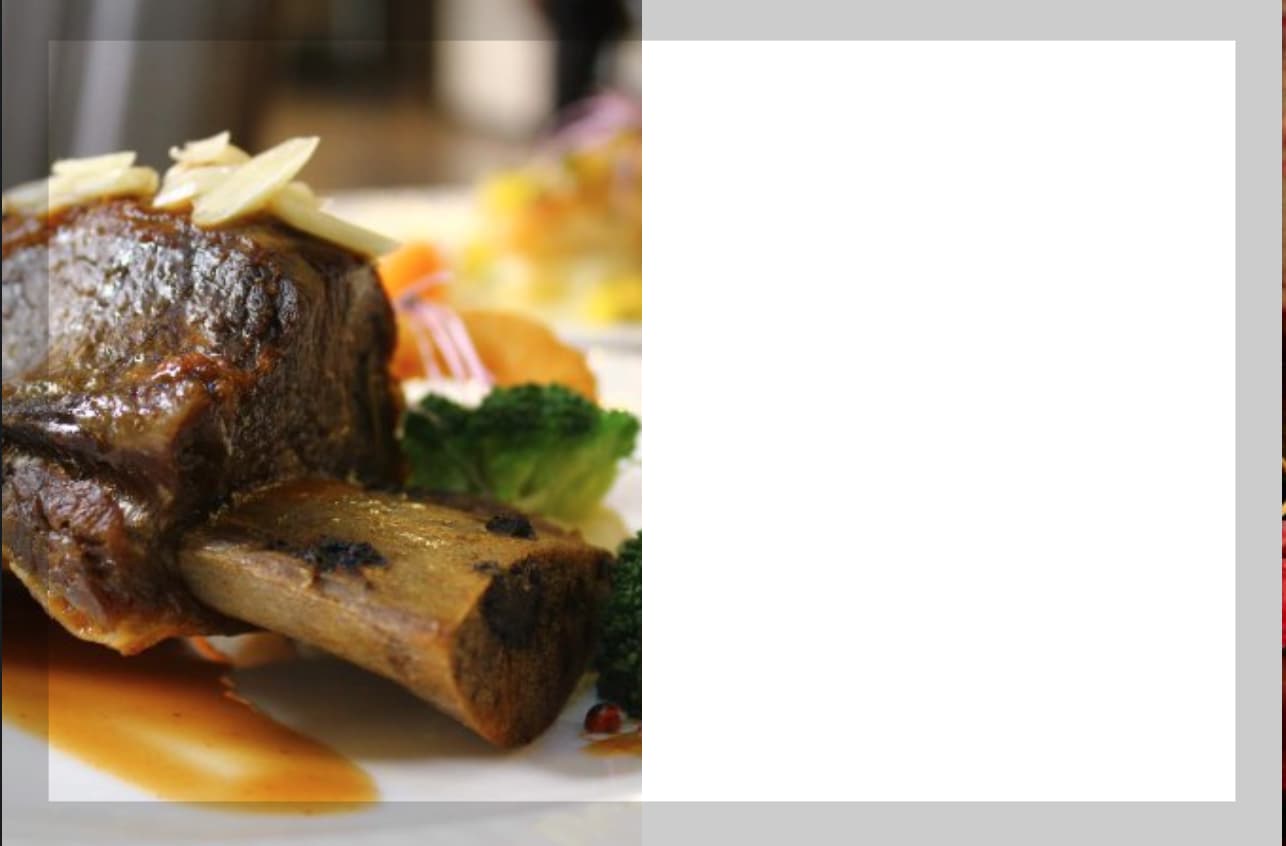
Ha, yes, I had a moment of not using my brain. I guess I am running into the same issue that I had with the other theme where I can remove the text but not resize the dive that contained it. So each blog_item renders with this blank space next to it:
image|690x453

I guess what I really want to do is make it so only the picture is displayed and on hover, text appears, and get rid of the extra white spice. I'm thinking that maybe the blog_item twig is not going to allow for that. I can't figure out where the size is specified for the containing div.

5 years ago Solution

@logjammin, Receptar sets the width of each item at two places:

CSS
.posts .hentry {
    float: left;
    position: relative;
    width: 50%;
    overflow: hidden;
}

and

CSS
.posts .entry-media {
    float: left;
    width: 50%;
    margin: 0;
}

This means every item takes 50% of the width of the page, leaving white space next to the image.

5 years ago

There we go!

I'd tried editing the

CSS
.posts .hentry {
    float: left;
    position: relative;
    width: 25%;
    overflow: hidden;
}

before but I must not have saved or something. I am an airhead! Thank you SO much!!

Suggested topics

Topic Participants Replies Views Activity
Forms & Blueprints · by Ton Haarmans, 5 years ago
13 1140 4 months ago
Forms & Blueprints · by Hugo Oliveira, 5 months ago
0 63 5 months ago
Forms & Blueprints · by Flachy Joe, 6 months ago
9 138 6 months ago
Forms & Blueprints · by Augustus, 7 months ago
7 114 7 months ago
Forms & Blueprints · by Julien, 7 months ago
10 132 7 months ago