Hey guys,
I am new to GRAV and already did some tweaking in the Learn2 Template, which I want to use for documentation purposes.
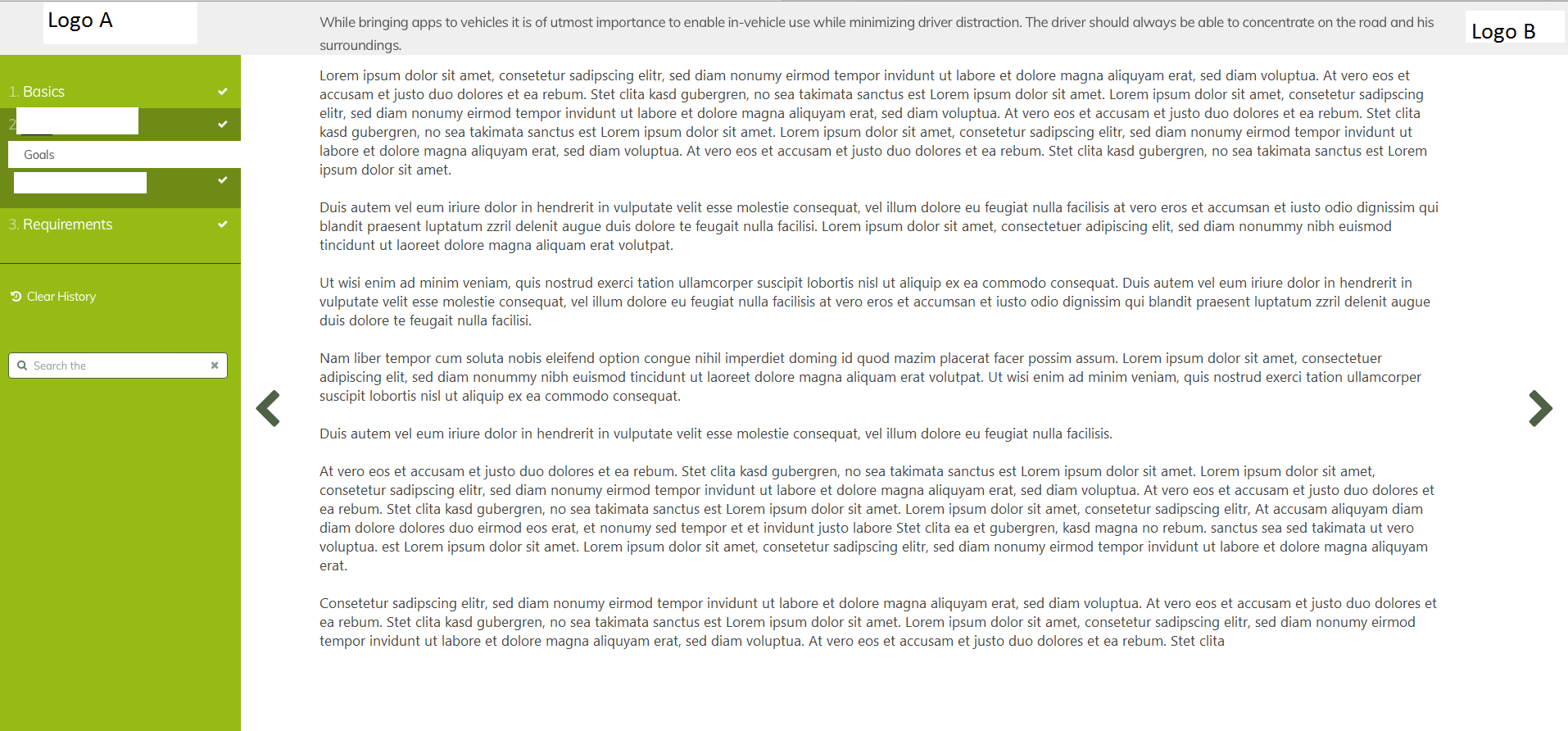
I already added a new section to the upper part and was able to implement 2 logos of product and company.
Now I want the section at the top to be in front of the text. So when scrolling down the text should disappear under the bar at the top. Now the text is in front of the bar.
Here is the code:
CSS:
navbar-section {
YAML
  position: fixed;
  top: 0;
  left: 0;
  right: 0;
  height: 65px;
  opacity: 1.0;
  background: rgba(239, 239, 239,1.0);
}
HTML/TWIG:
TWIG
{% block navbar %}
    <div id="navbar-section" class="section">
        <div class="content-container">
           <a class="logo" href="{{ '/' | page }}">
                         <img src="{{ url('theme://images/logo.png') }}" alt="{{ 'Logo'|t }}"/>
            </a>
        </div>
    </div>
{% endblock %}
Can anyone please give advise?
Update: I already found solution. I simply added z-index=1 to the CSS part
last edited 07/25/18 by Johann