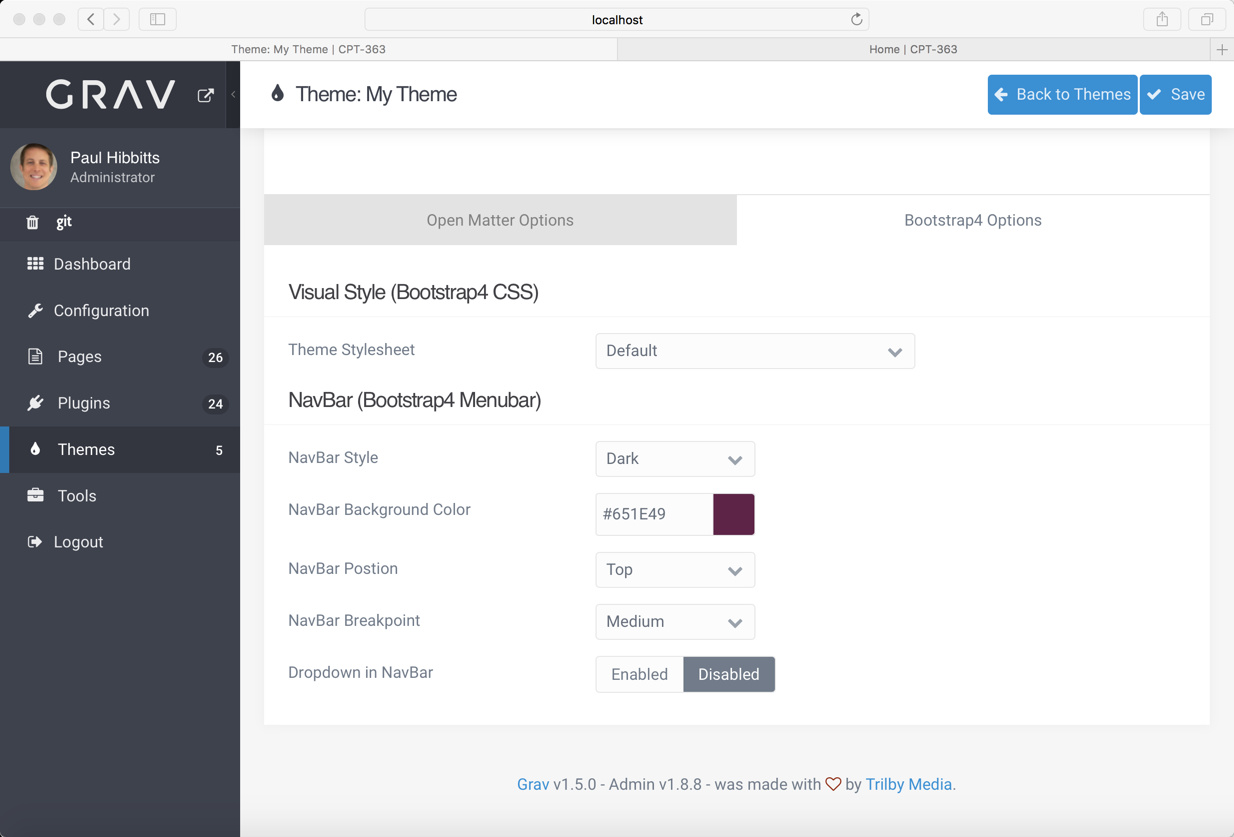
Is there a quick-and-dirty way of changing the colors (and styles) in the Bootstrap4 theme by @djamil (actually, the Bootstrap4 Open Matter theme, relying on inheritance, as described at @paulhibbitts ?
In the theme css directory, I see a custom.css file with the comment "Put your custom CSS in this file". As an experiment, I copied and pasted the Bootswatch Flatly css from https://github.com/thomaspark/bootswatch/blob/master/dist/flatly/bootstrap.css as an append to the comment. Even after reloading all caches, this doesn't seem to have had any impact.
I had previously used the Tikva theme, and got spoiled by the easy ability to select a premade theme from Bootswatch. (I'm a power user rather than a developer or designer, so I really try to not muck around with CSS!)