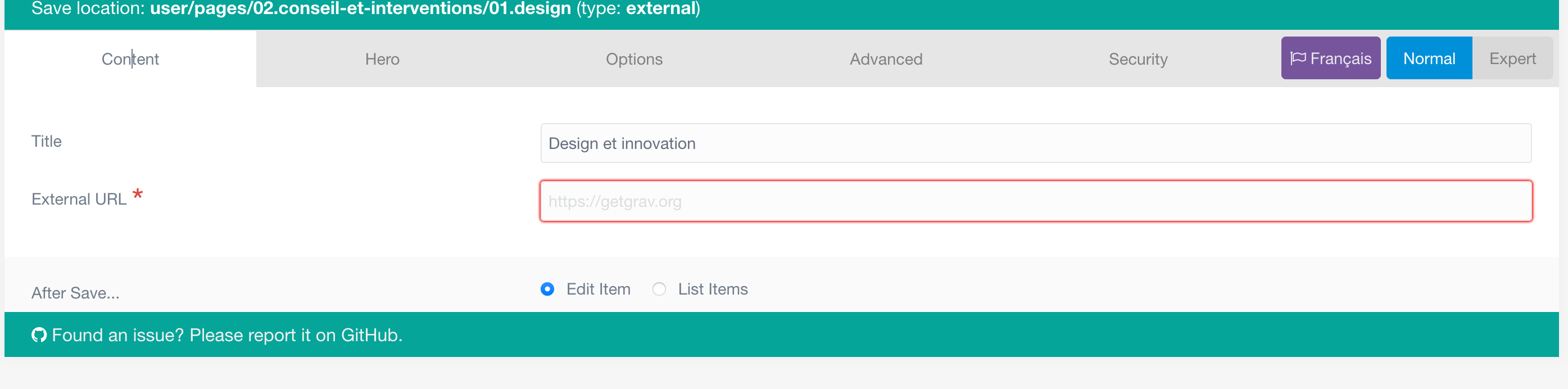
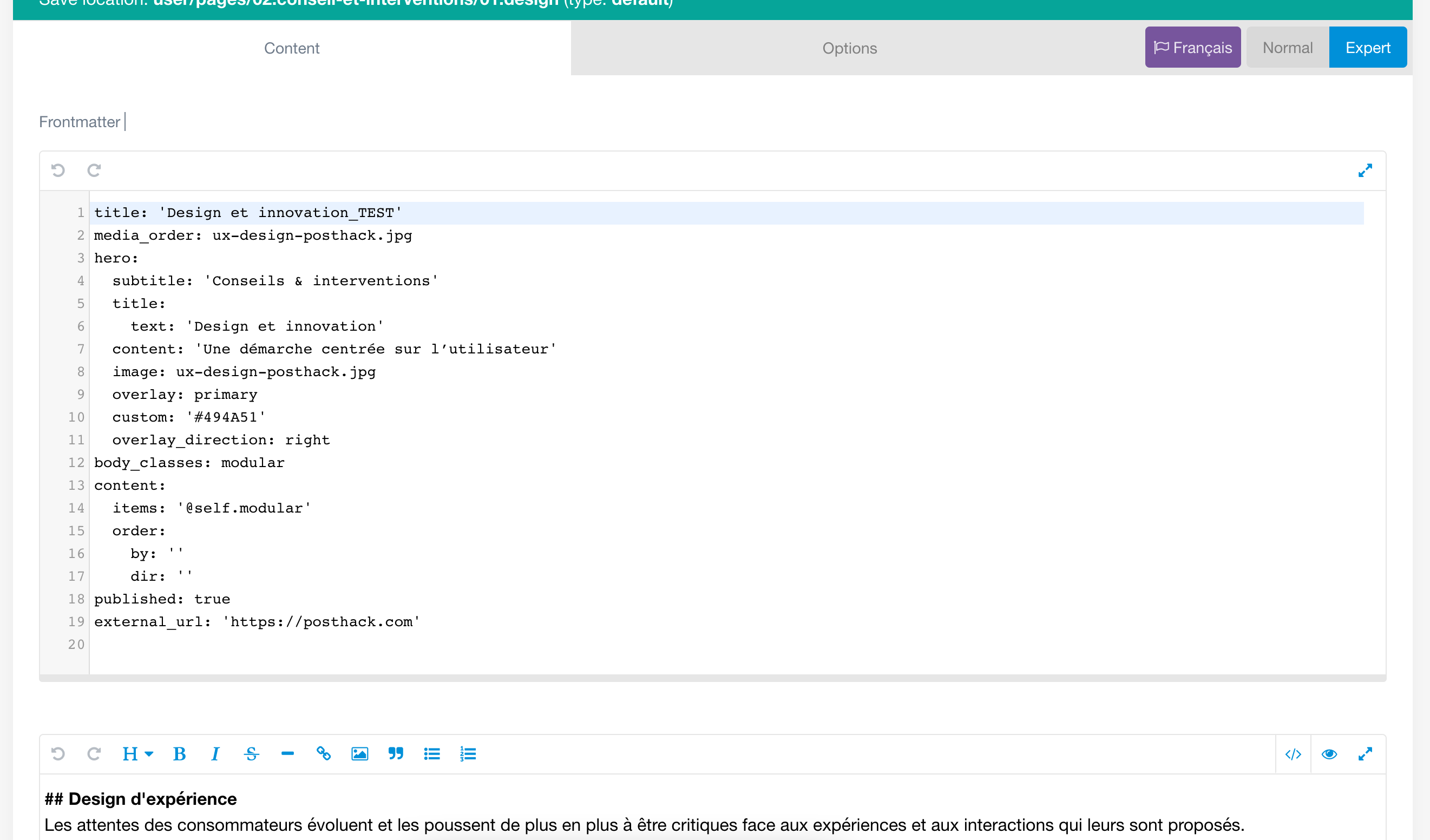
On Grav v1.7.3 - Admin v1.10.2 after update, on FF and Brave on Mac, impossible to save modifications on a page using "save" and "save content" buttons on the admin page.
I have a page set to "external" page template and want to set it to "default" but can't. I can only change it once to "error" page template ???? and cannot change it after.
Hi @PostHack , I just tried this Mac FF and could not reproduce the issue. Is this happening on a second 1.7.3 install on your end as well?
UPDATE: After I wrote that I tried to change the External template back to Page and now I am seeing that issue I think... if I can reproduce I will add an Issue to the Admin Panel GitHub repo. https://github.com/getgrav/grav-plugin-admin/issues/2037
I had the same issue when I couldn't change a template. But as soon as I filled a Title field in Content tab, template change was saved correctly. Didn't check different scenarios, but it seemed to me like you can't save any changes if Title is empty (although you get a success message that page is saved)
Yes it works, change the type template on the advanced tab and back on the content tab set any URL before saving and the new template will be set correctly
EDIT : IT DOESN'T WORKS the external URL set can't be erased
Hi everybody.
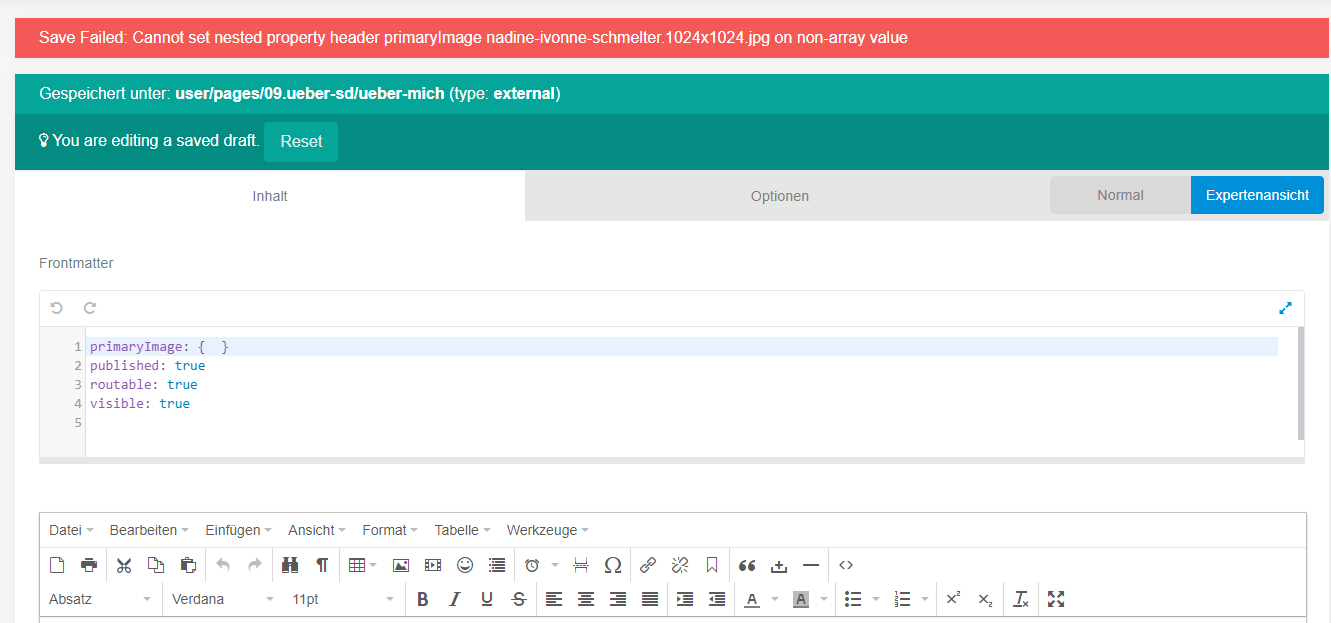
I am totaly new in Grav and i like it. but I think perhaps I have the same bug. after update some days ago, I cant save anything. No new pages, no changes in text, no title. Also nothing in the expert mode of pages.
I tried to change the Theme, deactivate the plugins. Nothing helped. ;-(
I tried, but its not working. I cant save, and after refresh, it is like it was. And I cant create new Pages. I also cant change the title of the Page.
I can do some changes in the file on the Server under pages. But after refresh the Dashboard in grav, my changes are working. But still I cant change in grav.
Hi,
I'm on Grav v1.7.5 - Admin v1.10.3 now and it's seem working quite fine.
I was on Grav 1.7.3 with Typhoon theme without change on skeleton.
I just want to get it back to "default"