Skip to content
Grav 2.0 is officially stable. Read the announcement →

Community guidelines

Please keep discussions civil and on-topic. Repeated violations may lead to a temporary ban.

Forms & Blueprints

Looking for example of blueprints for modular pages

Started by EliseKW 6 years ago · 5 replies · 1226 views
6 years ago

This used to work and it no longer does for me. After a few days of tinkering and reading through the docs, I'm stumped. Please let me know if you have an example of modular blueprints working correctly, or can see the issue in my approach.

This is an example I tried using a fresh Quark theme download today. I do not see the Admin tabs that the modular blueprint file should be adding.

File structure

TXT
user
|   
+---pages
|   \---01.home
|       |   modular.md
|       |   
|       \---01._hero
|               header.jpg
|               hero.md
|               
\---themes
    \---quark
        \---blueprints
            \---modular
                    hero.yaml

Content of the .md files
(for good measure)

modular.md

YAML
---
title: Home
content:
    items: '@self.modular'
body_classes: 'title-h1h2 header-transparent'
menu: Home
onpage_menu: false
---

hero.md

YAML
---
title: 'Homepage Top Image'
menu: Top
hero_classes: 'text-light title-h1h2 parallax overlay-dark-gradient hero-fullscreen'
hero_image: header.jpg
---
last edited 02/03/20 by EliseKW
6 years ago

Hi @sparrow925, thanks for posting your isssue here.

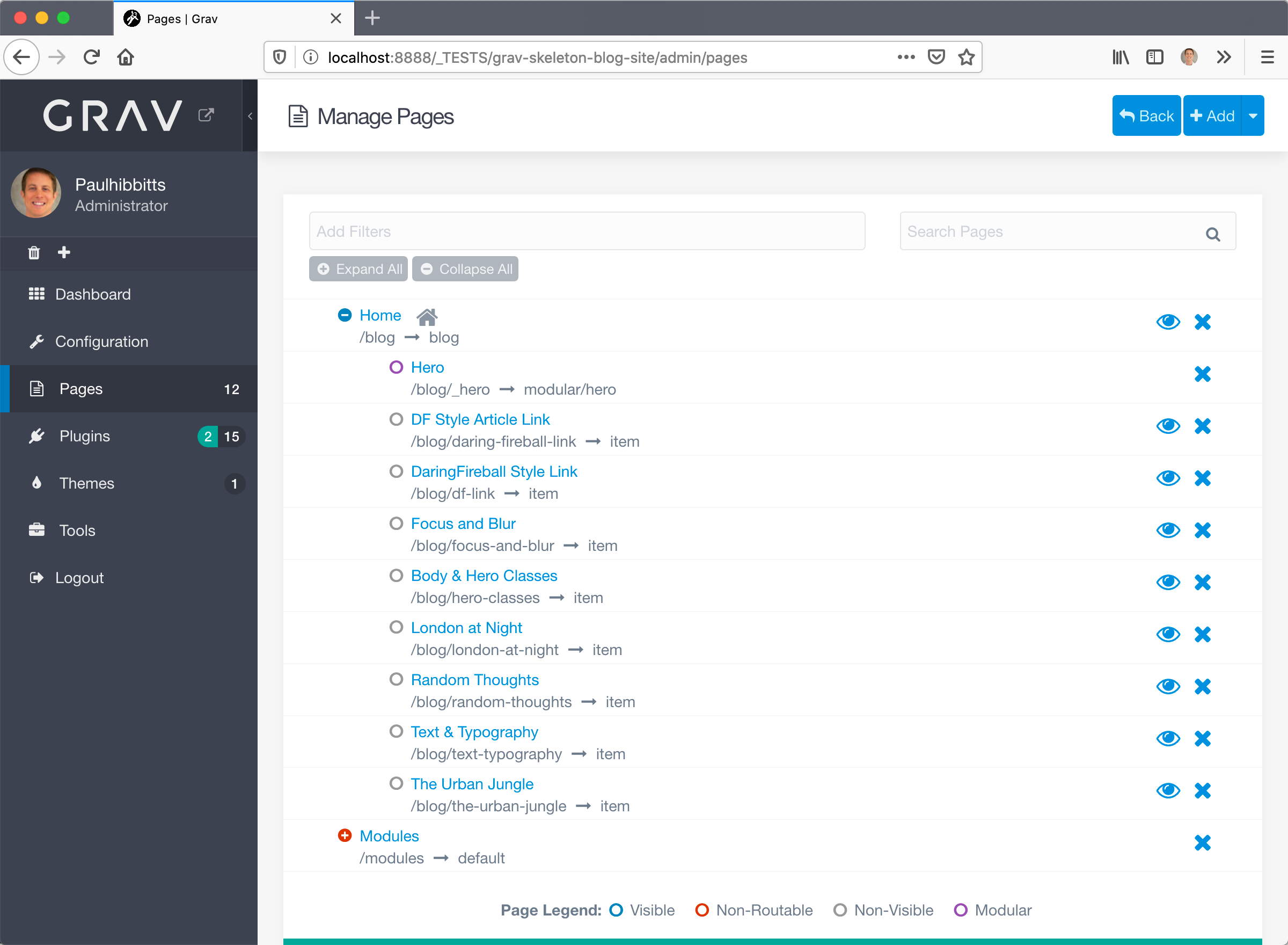
I've been able to get that blueprint you shared working locally, by replacing the default Quark blueprint.

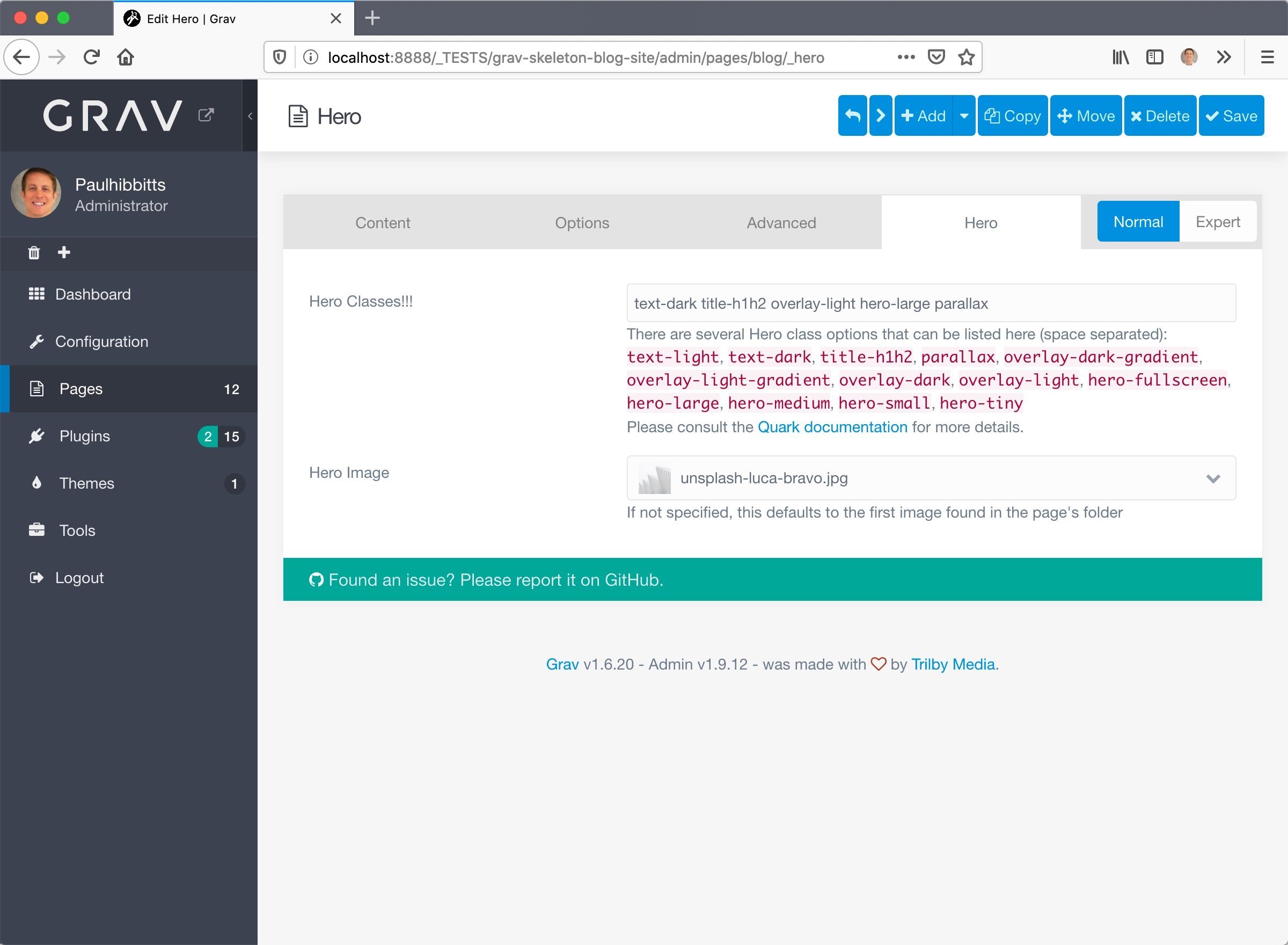
2020-02-04_13-58-30|681x500

2020-02-04_13-58-38|681x500

However, you should really be using an inherited theme for this type of thing, so any customizations to Quark remain even after any Quark updates etc. Have you done this?

Here are the docs for setting up an inherited theme:
https://learn.getgrav.org/16/themes/customization#theme-inheritance

Please let me know how you make out.
Paul

6 years ago

Hi @paulhibbitts: Quick clarification -- What did you replace the default blueprint with? (What I shared and have been working with is the default Quark blueprint.) I might be a bit blind to the issue you're describing, I've been zoomed in on it and am feeling the tunnel vision...

If I can fix this by making edits to the theme I will make sure to do it via an inherited theme (or extending blueprints through the user folder). Thanks for the reminder, and thanks more generally for sharing your time and expertise. Much appreciated.

6 years ago

Hi @sparrow925 I think I replaced it with the contents you posted in the GH issue🙂

Grav is awesome but like any CMS there is learning involved, I am still learning myself!

Feel free to follow-up here with your progress or in the Discord room (I am often online there).

Cheers,
Paul

4 years ago

Hi Paul, sorry for OOT from topic, can you share your plugin?

4 years ago

Hi @topidesta , no plugin just the Quark theme - you might find my inherited Quark theme (Quark Open Publishing) a helpful reference and it is available on getgrav.org.

last edited 01/29/22 by Paul Hibbitts

Suggested topics

Topic Participants Replies Views Activity
Forms & Blueprints · by Ton Haarmans, 5 years ago
13 1140 4 months ago
Forms & Blueprints · by Hugo Oliveira, 5 months ago
0 63 5 months ago
Forms & Blueprints · by Flachy Joe, 6 months ago
9 138 6 months ago
Forms & Blueprints · by Augustus, 7 months ago
7 114 7 months ago
Forms & Blueprints · by Julien, 7 months ago
10 132 7 months ago