Helios Theme
Modern documentation theme for Grav
A modern, feature-rich documentation theme for Grav CMS built on the latest Tailwind CSS 4 framework and Alpine.js. Helios provides a beautiful three-column layout with sidebar navigation, content area, and on-page table of contents - perfect for both developer documentation and product guides.
Already a customer? Sign in to your licenses
Now available with Ready-to-Run prebuilt Grav install zips with Helios theme, sample skeleton package content, all plugins and licenses ready to go. Just unzip and go! Find the download links alongside your licenses in your account.
Helios theme also includes a complimentary license to SVG Icons plugin.
Everything you need. Nothing you don’t.
Over 36 distinct features and integrations, out of the box.
<kbd> elements and Mac symbol support (⌘, ⌥, ⇧)
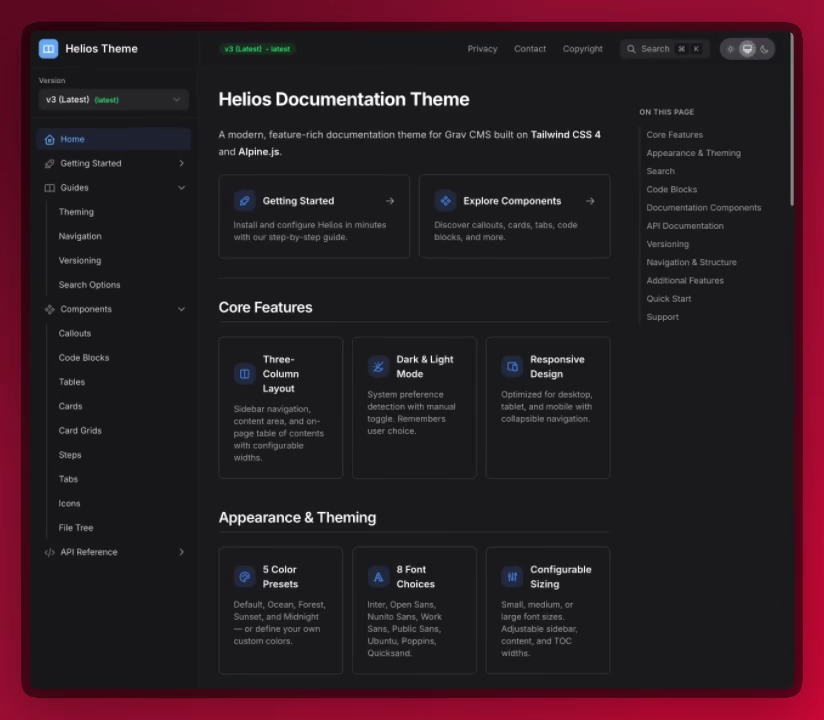
Three-Column Documentation Layout
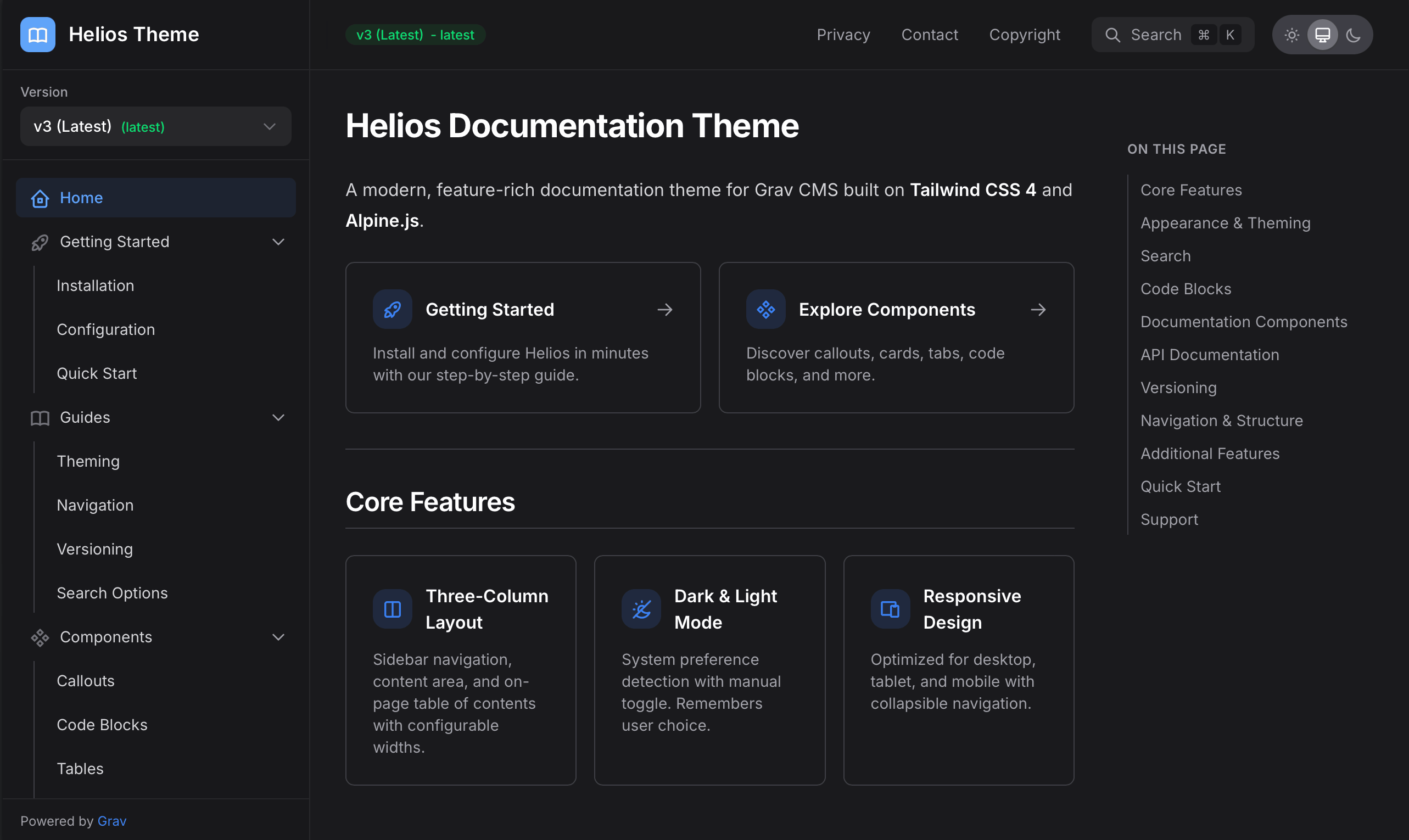
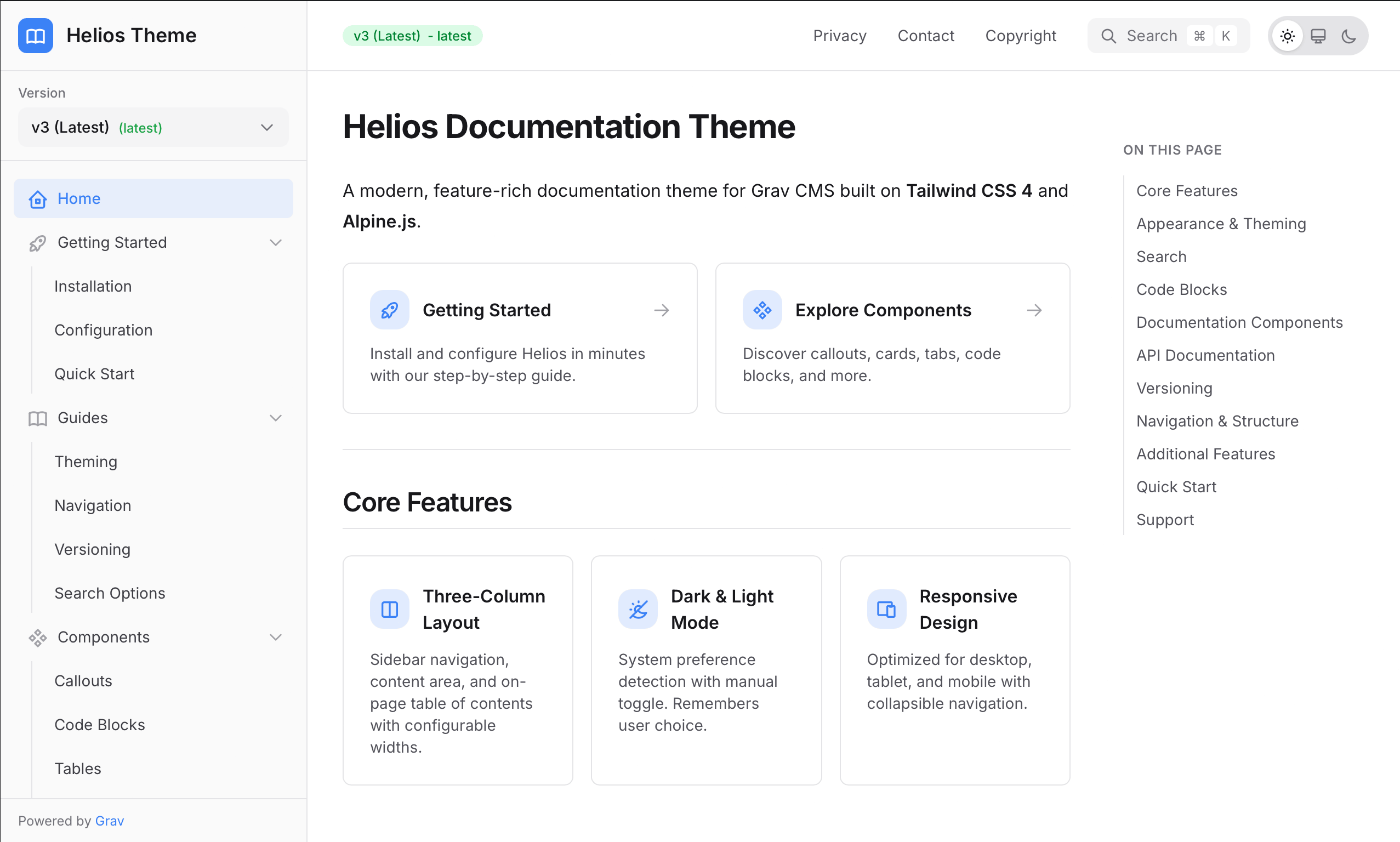
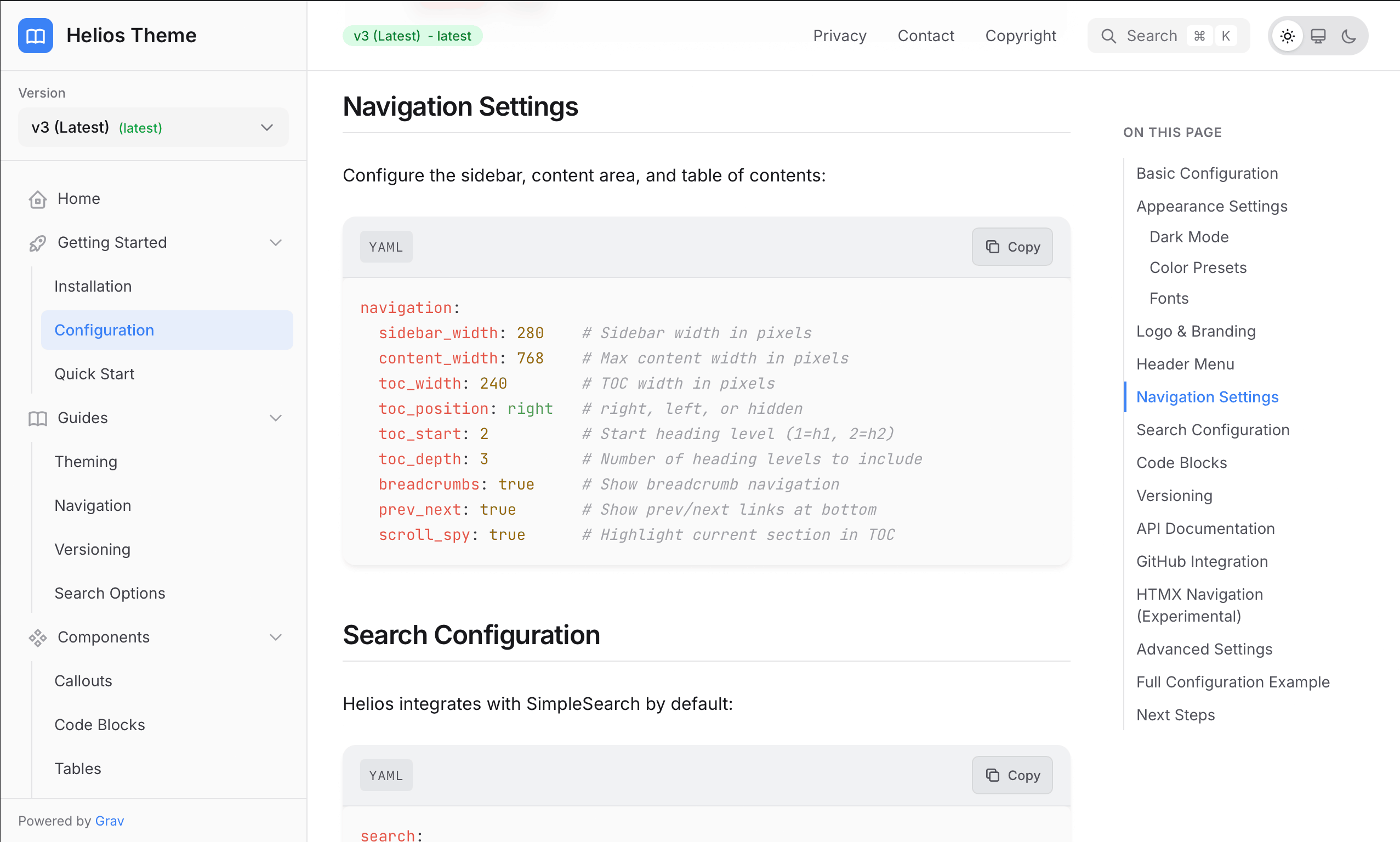
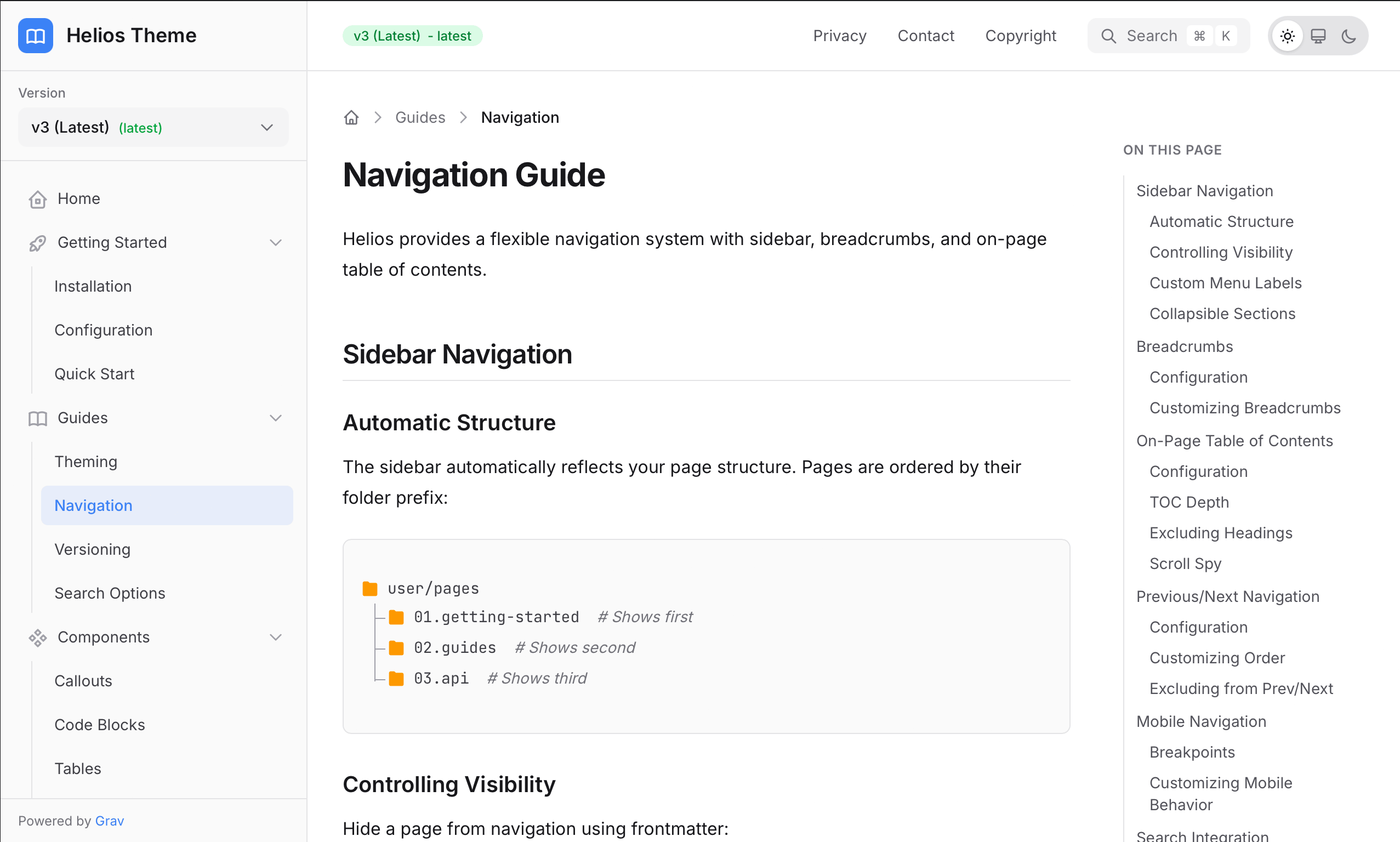
Helios features a professional three-column layout designed specifically for documentation. The left sidebar provides hierarchical navigation through your content, the center column displays your beautifully formatted content, and the right sidebar shows a scroll-spy table of contents that highlights the current section as you read. All column widths are fully configurable.
Dark & Light Mode
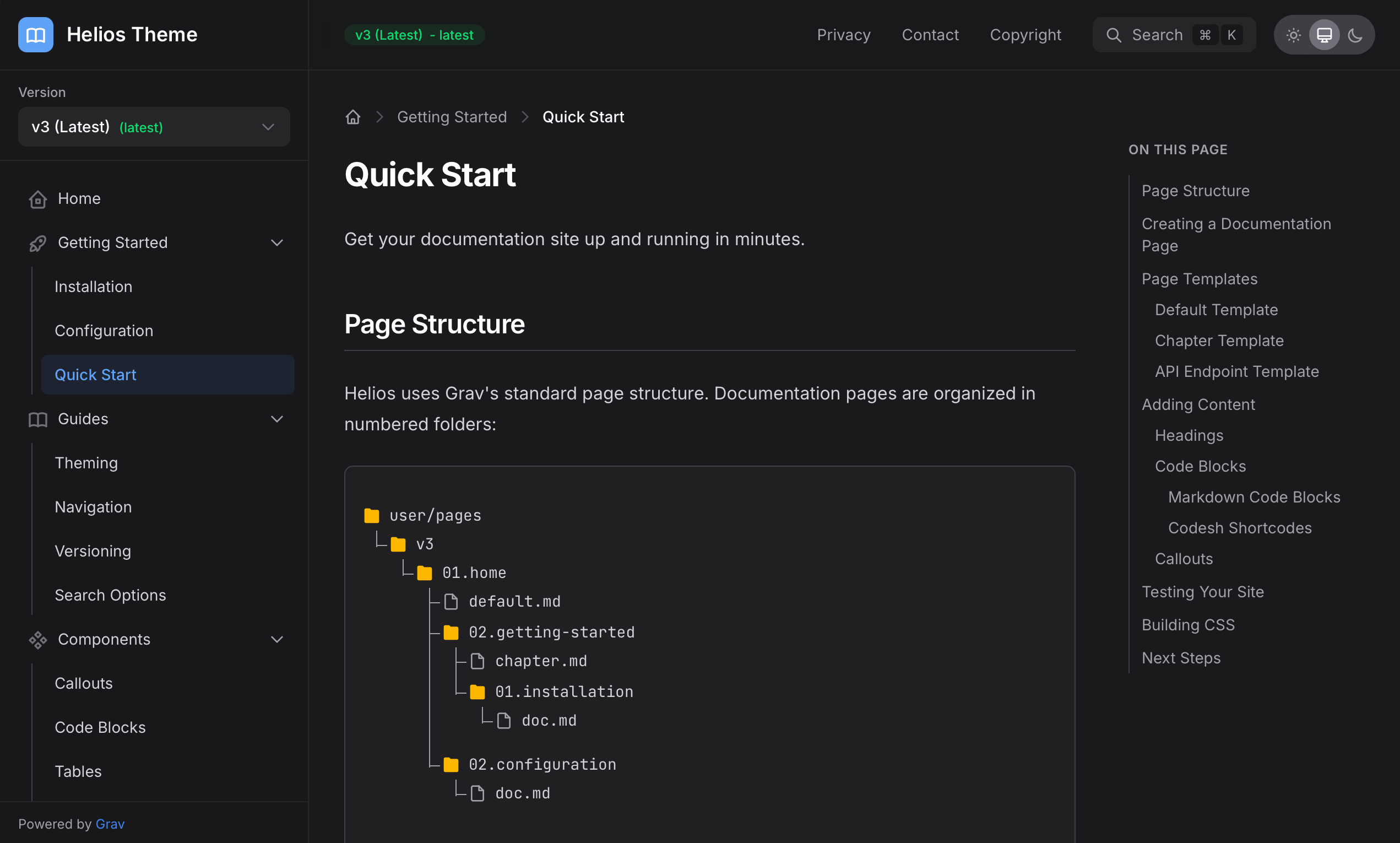
Full support for light and dark themes with automatic system preference detection. Users can manually toggle their preference, and their choice is remembered across sessions. The theme also includes 5 color presets (Default, Ocean, Forest, Sunset, Midnight) or you can define your own custom brand colors.
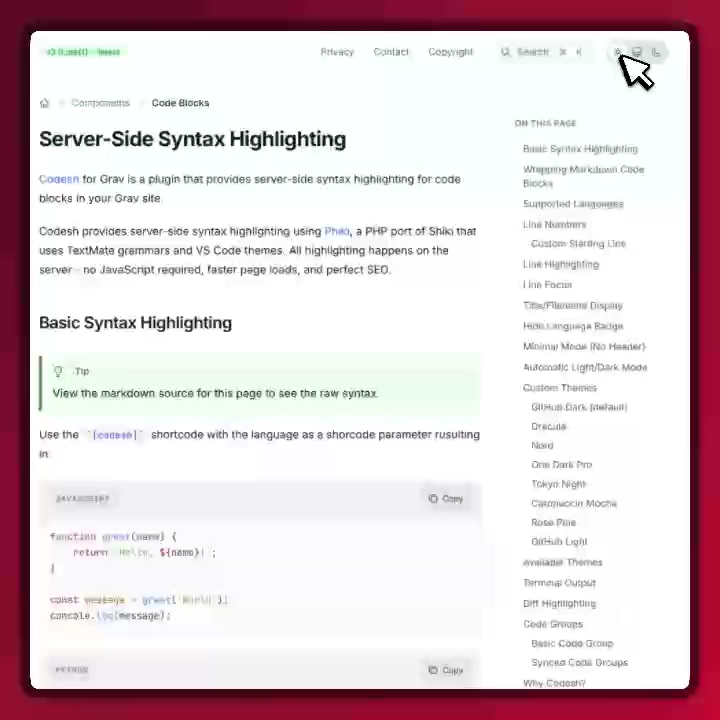
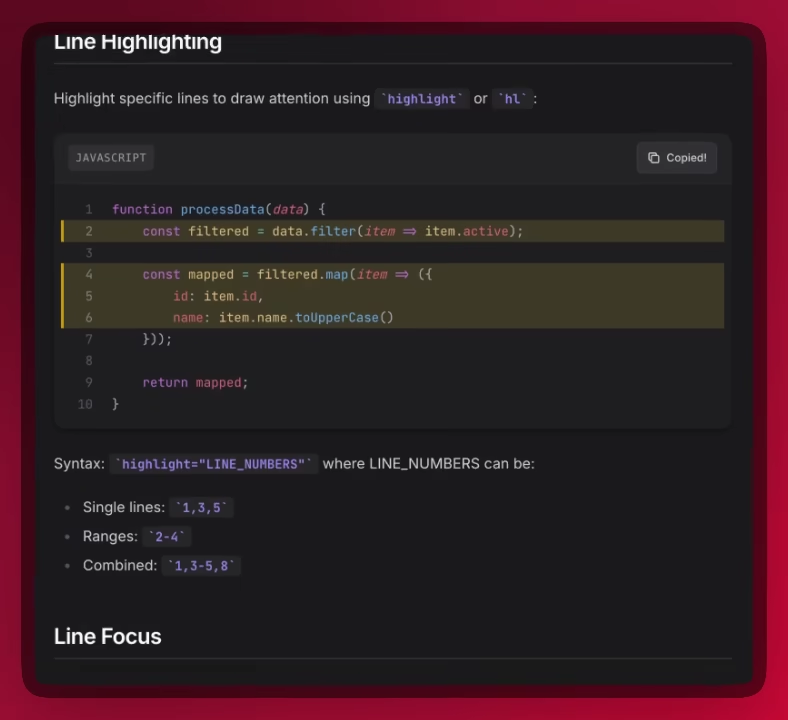
Powerful Code Blocks
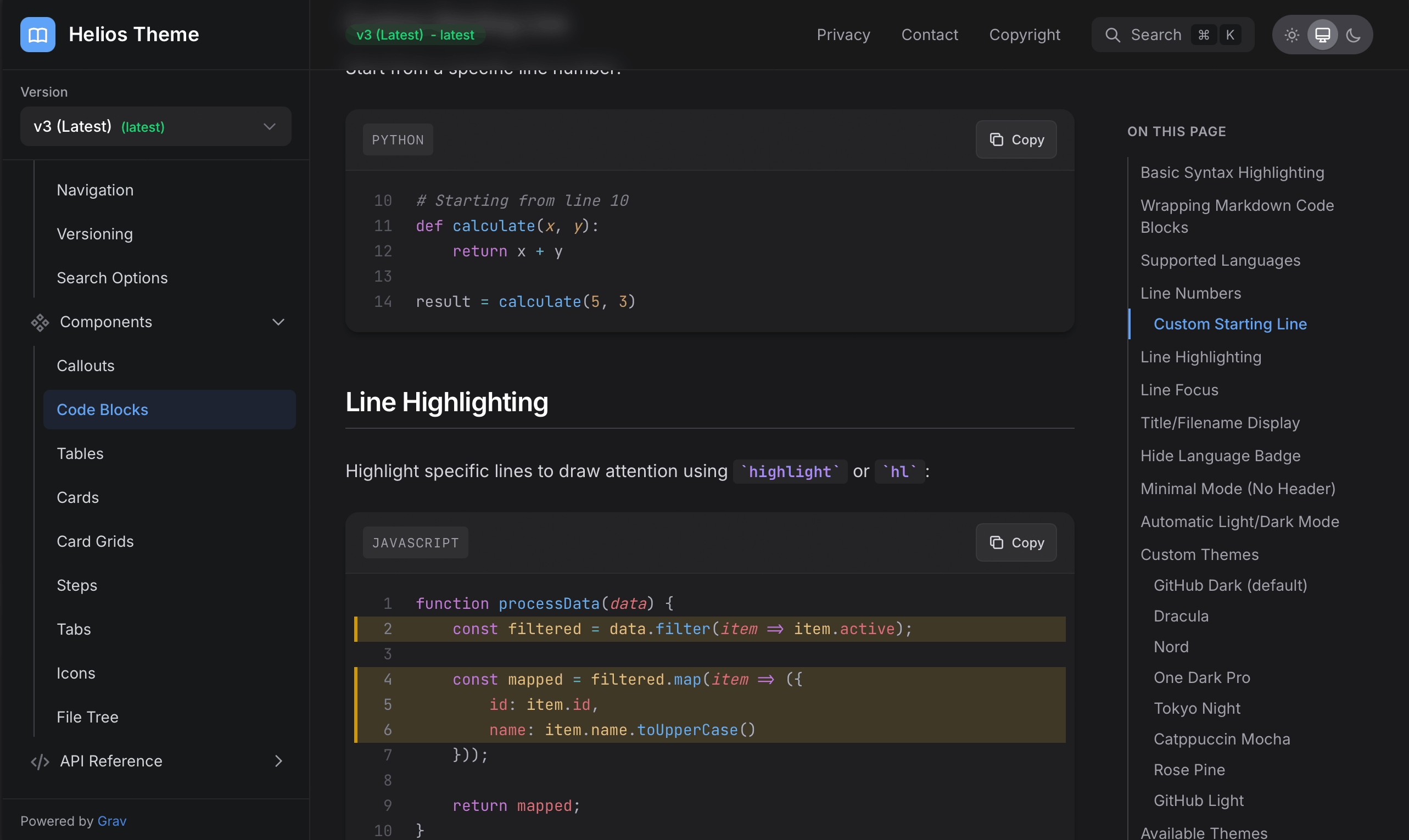
Powered by the Codesh plugin, Helios provides exceptional code presentation with syntax highlighting for 200+ languages, 70+ themes, line numbers, line highlighting, focus mode, and diff visualization. Create synced code groups for multi-file examples that stay synchronized across your entire documentation.
Documentation Components
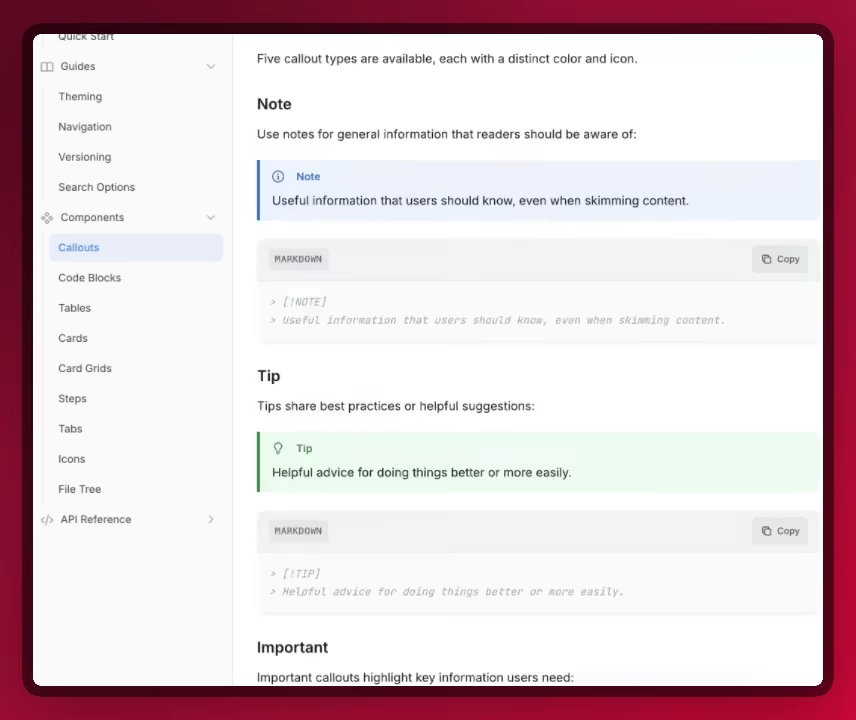
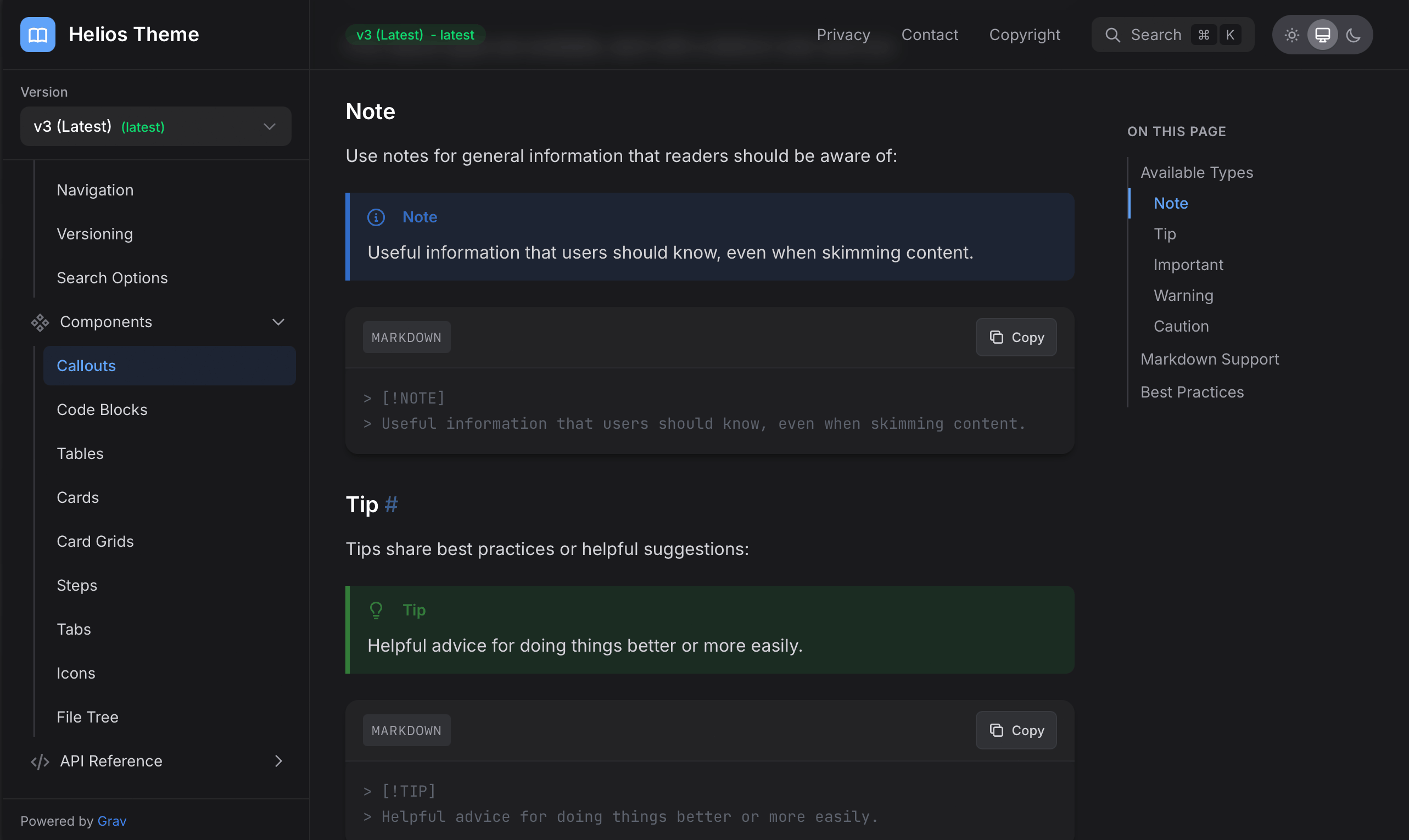
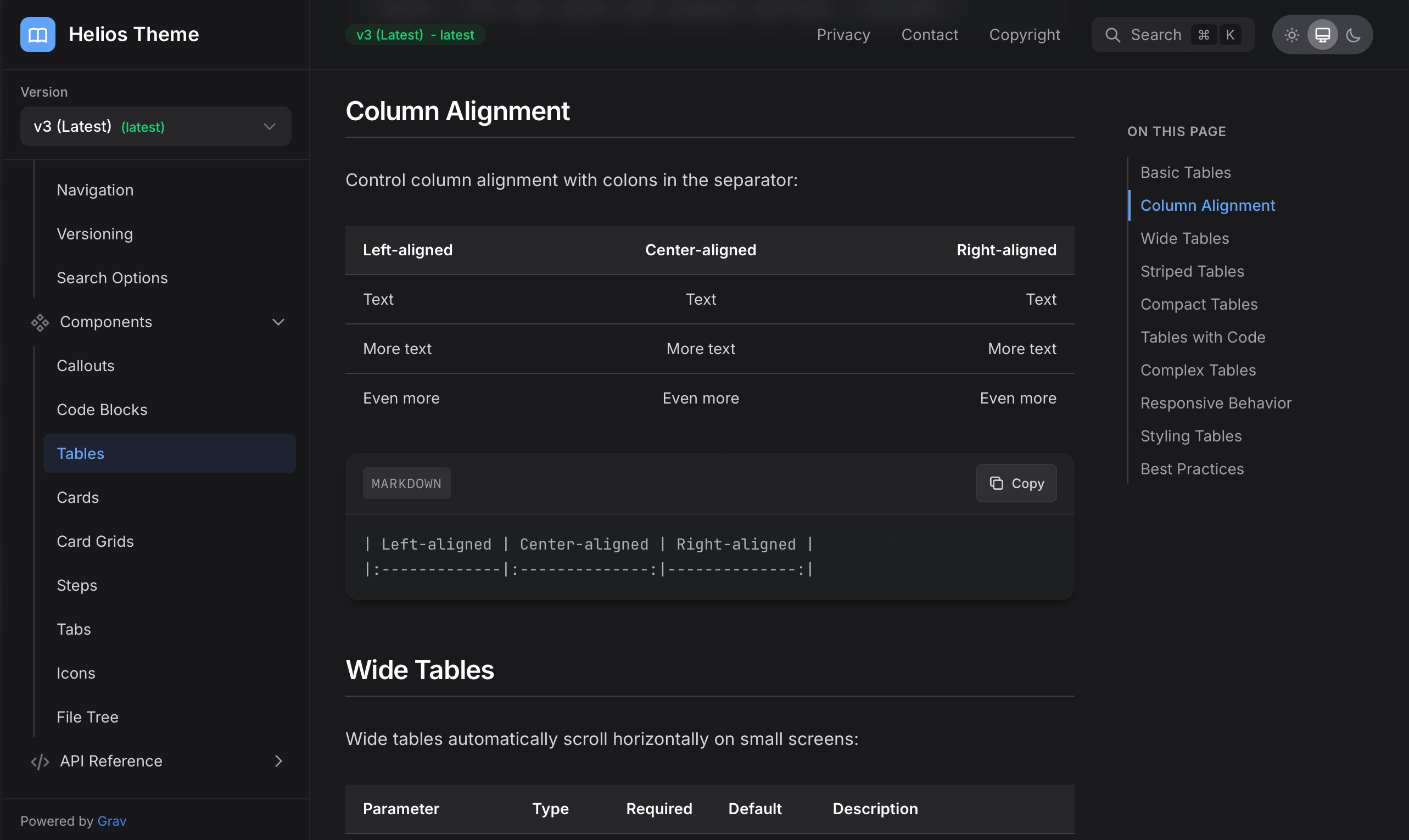
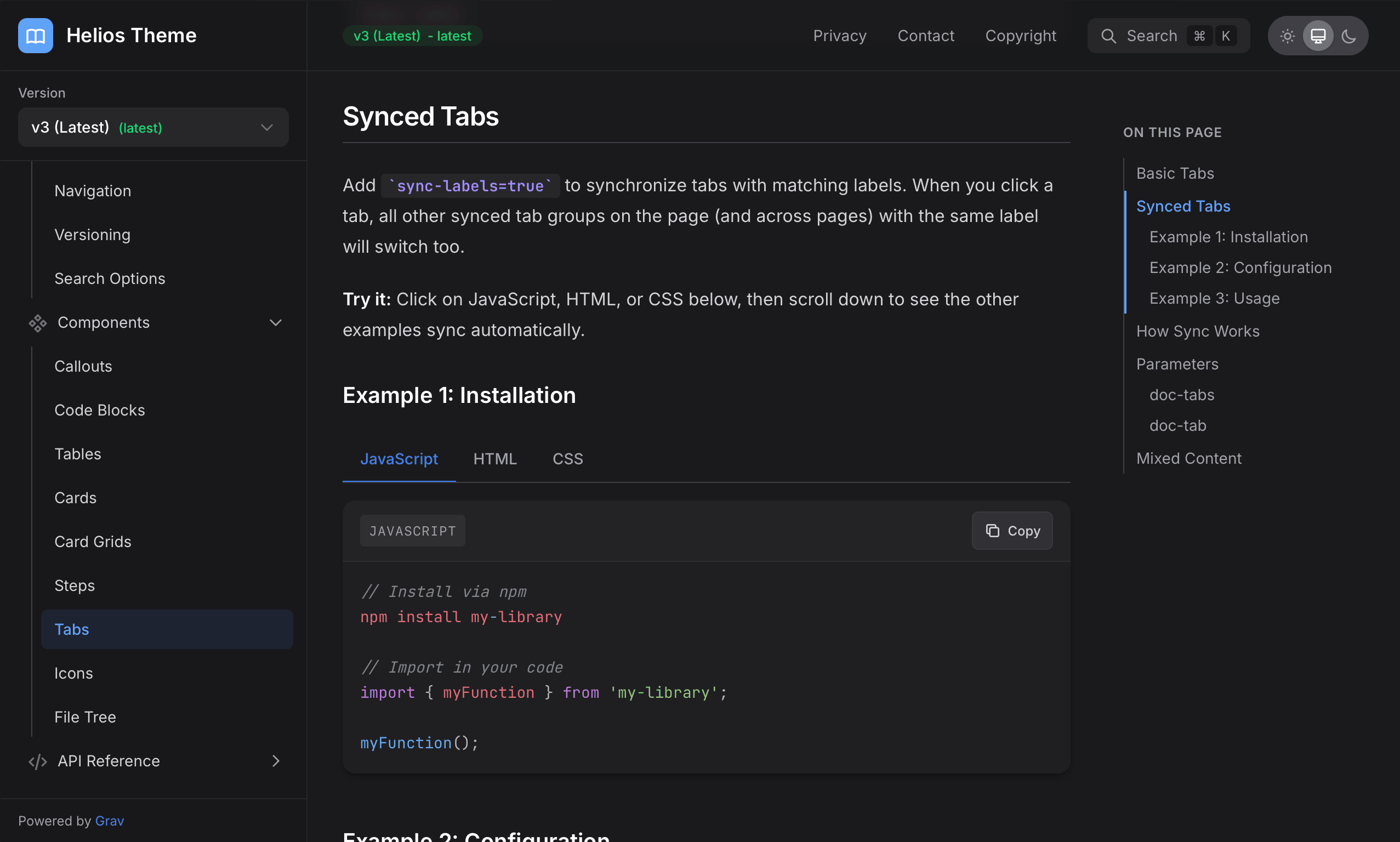
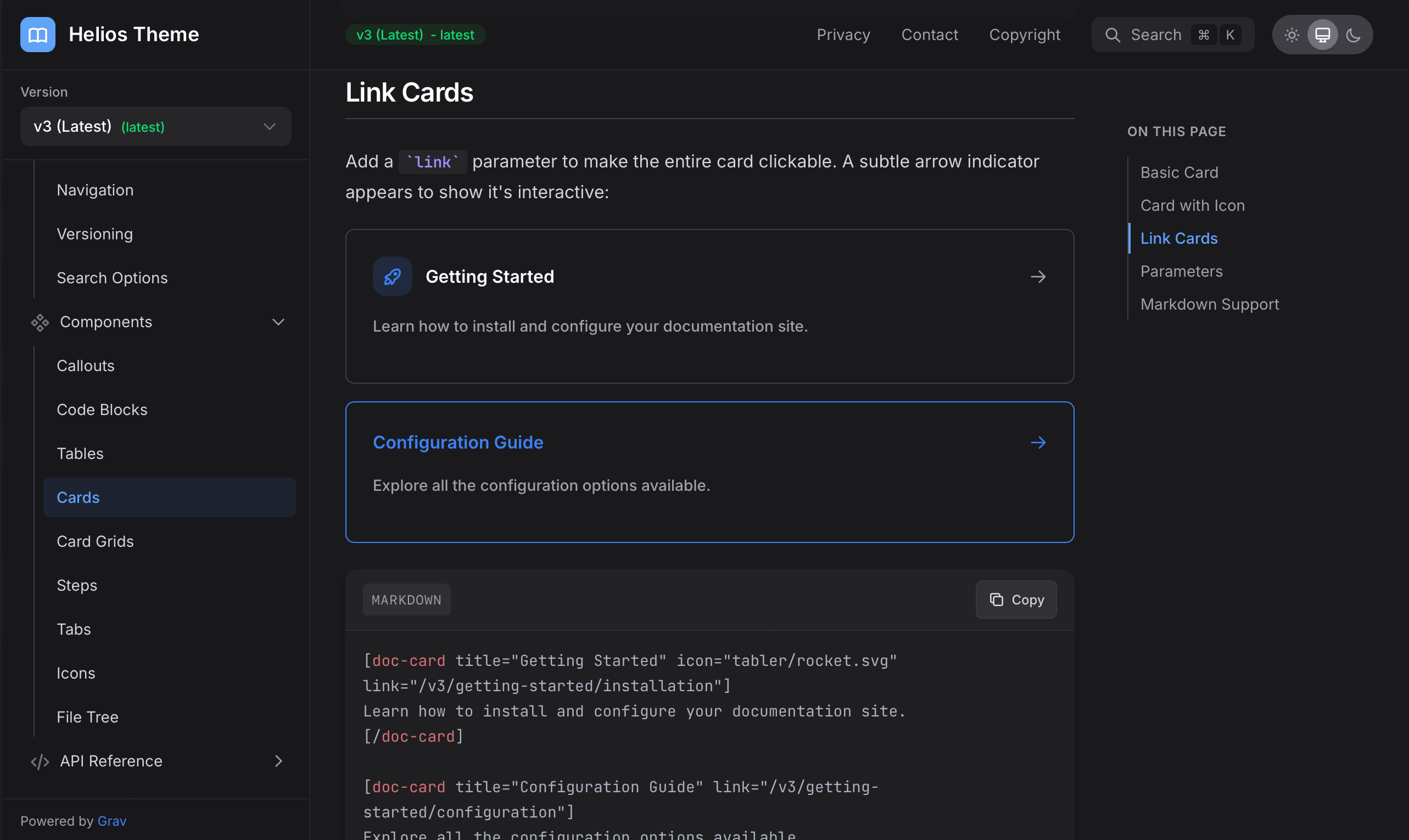
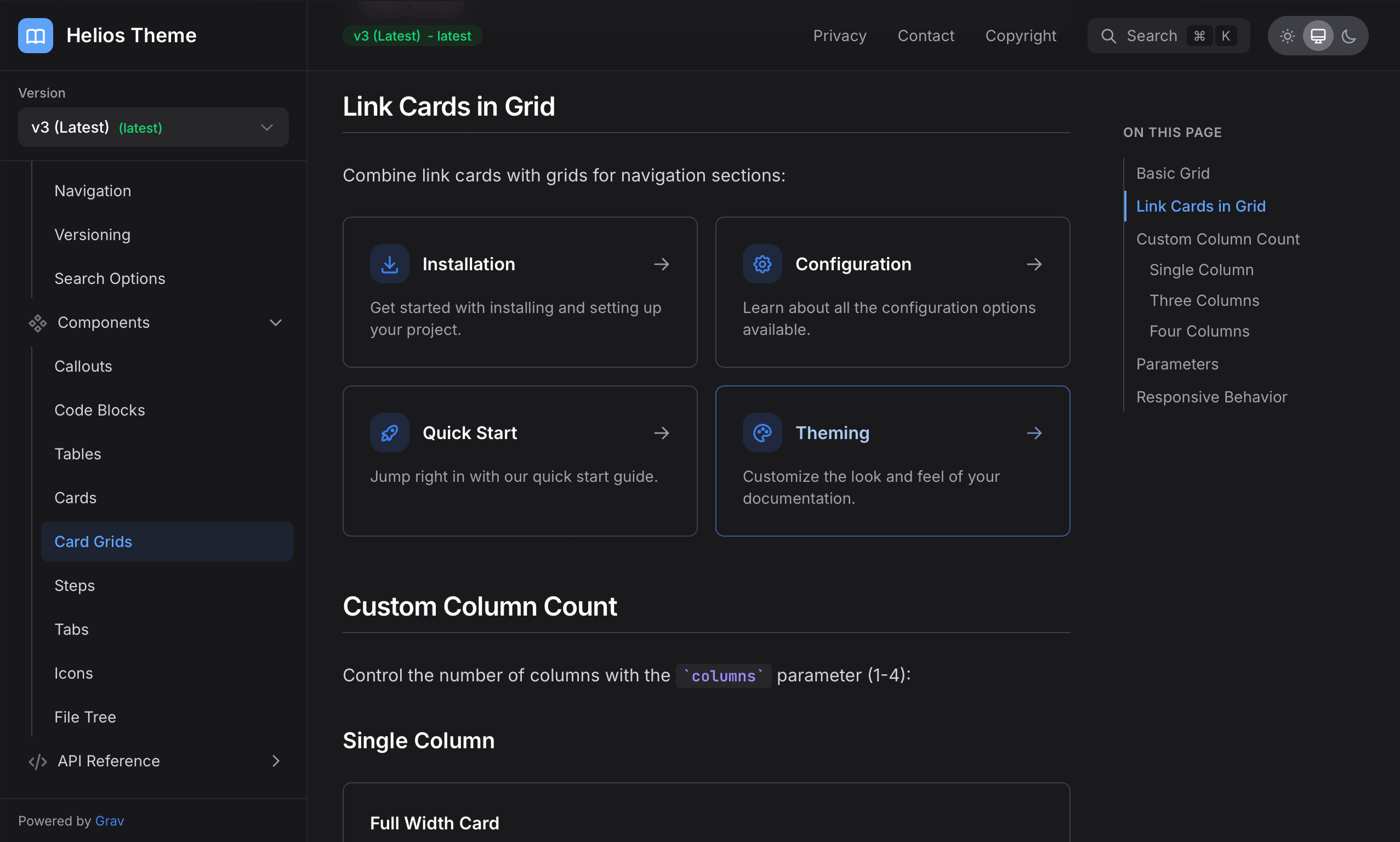
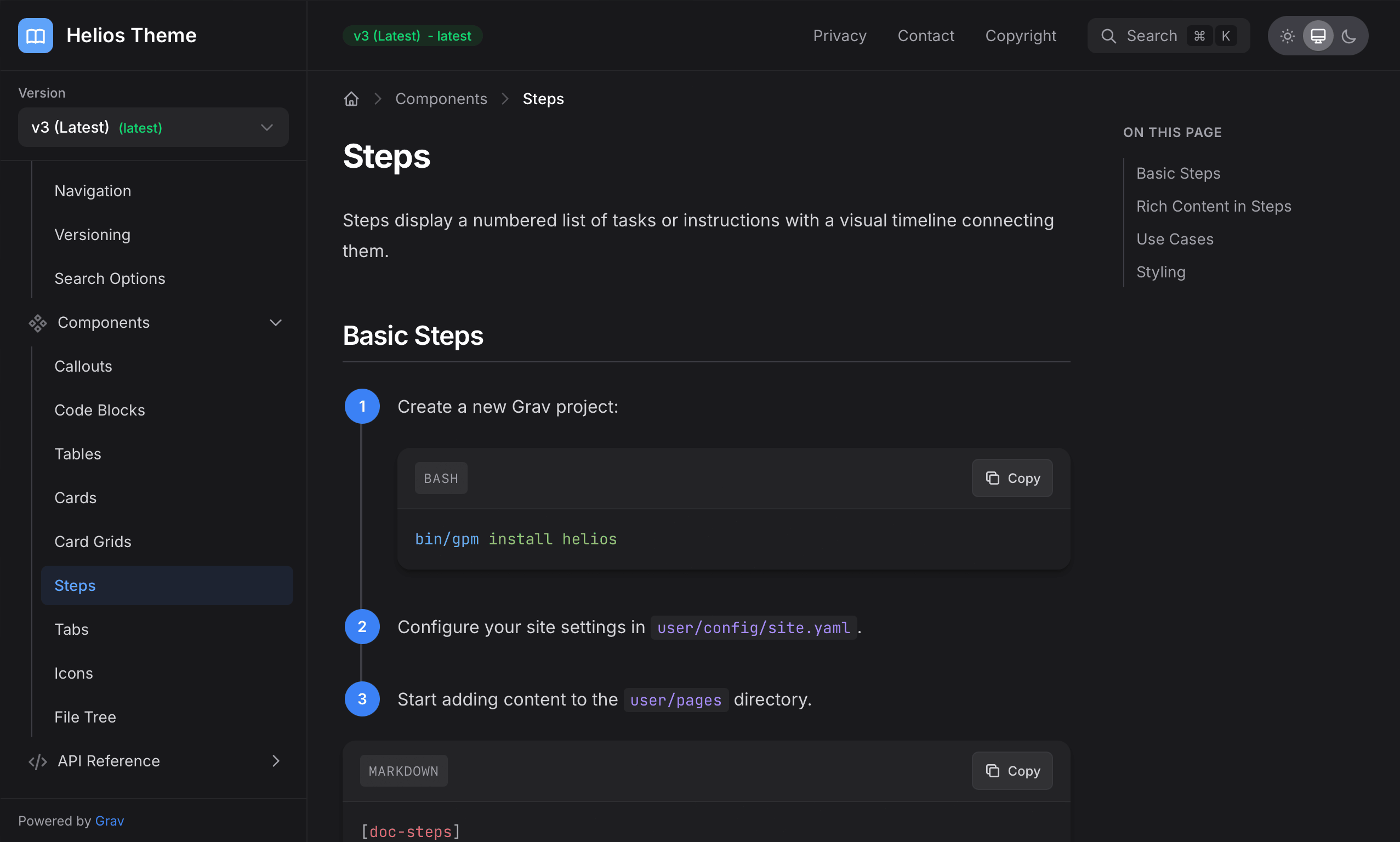
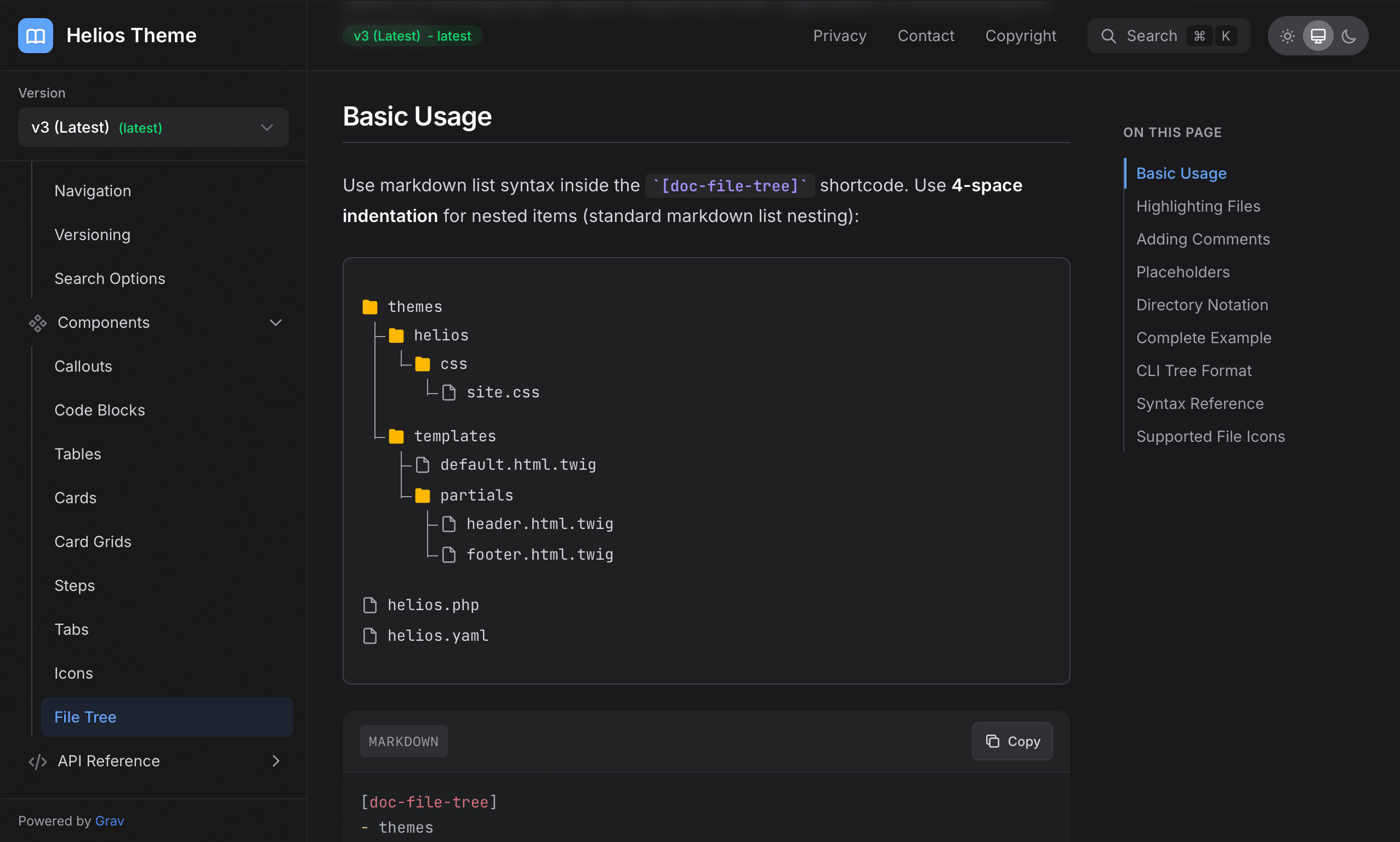
A rich set of components designed for technical documentation including GitHub-style callout boxes, cards and grids, link cards, buttons and badges, synced tabs, numbered steps, file trees, collapsible details and accordions, tooltips, styled keyboard keys with Mac symbol support, inline copy text with clipboard buttons, images with lightbox zoom, responsive video embeds, and access to 30,000+ icons from popular icon libraries.
Version Management
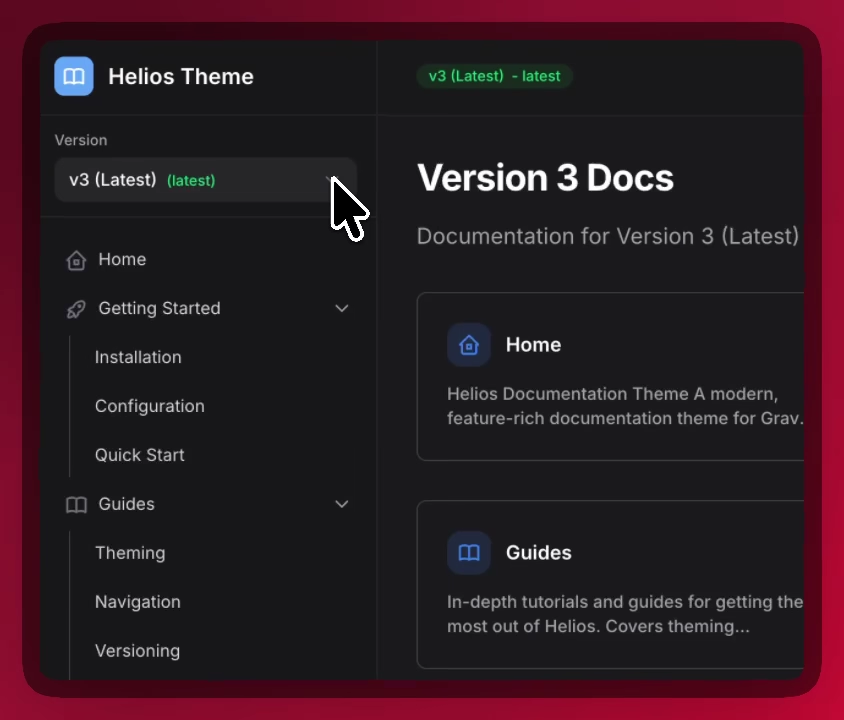
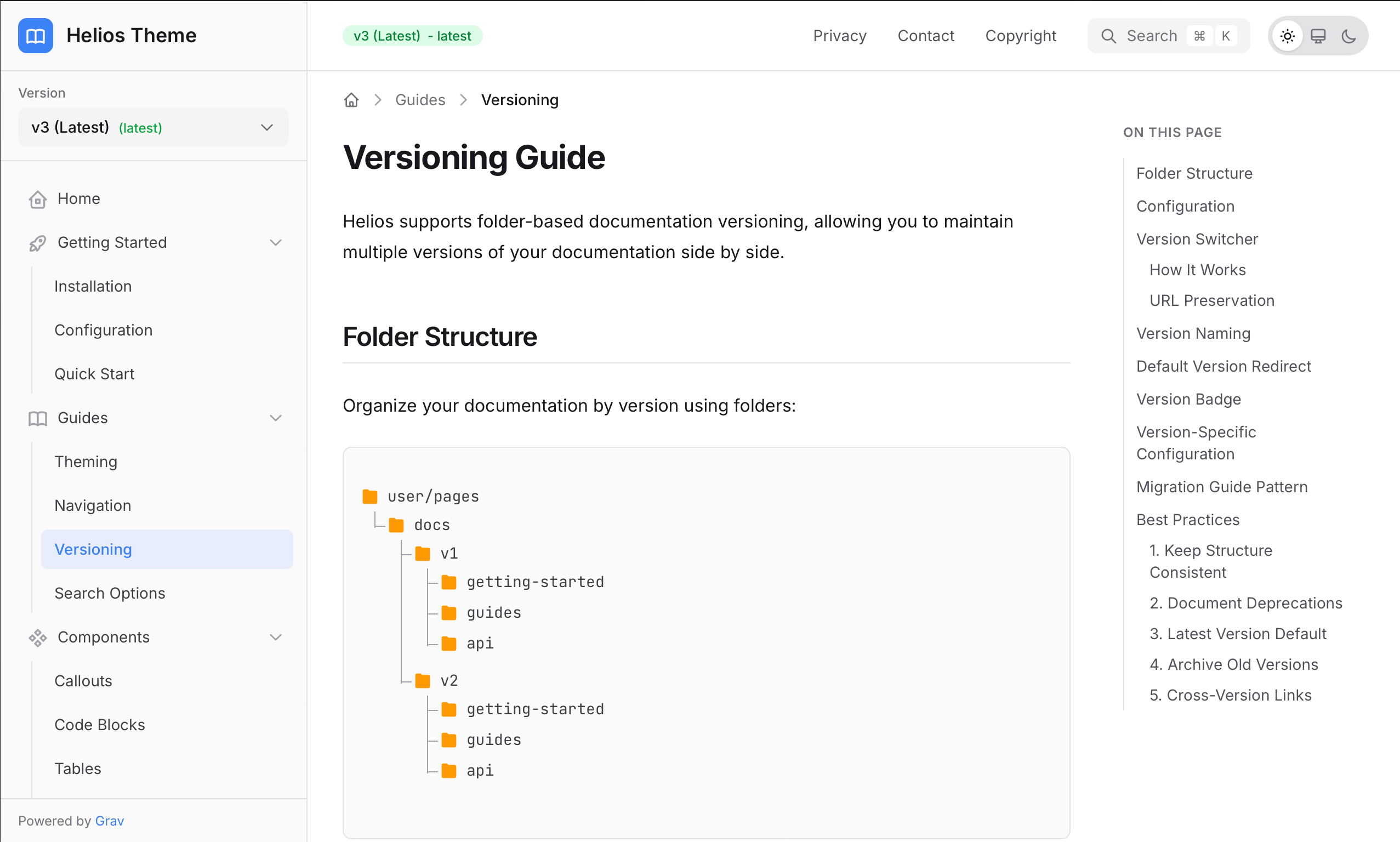
Built-in support for folder-based versioning allows you to organize documentation by version (v1/, v2/, v3/). The version dropdown automatically detects your versions and preserves URLs when users switch between them - perfect for software projects with multiple releases.
Search Integration
Out-of-the-box integration with SimpleSearch provides real-time full-text search with keyboard shortcuts (Cmd+K / Ctrl+K). For larger documentation sites, Helios is YetiSearch Pro ready, offering advanced fuzzy matching, chunked indexing, and relevance scoring.
Screenshots & Examples
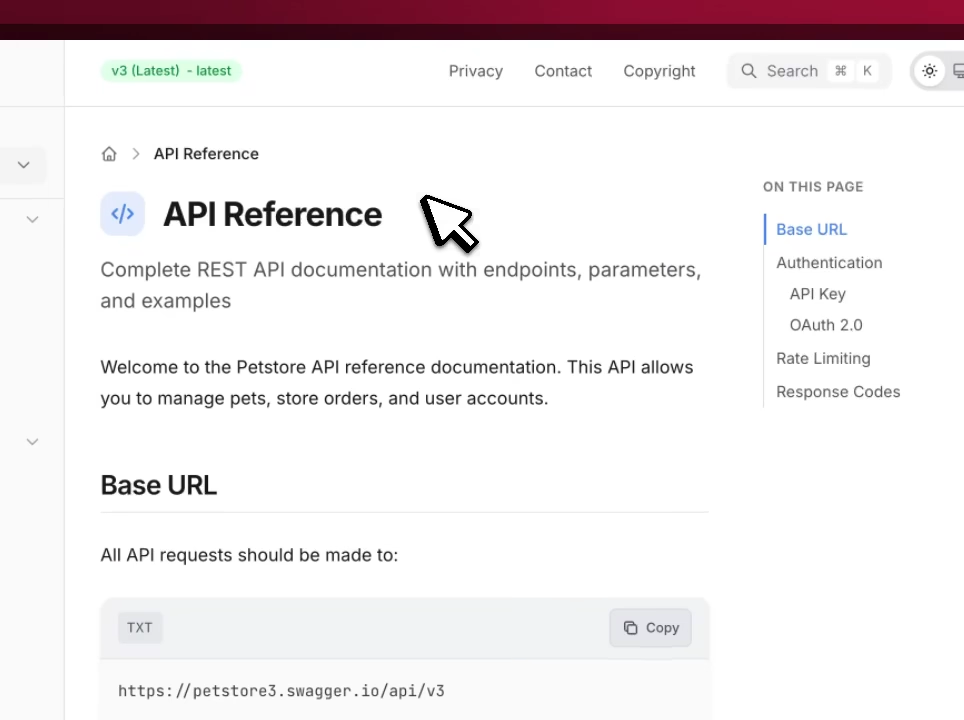
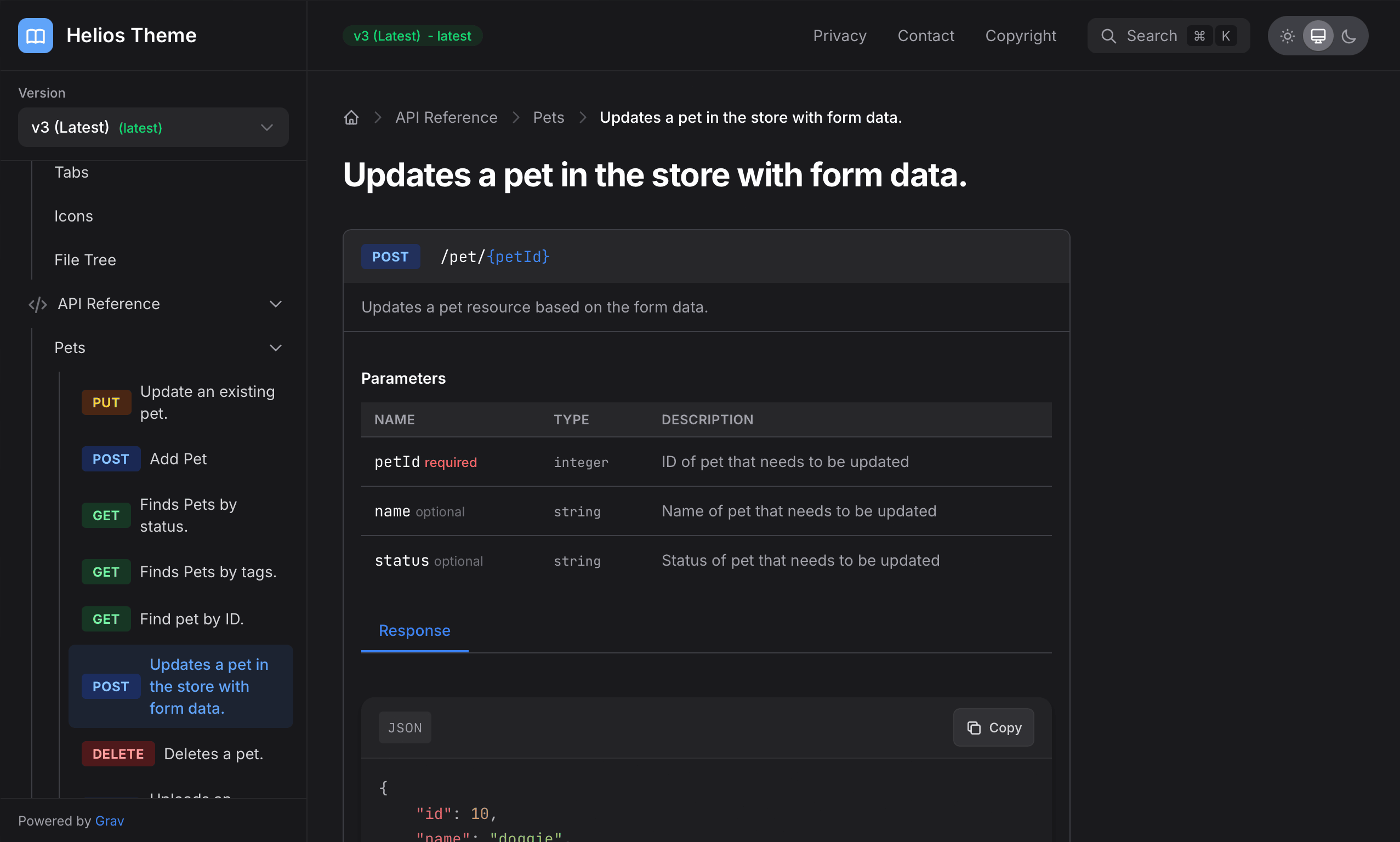
A peek at sites running Helios Theme.
Frequently Asked Questions
The most commonly asked questions about the Helios Grav theme
What is Helios designed for?
Helios is specifically designed for documentation websites. It works great for:
- Developer documentation (API references, SDK guides)
- Product documentation (user guides, how-tos)
- Knowledge bases and help centers
- Technical wikis and internal docs
Can I use Helios theme on multiple sites?
Per the Grav Premium License, you need to have a license for each use.
Can I extend or customize Helios?
Absolutely! Helios is built with customization in mind. You can override colors via CSS variables, choose from preset themes, select different fonts and sizes, and extend the theme with your own templates. You will still need a dedicated Helios license for each site.
Does Helios work with existing Grav plugins?
Yes! Helios integrates seamlessly with the Grav ecosystem. It has built-in support for SimpleSearch, YetiSearch Pro, Shortcode Core, *Github Markdown Alerts, and SVG Icons** plugins. It also works with standard Grav plugins like Page Inject, Pagination, and more.
How does versioning work in Helios?
Helios supports folder-based versioning. Simply organize your documentation in version folders (v1/, v2/, v3/) and Helios automatically detects them. A version dropdown appears in the sidebar, and when users switch versions, the URL path is preserved to navigate to the equivalent page in the selected version.
What search options are available?
Helios includes two search options:
- SimpleSearch - Built-in real-time search with keyboard shortcuts
- YetiSearch Pro - Advanced fuzzy search with chunked indexing for larger sites
Both options support the Cmd+K / Ctrl+K keyboard shortcut to quickly open search.